Surrealistic Water Portraits

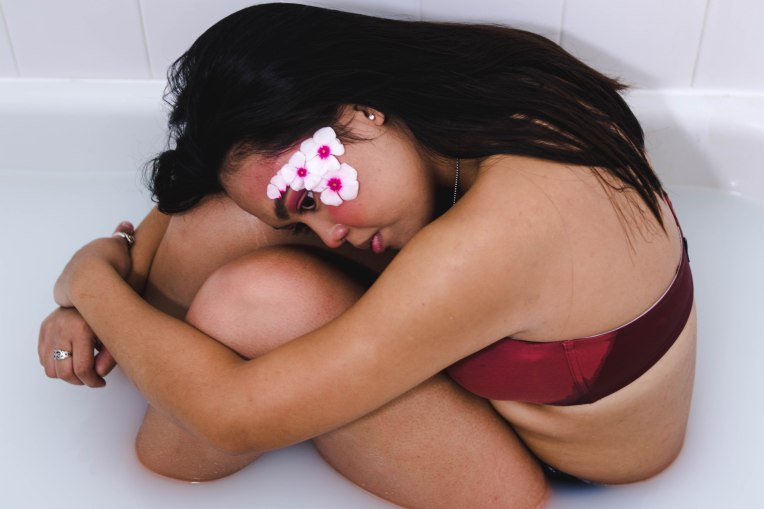
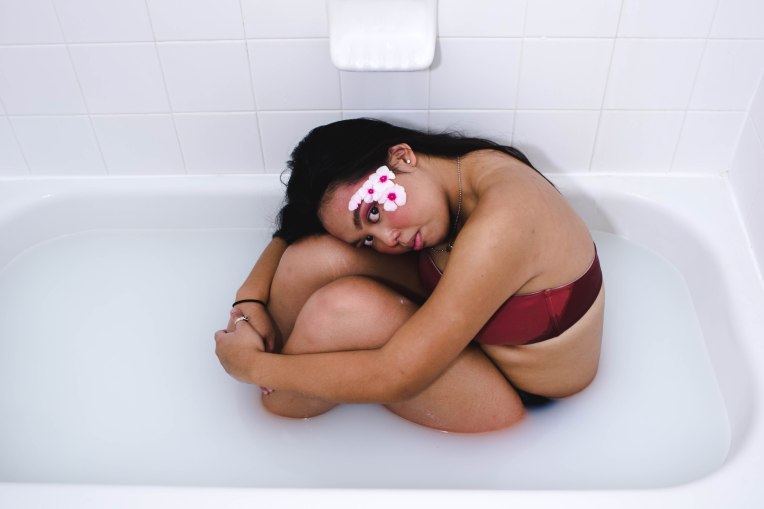
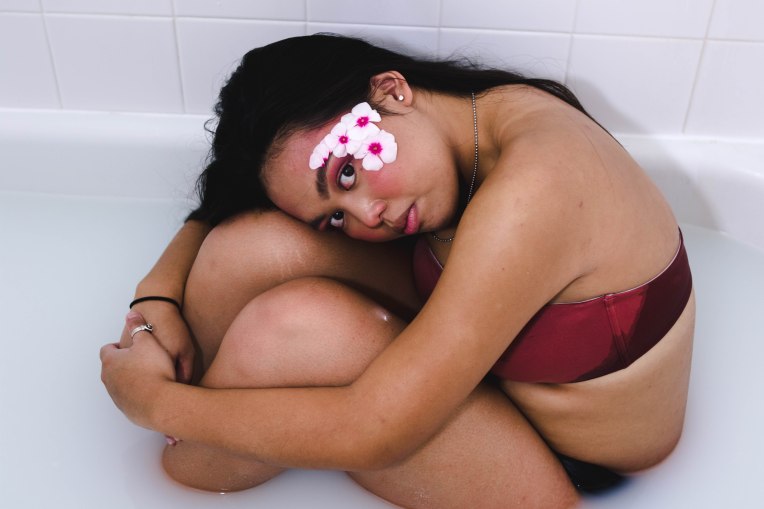
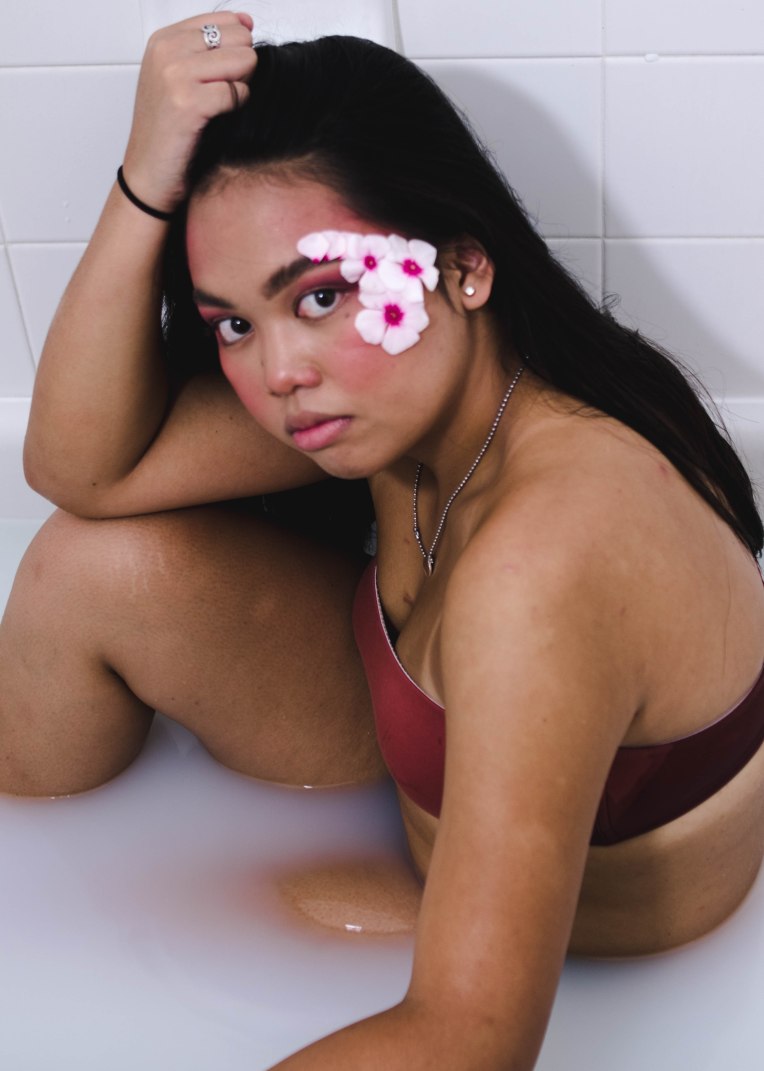
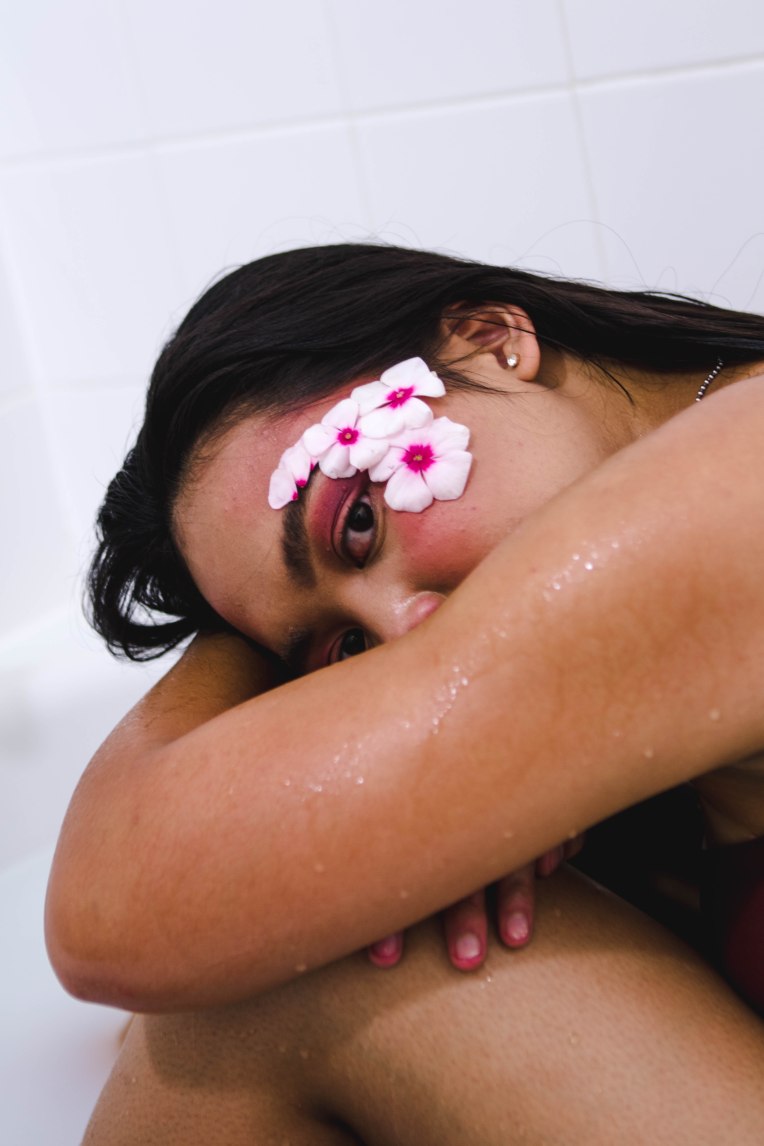
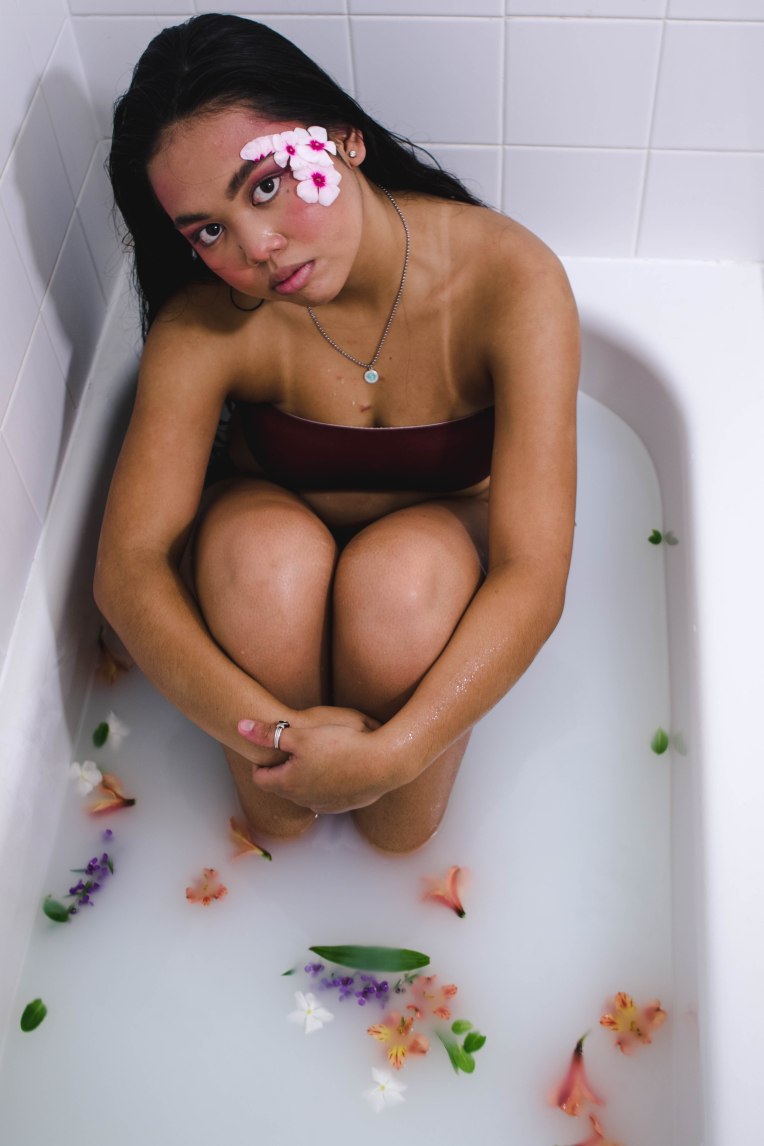
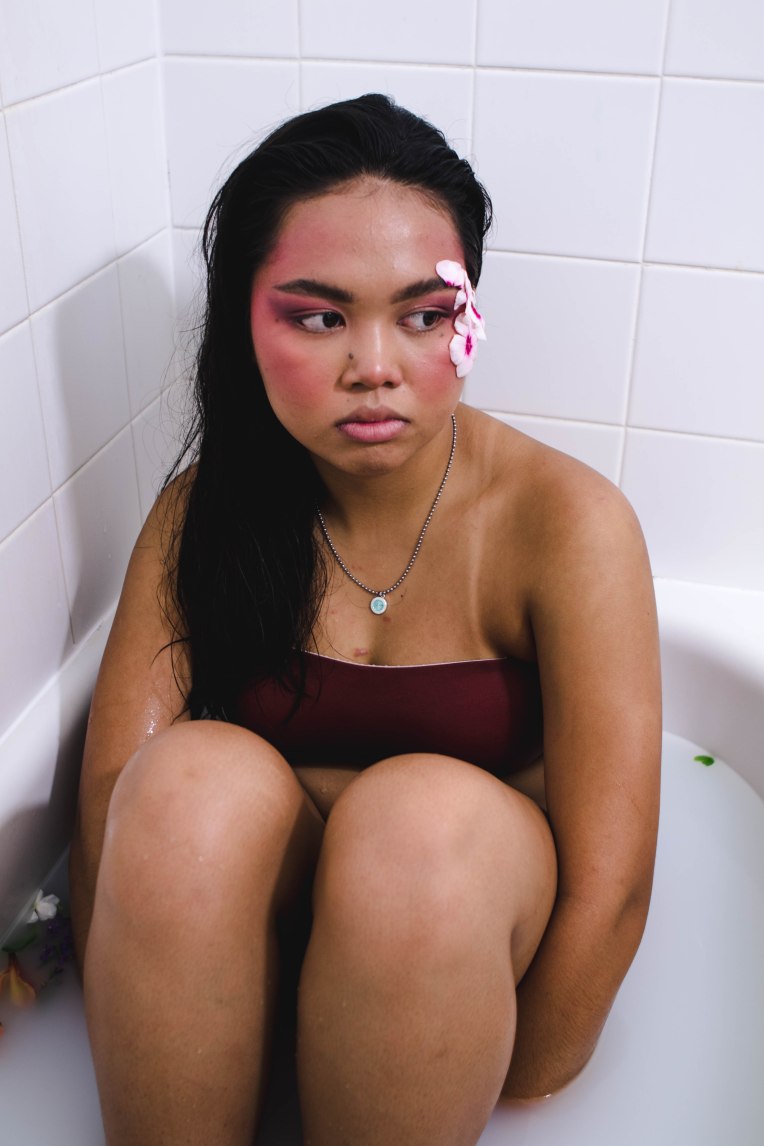
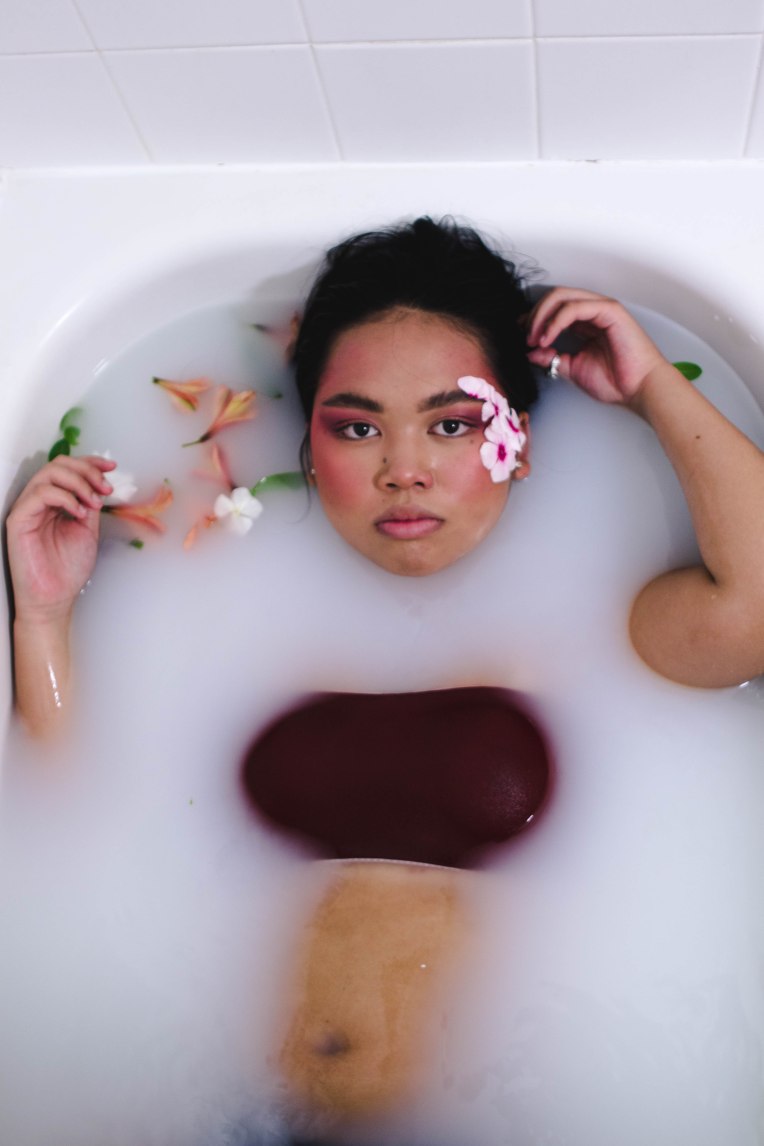
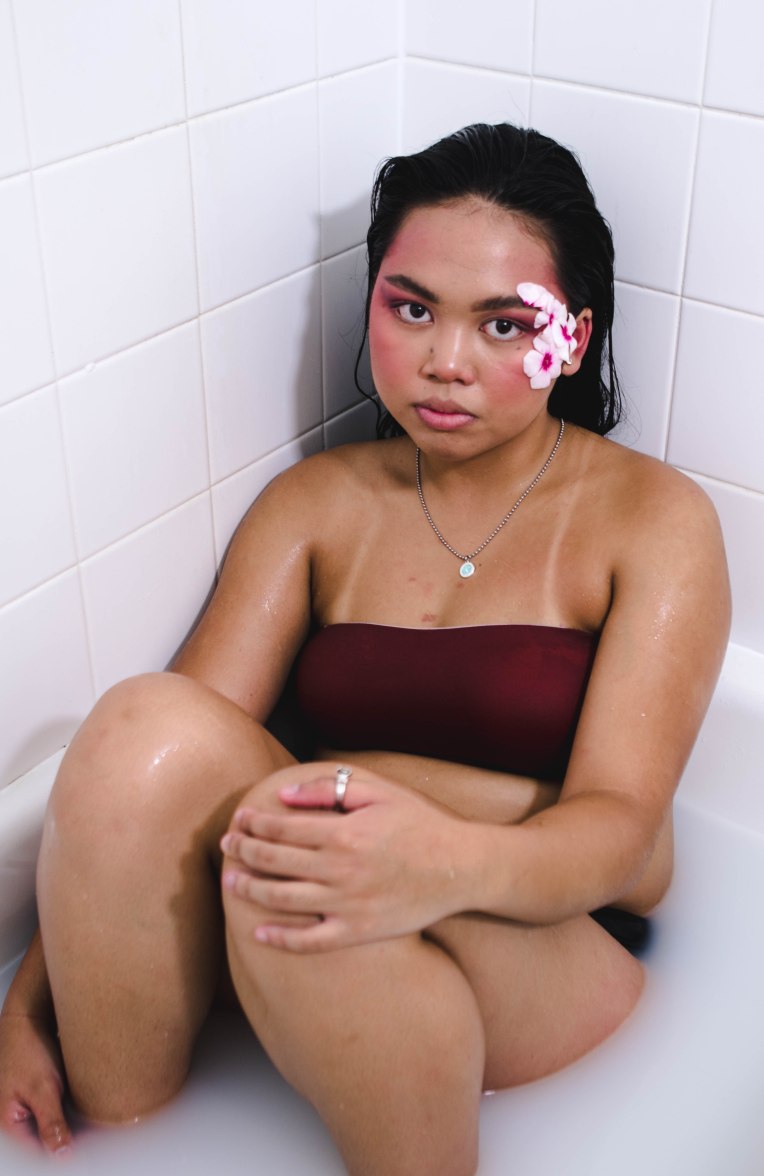
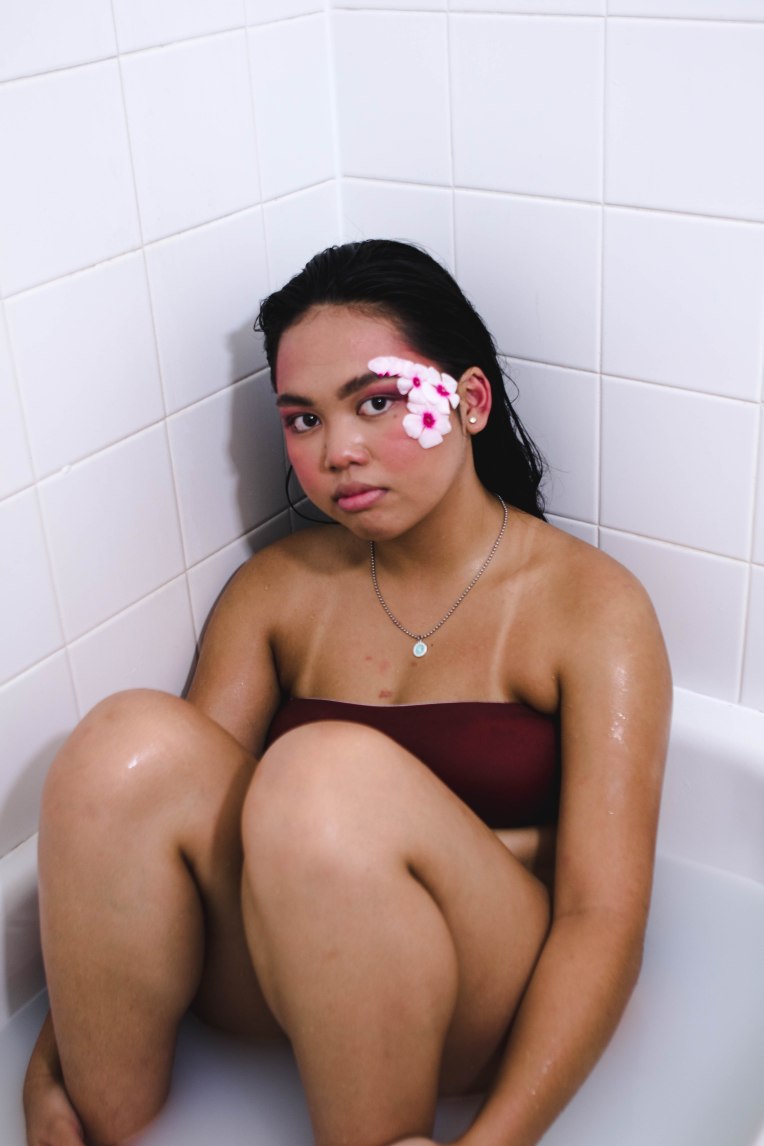
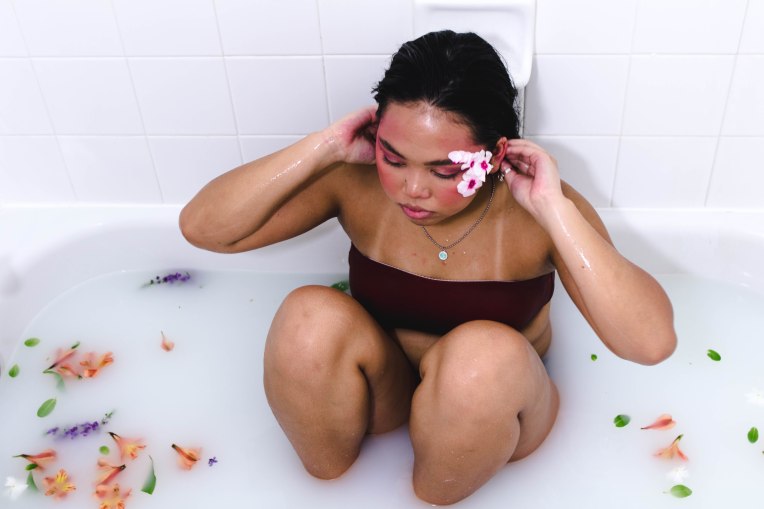
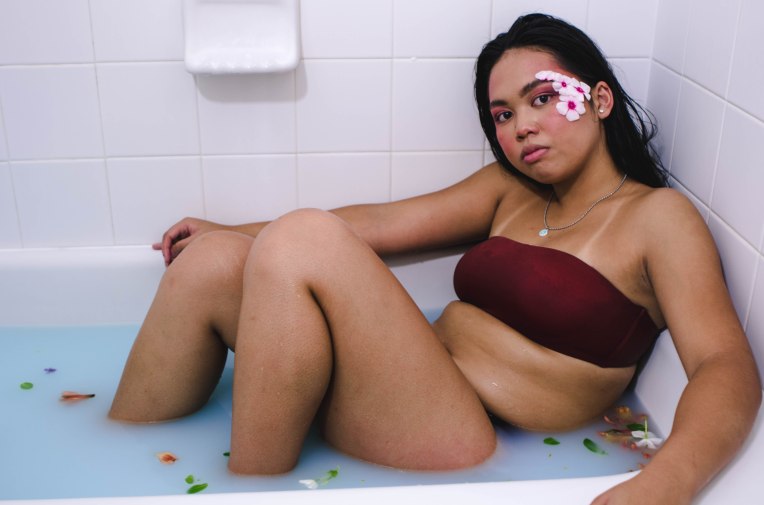
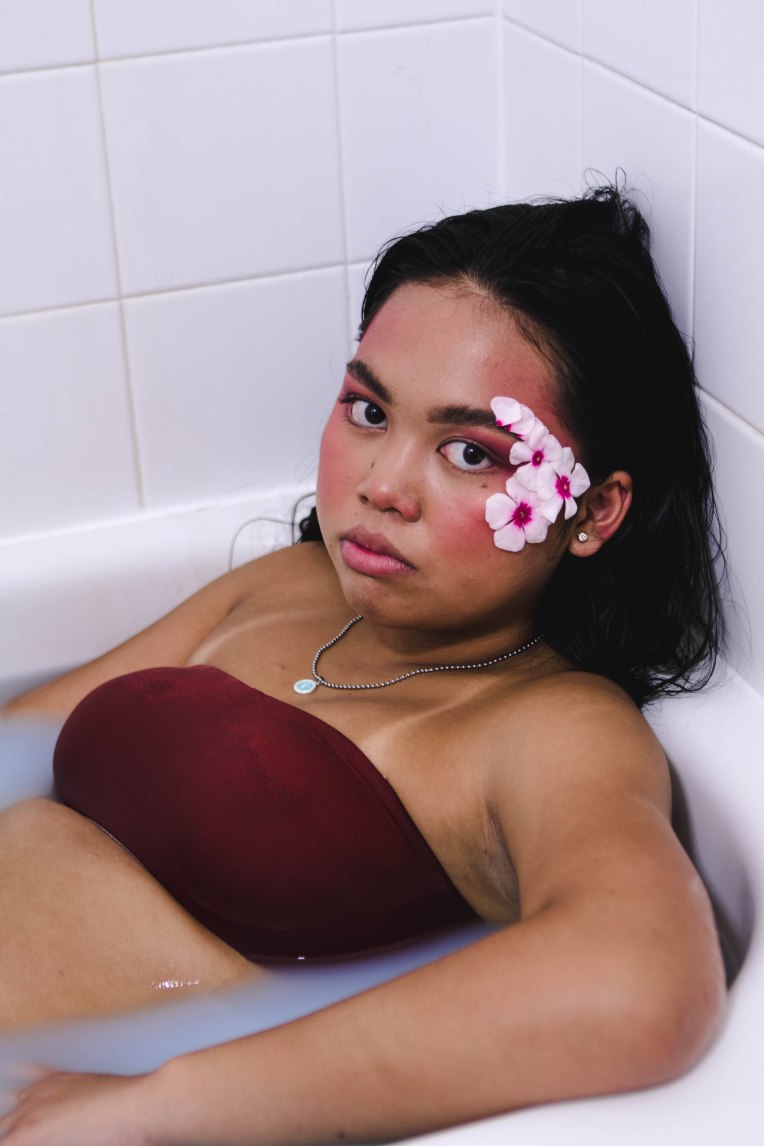
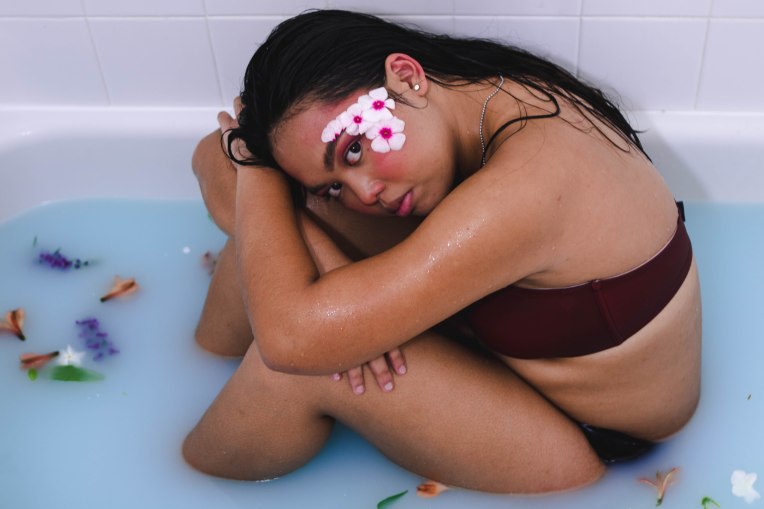
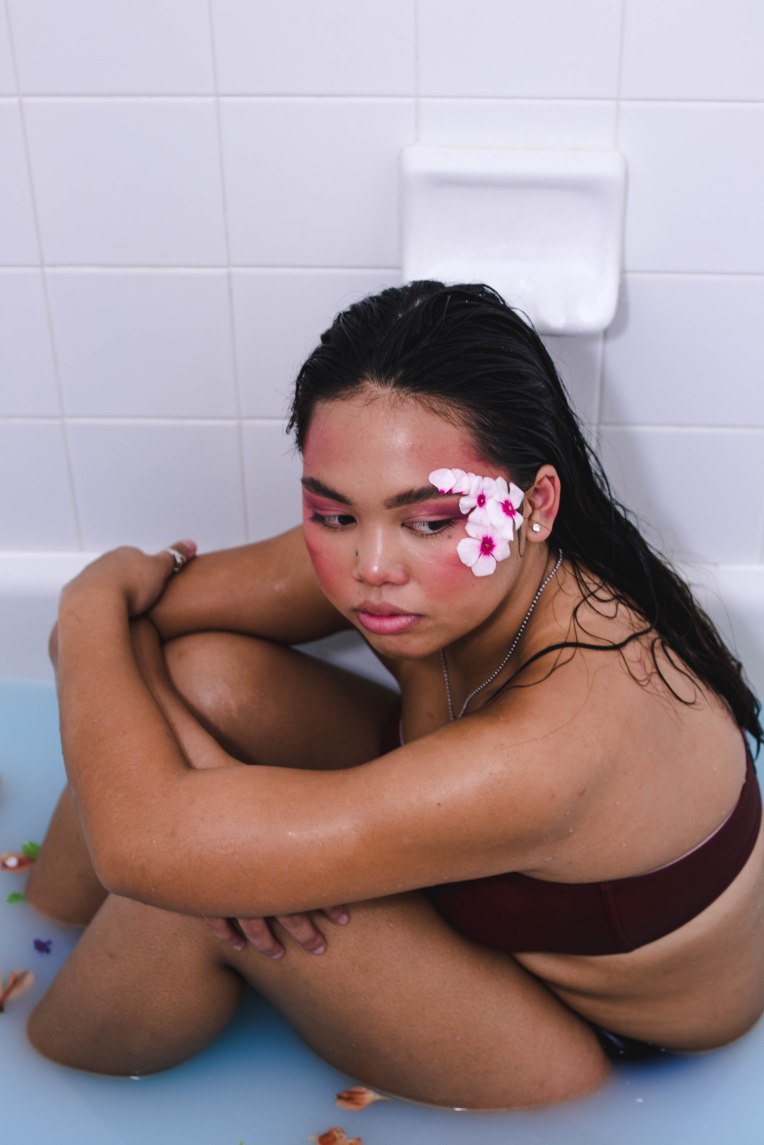
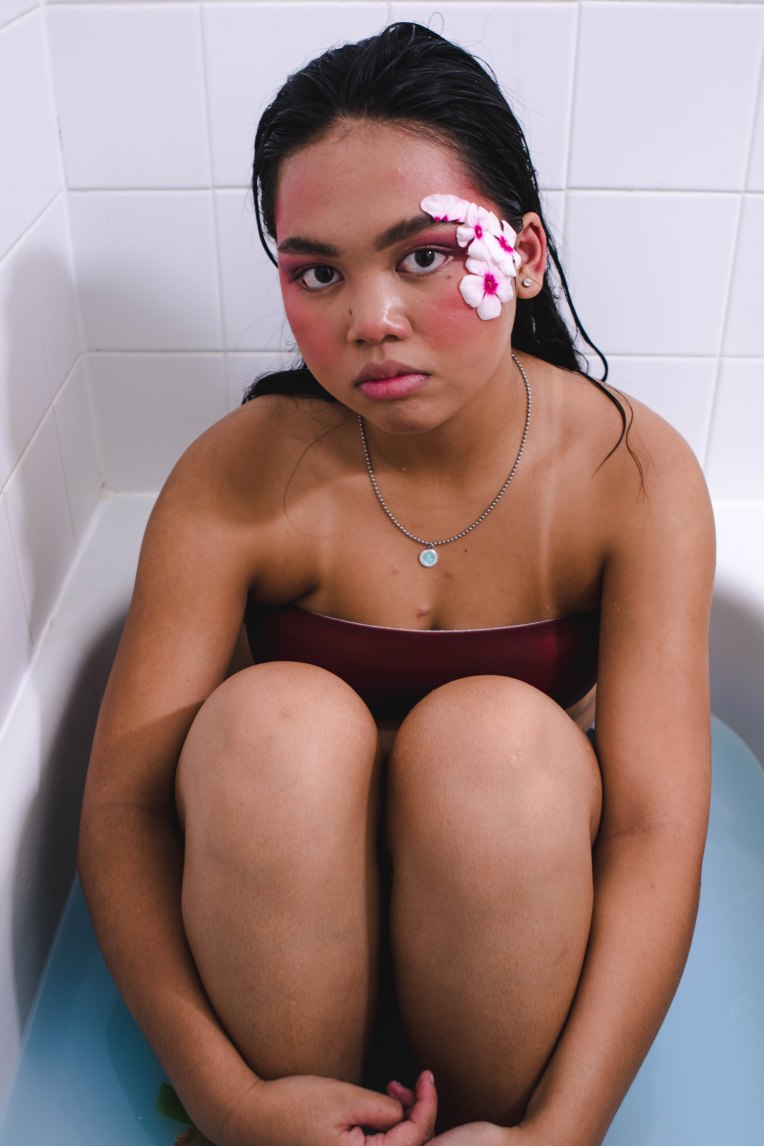
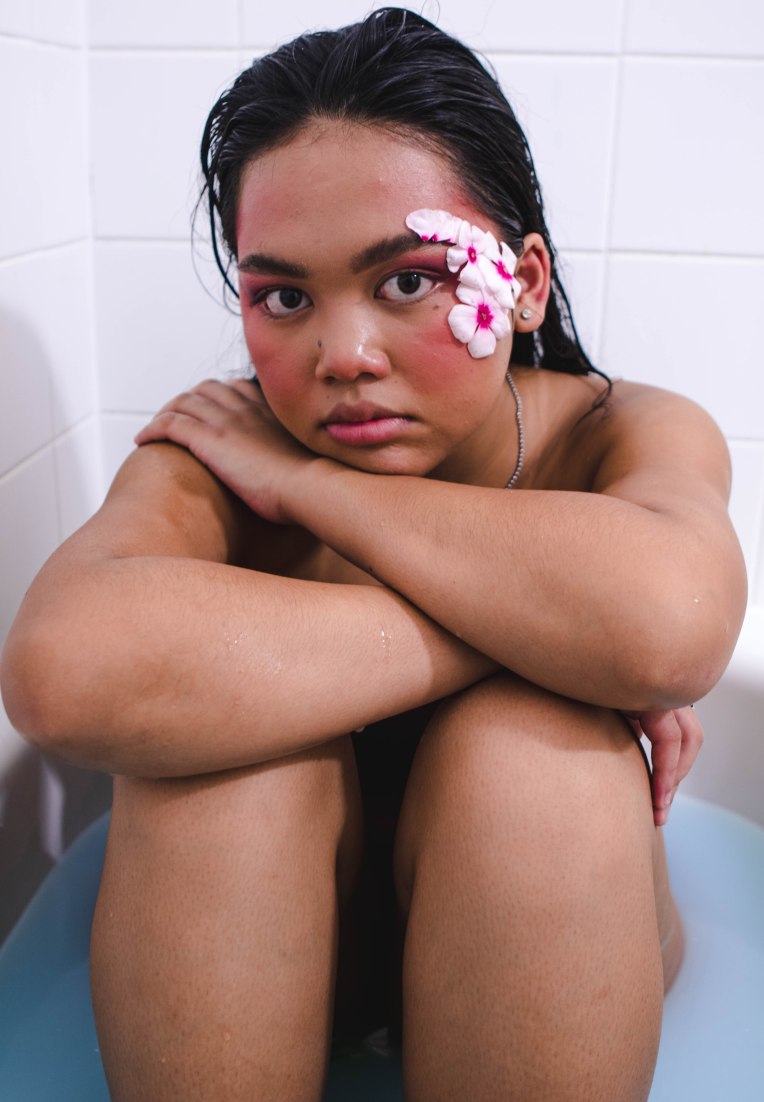
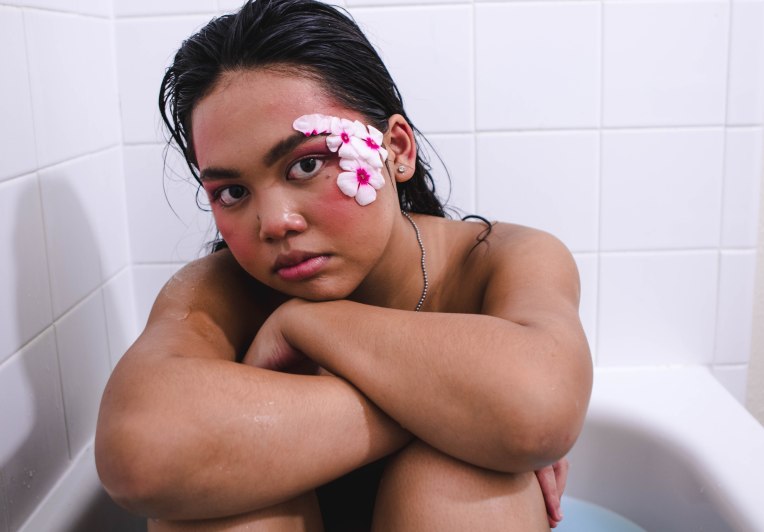
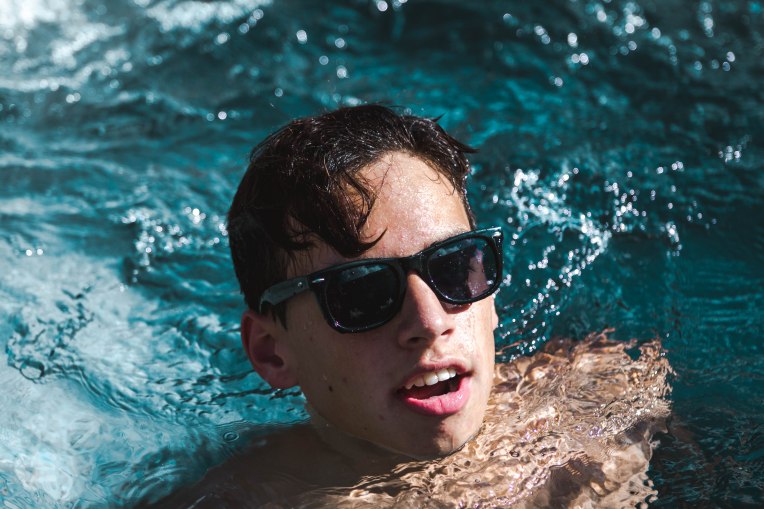
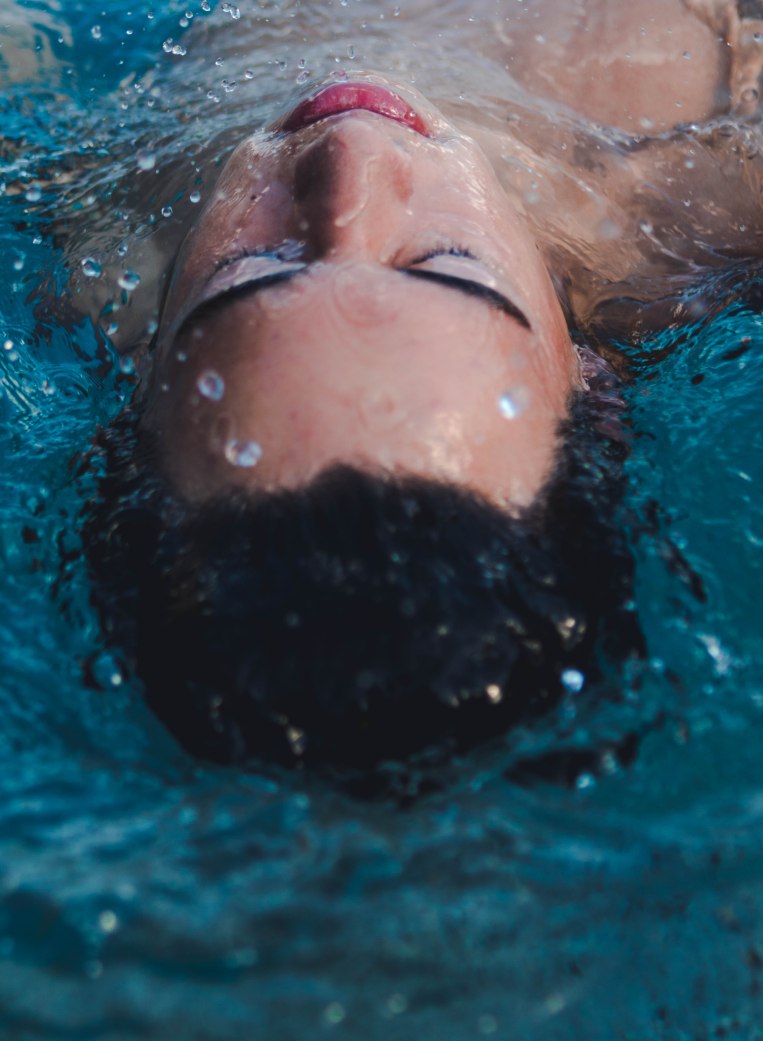
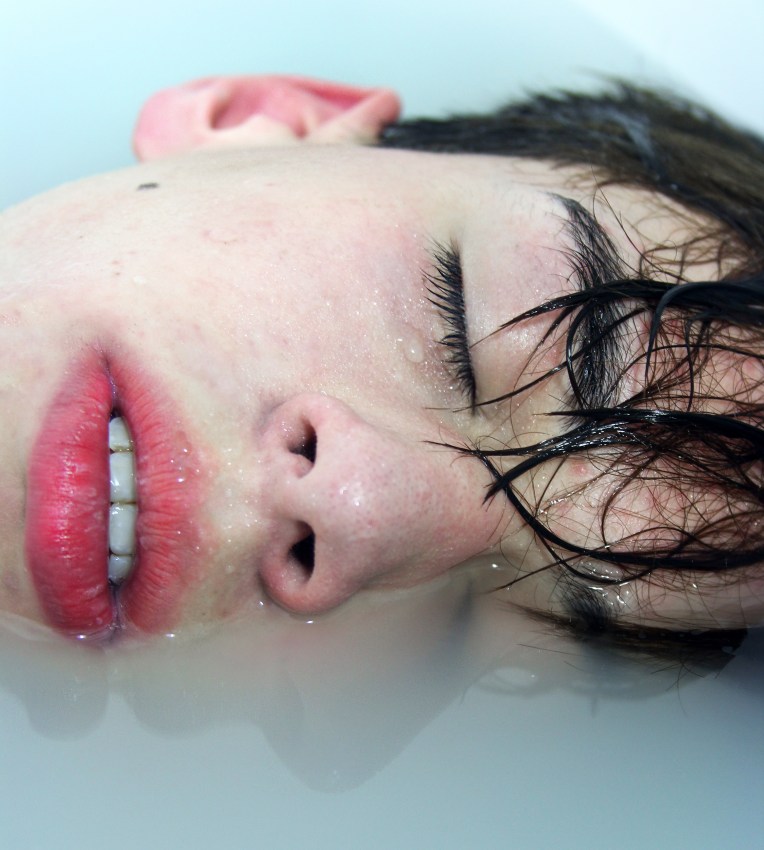
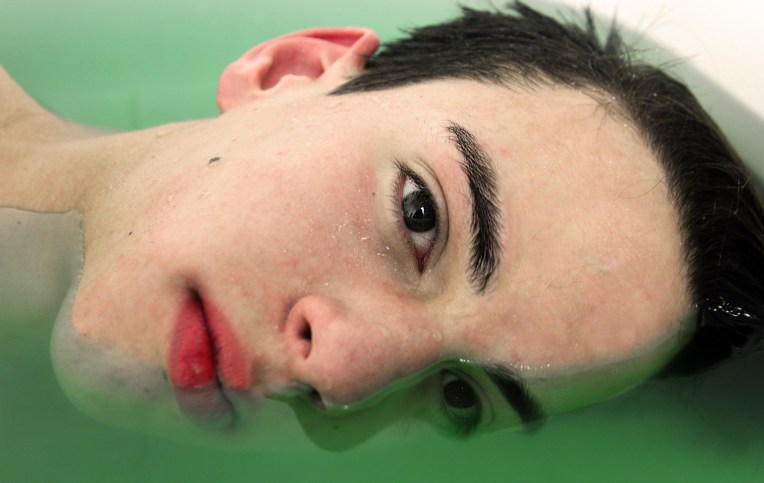
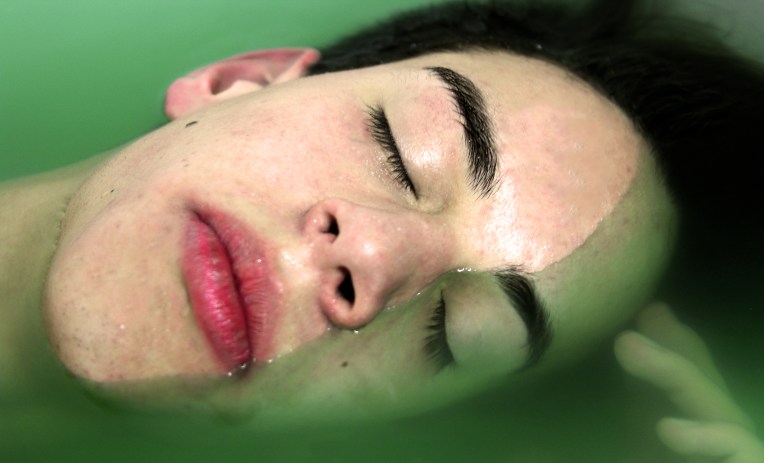
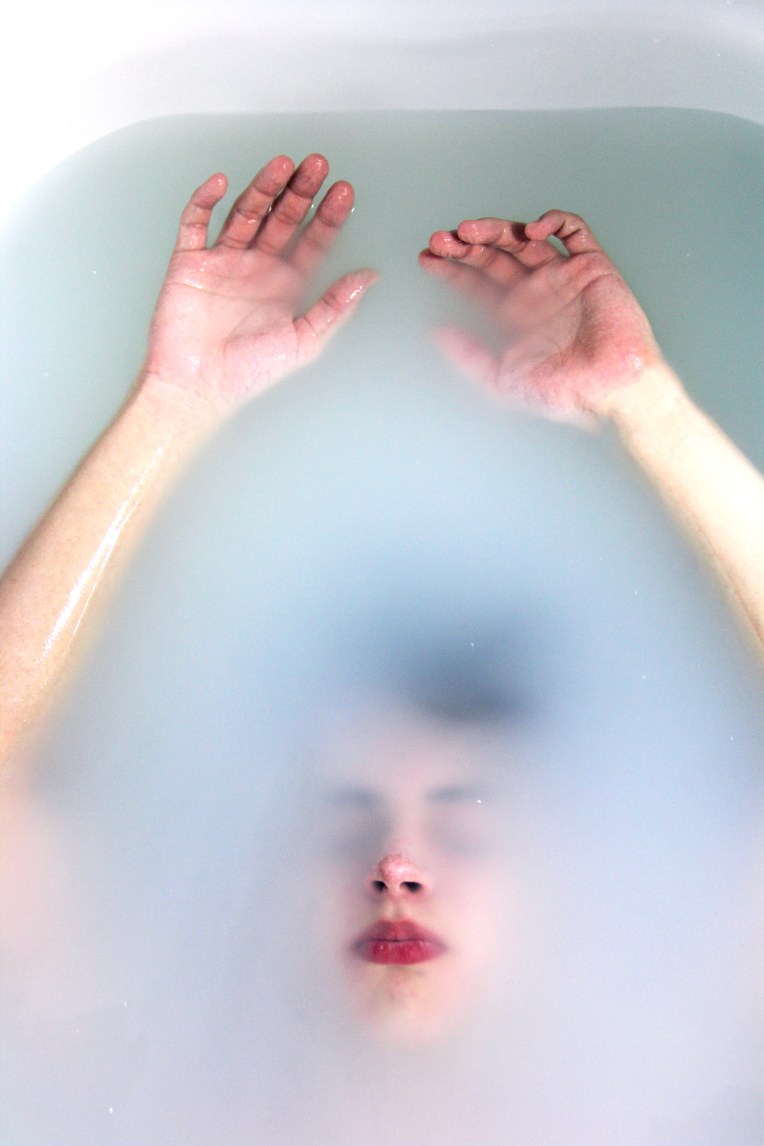
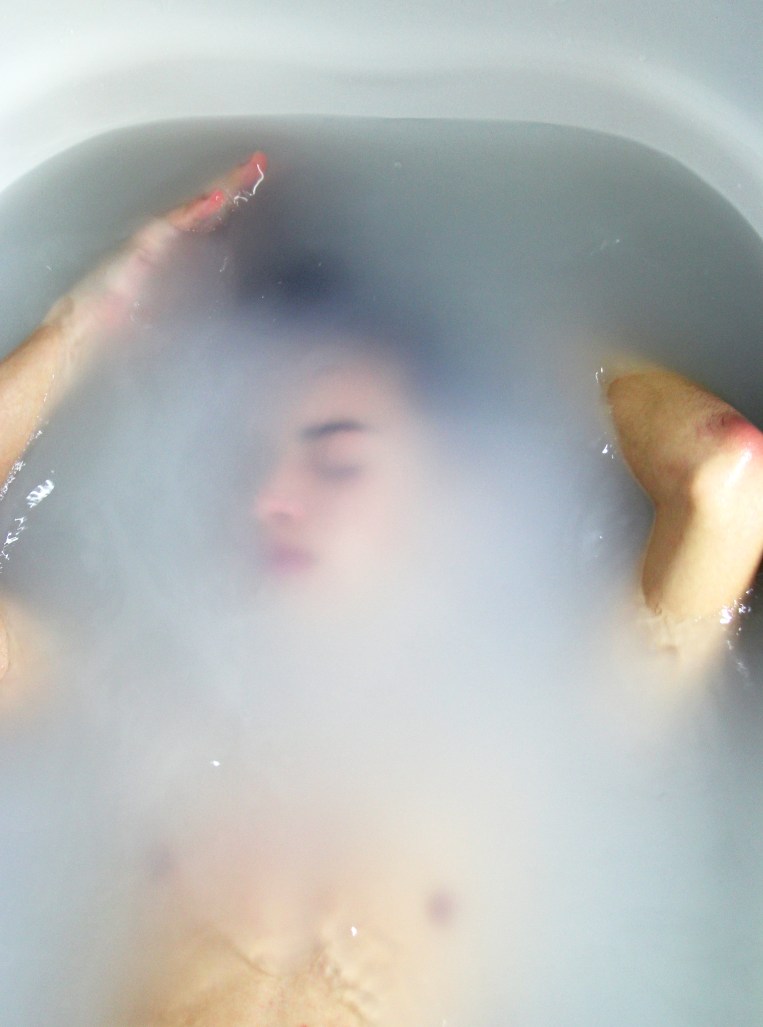
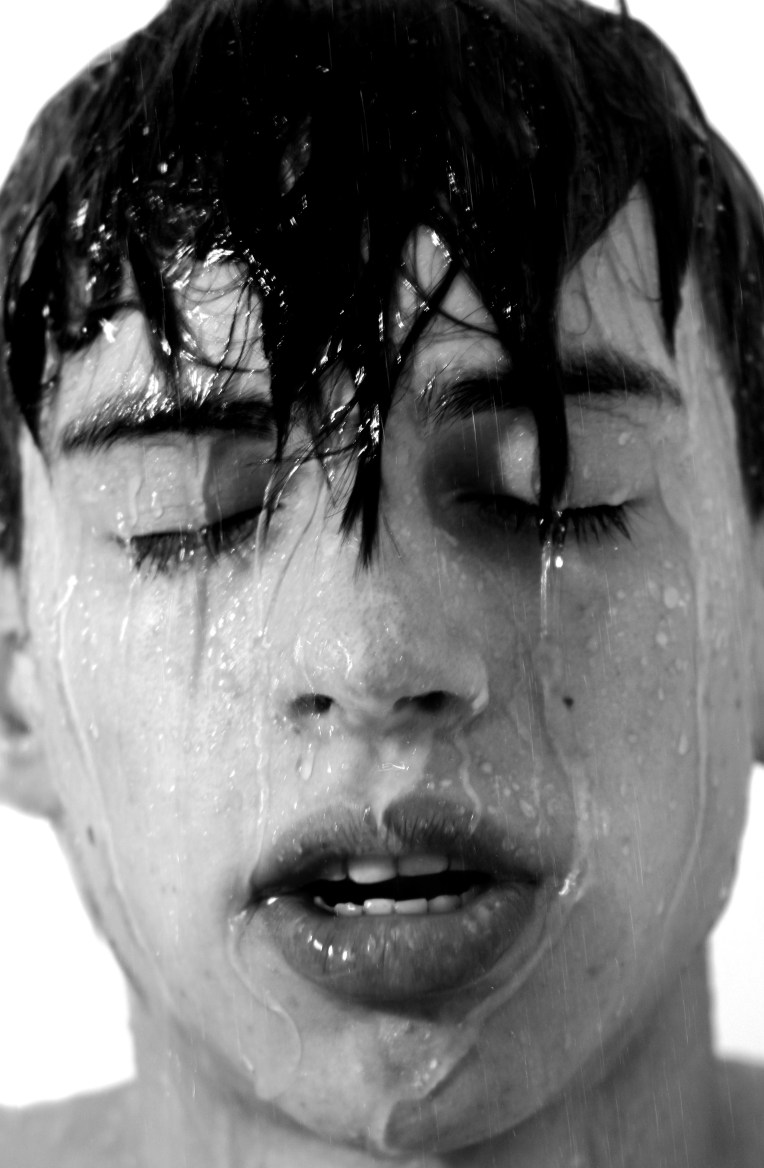
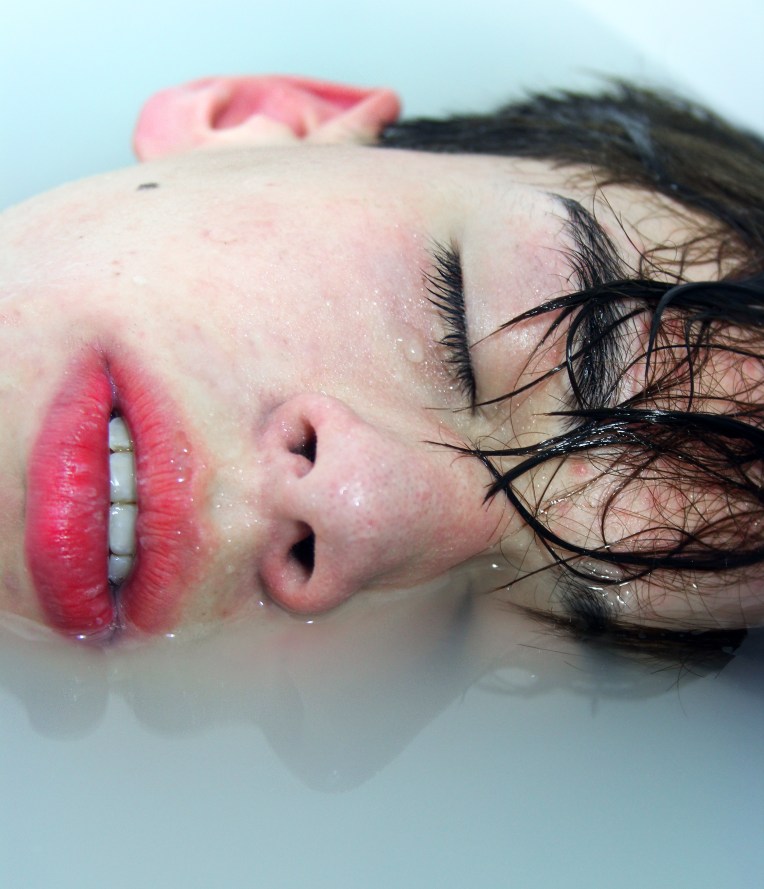
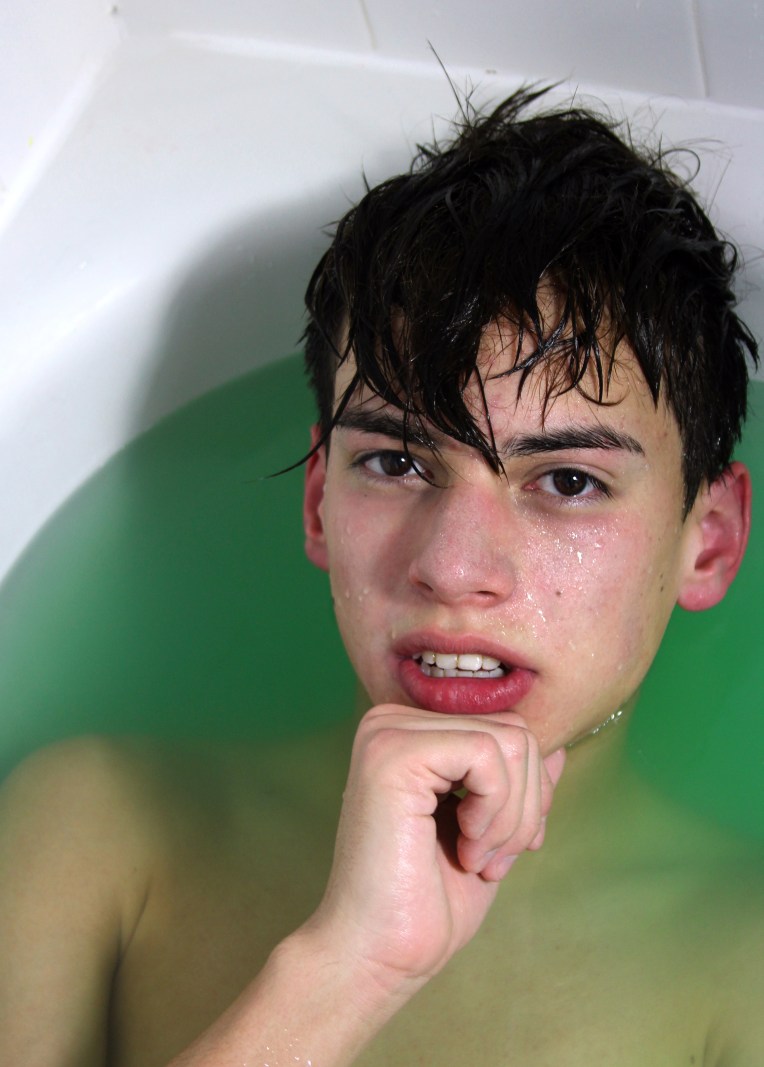
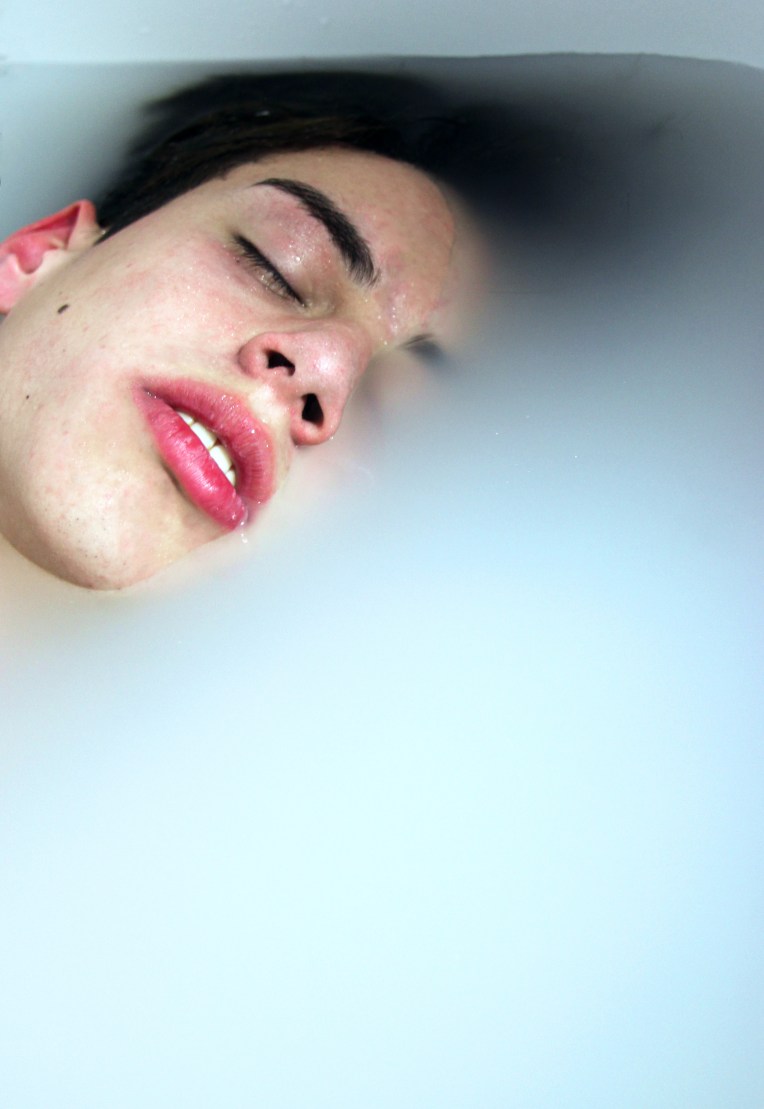
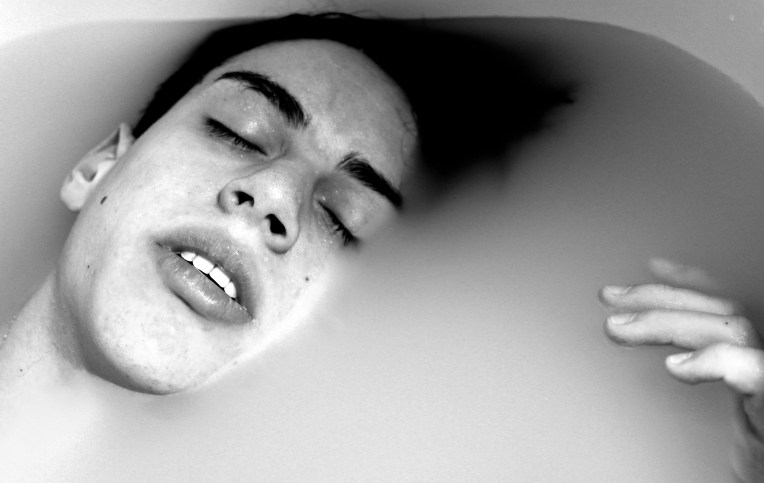
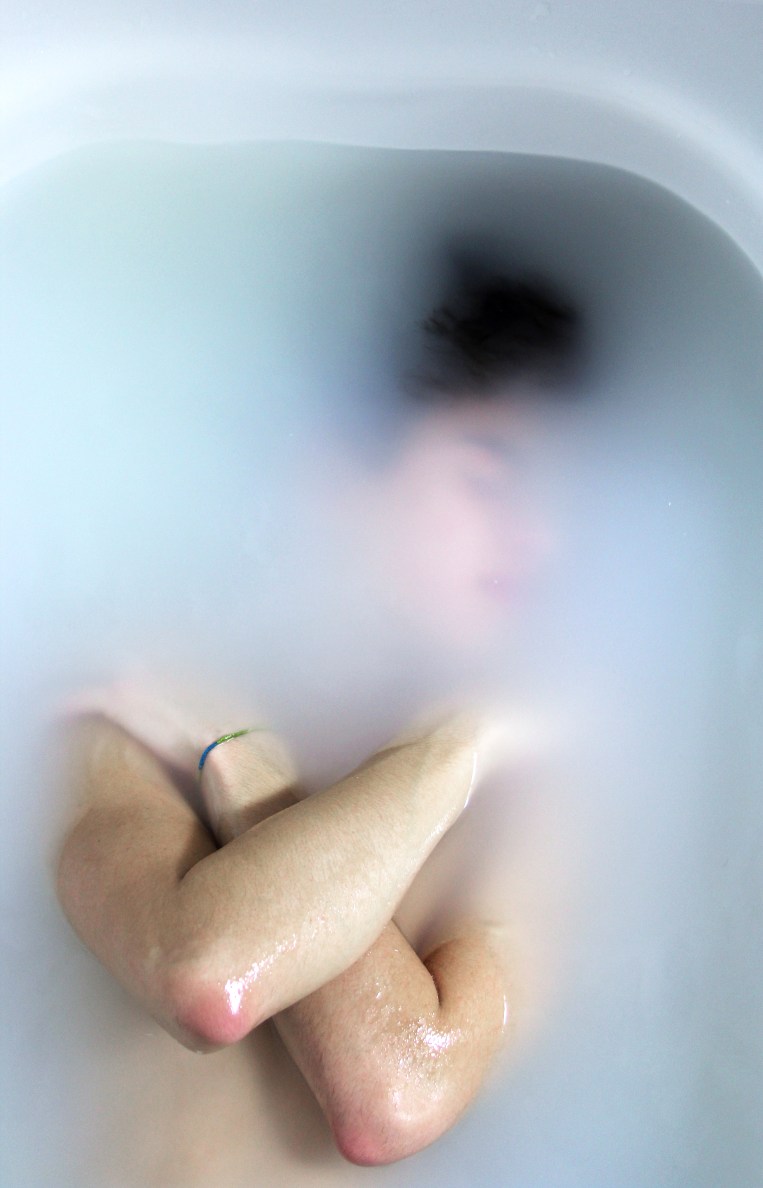
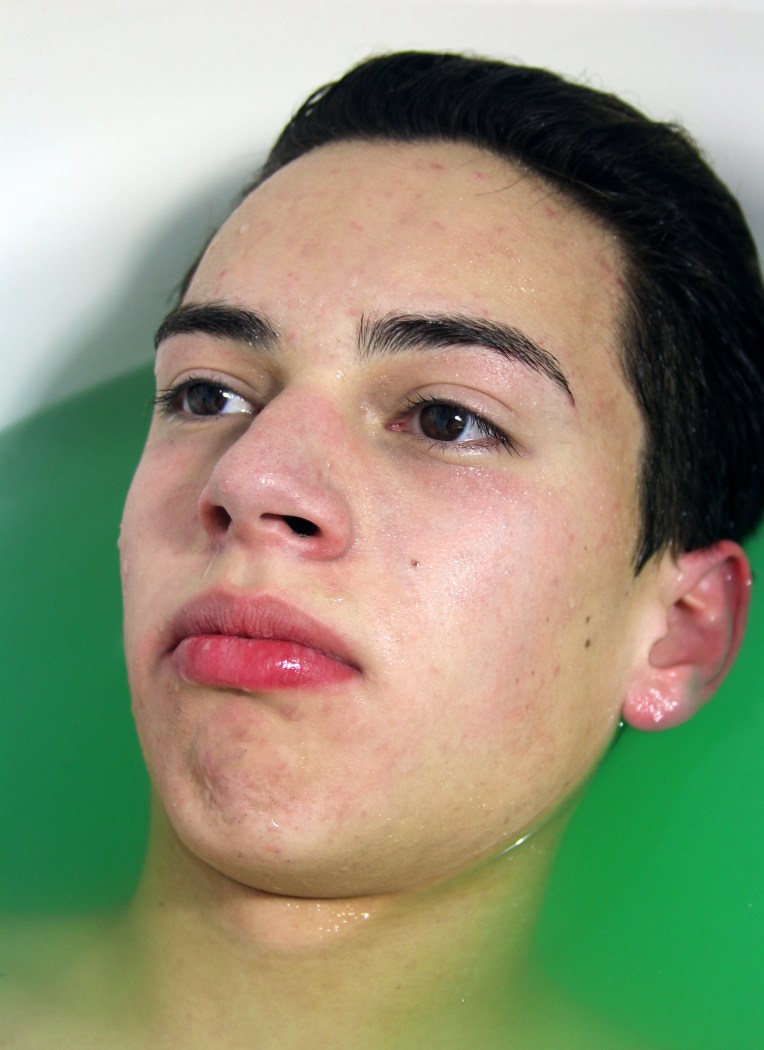
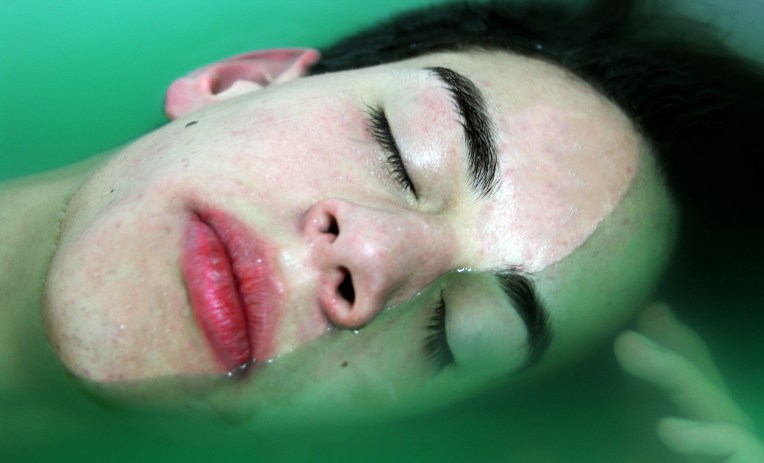
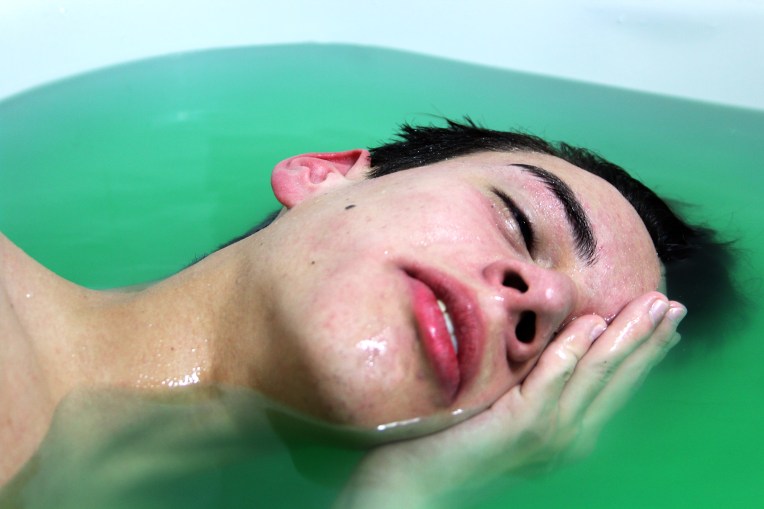
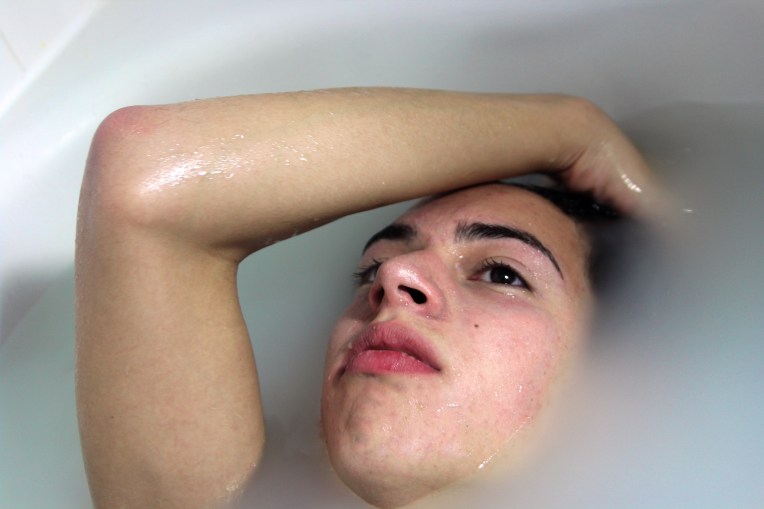
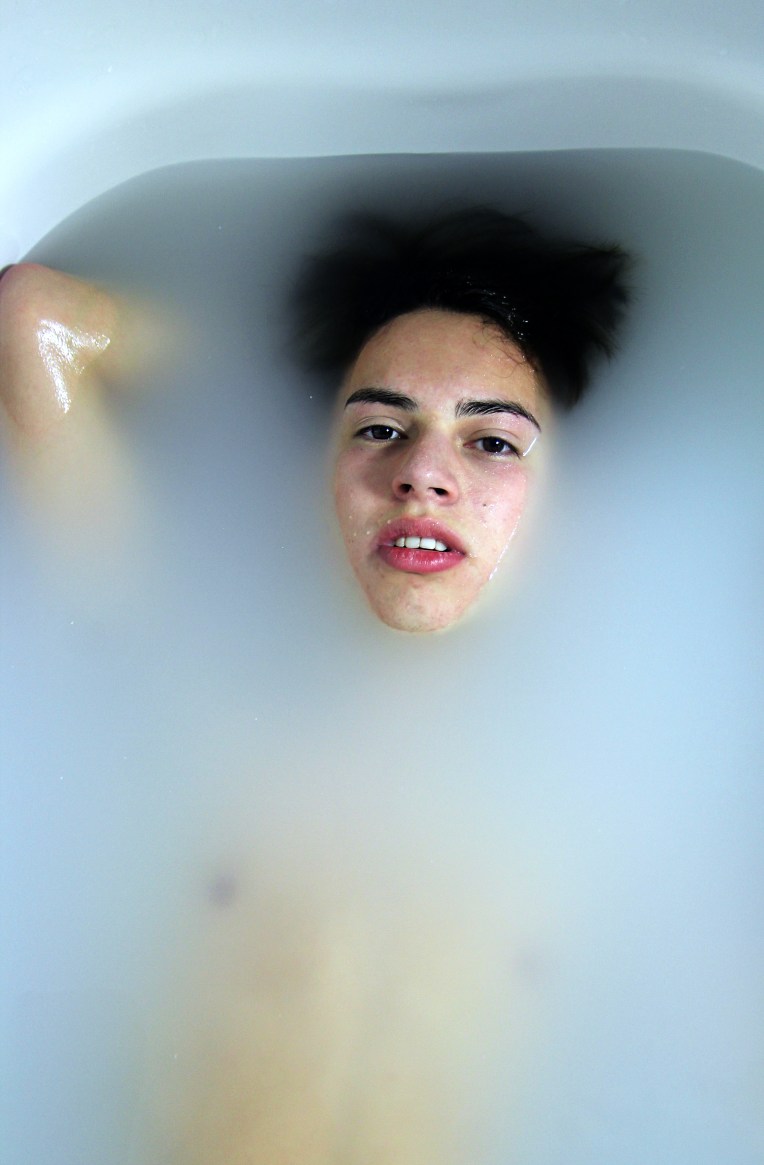
A little over 6 months ago I experimented with portraits in the bathtub and with water as an experimental photo shoot which you can find by clicking here. I fell in love with the concept of water in my portraiture. I decided to do a similar shoot but I wanted a female model this time. I added a few different feminine elements such as the light blue color of the water and the addition of flowers. I hope you enjoy these images.

132A8107132A8111132A8113132A8117132A8126132A8140132A8151132A8159132A8160132A8169132A8175132A8178132A8190132A8198132A8207132A8219132A8227132A8234132A8241132A8244132A8248

Click here for more summer photo shoots!

Camera: Canon 7D Mark ii

Lens: Canon 24-70mm

Aperture: 2.8

ISO: 125

I will be posting a tutorial on how to shoot in the water later this month so stay tuned, it will be linked here.

Want to do a shoot together? Click here for booking and pricing information!

Want to see more of my summer shoots? Click here!

Instagram: @goodallphotos

Facebook Page: @goodallphotographs

Contact me! goodallphotos1@gmail.com

Let’s get shooting!

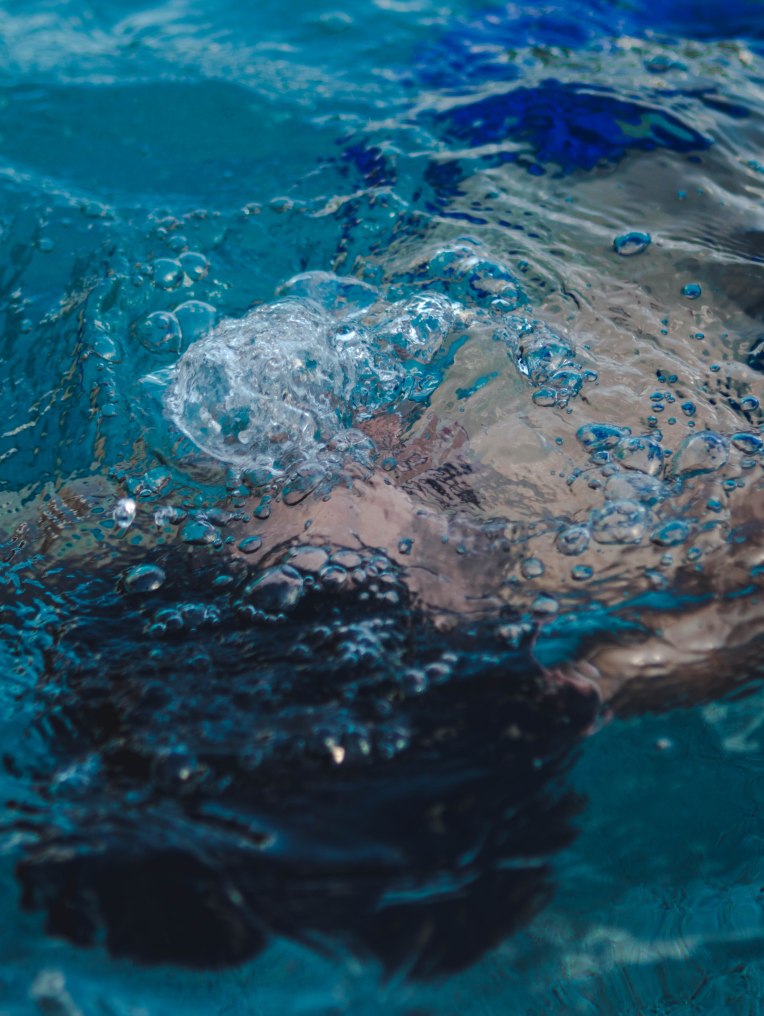
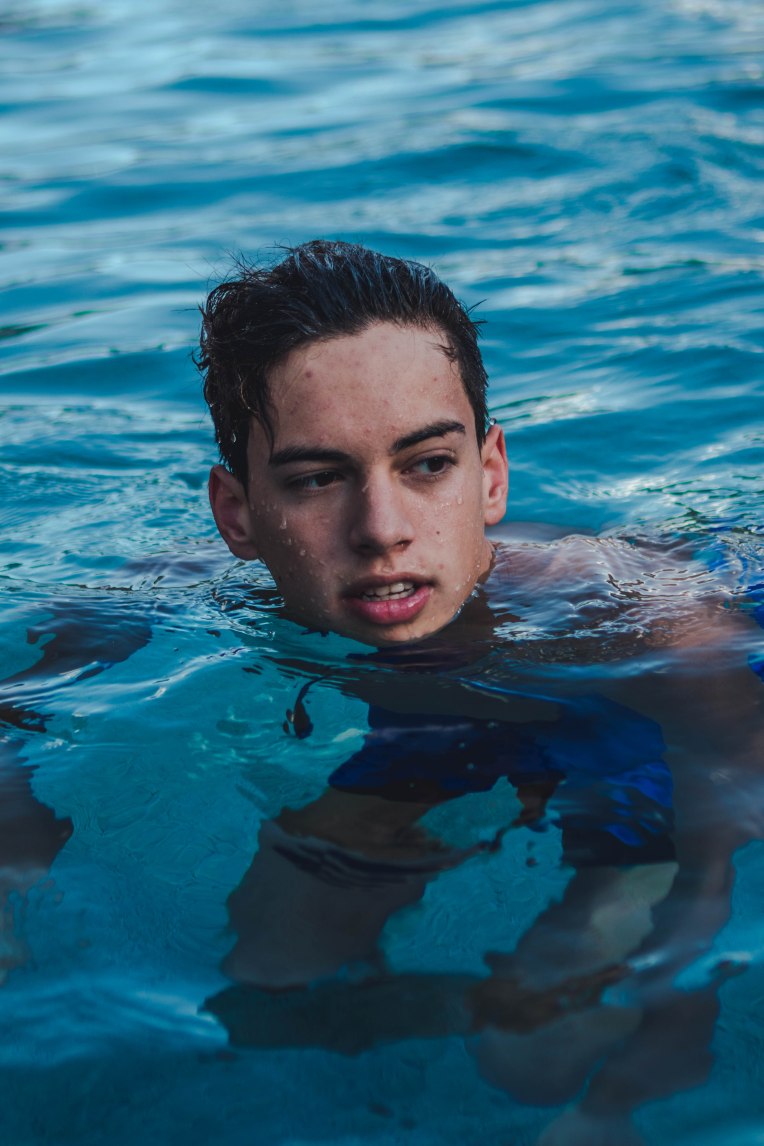
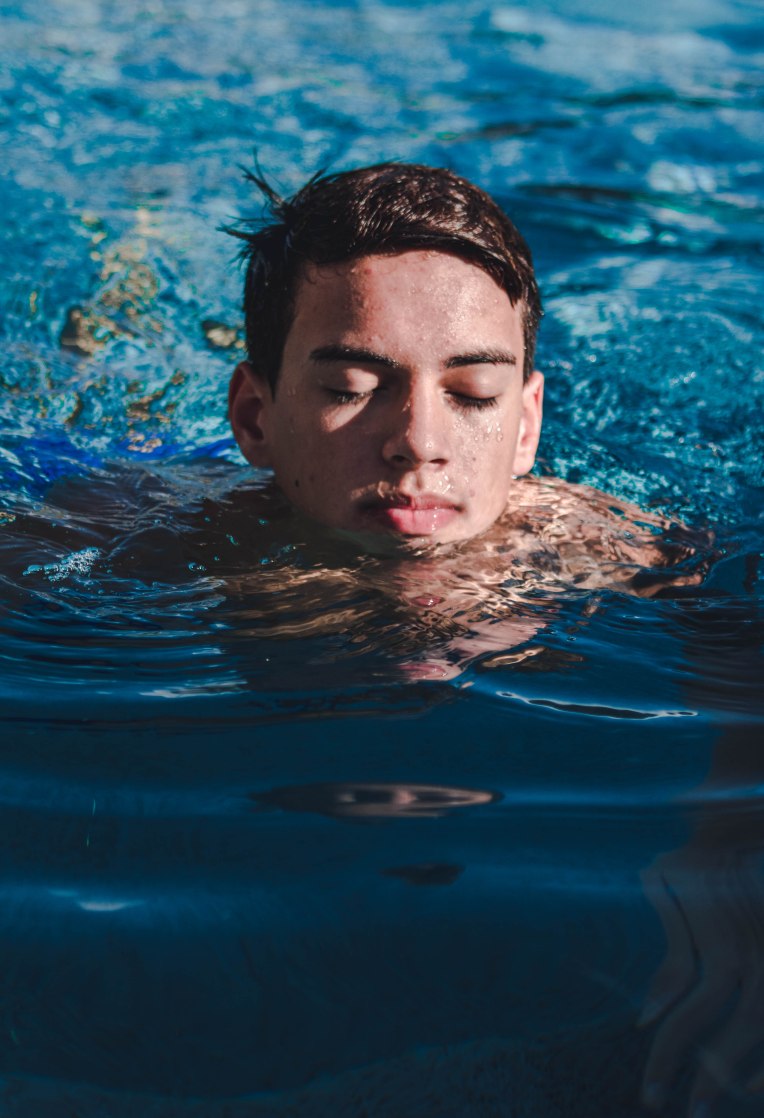
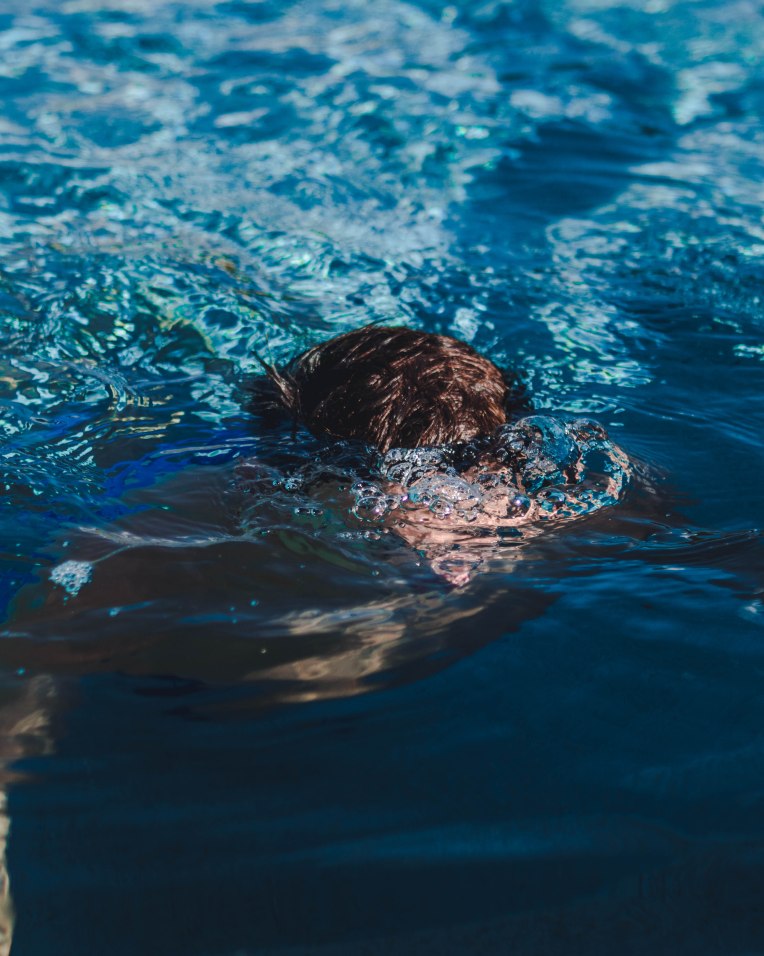
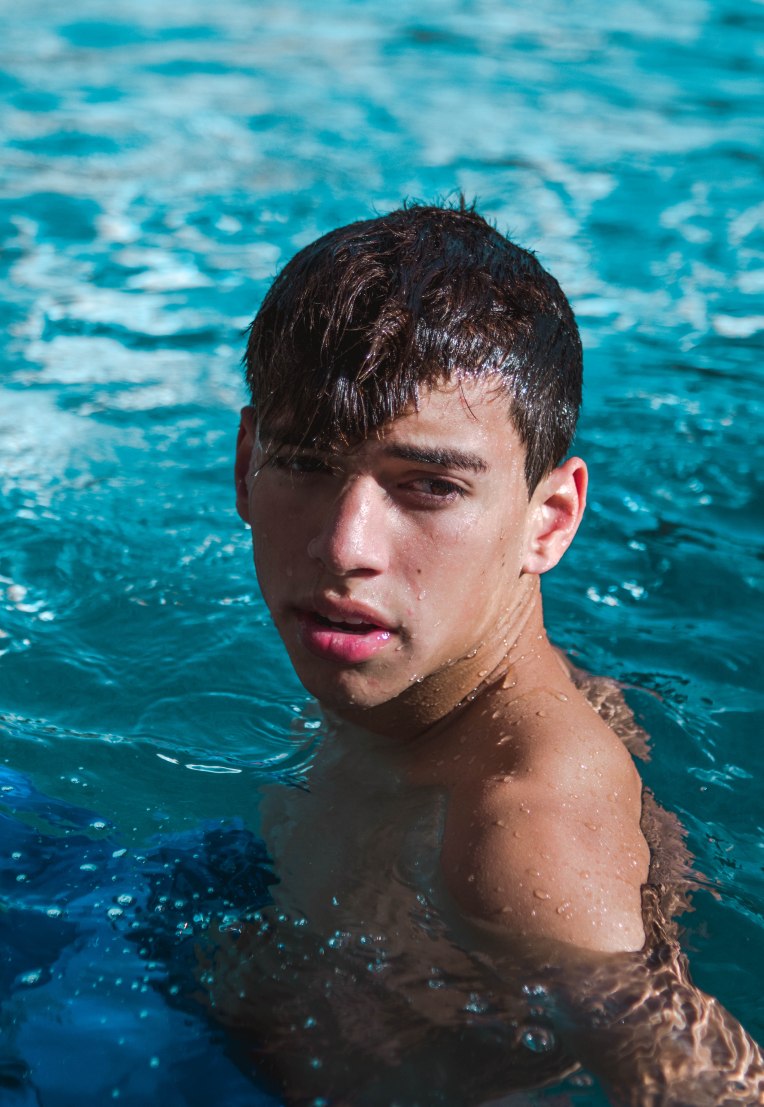
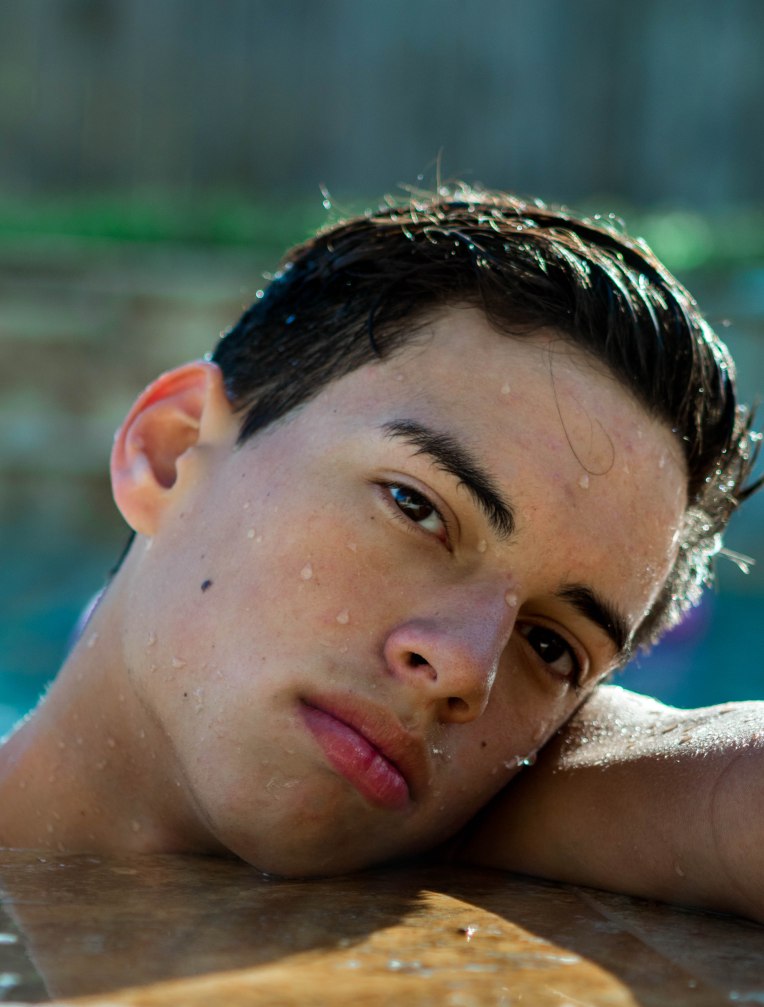
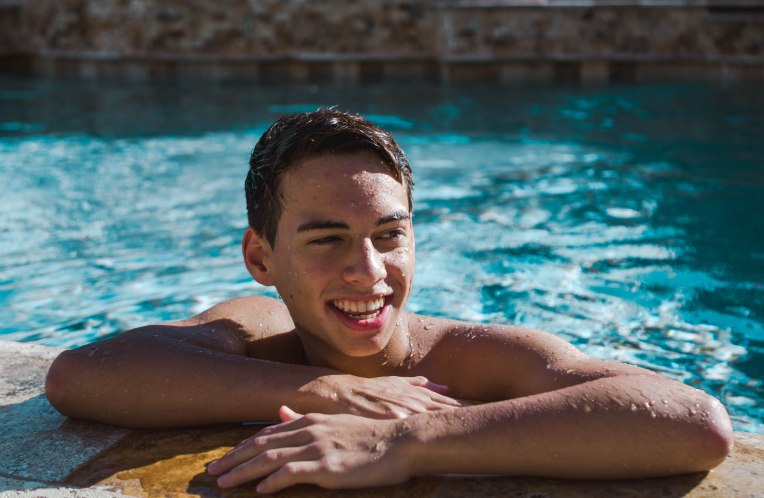
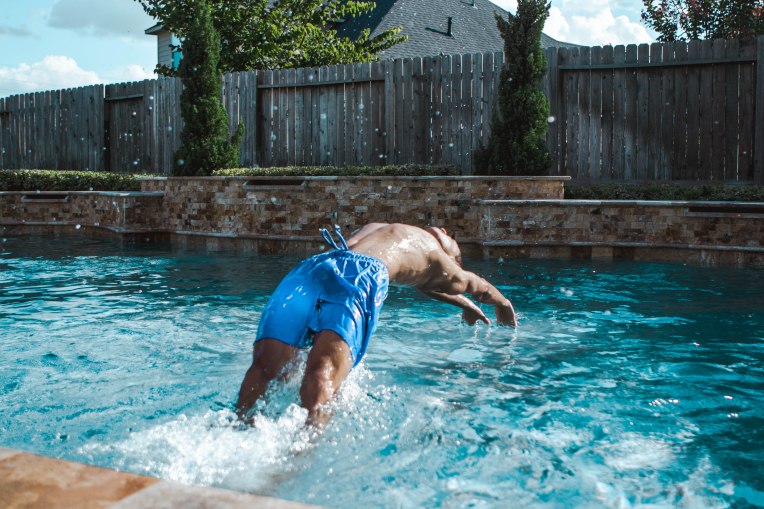
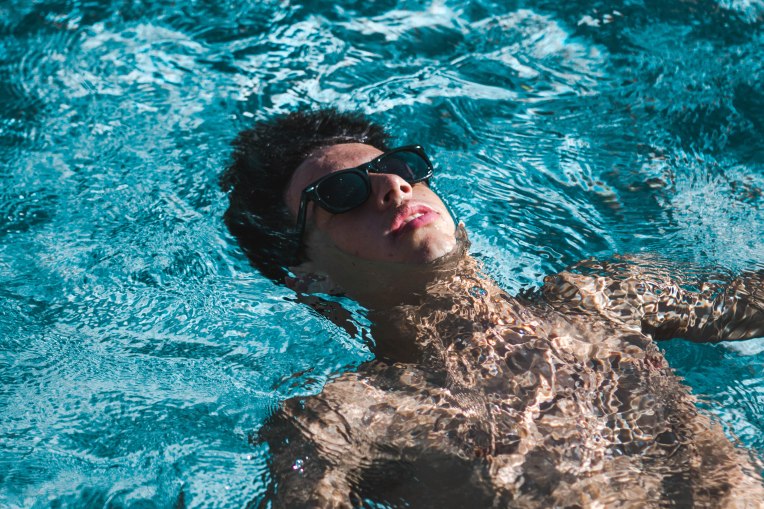
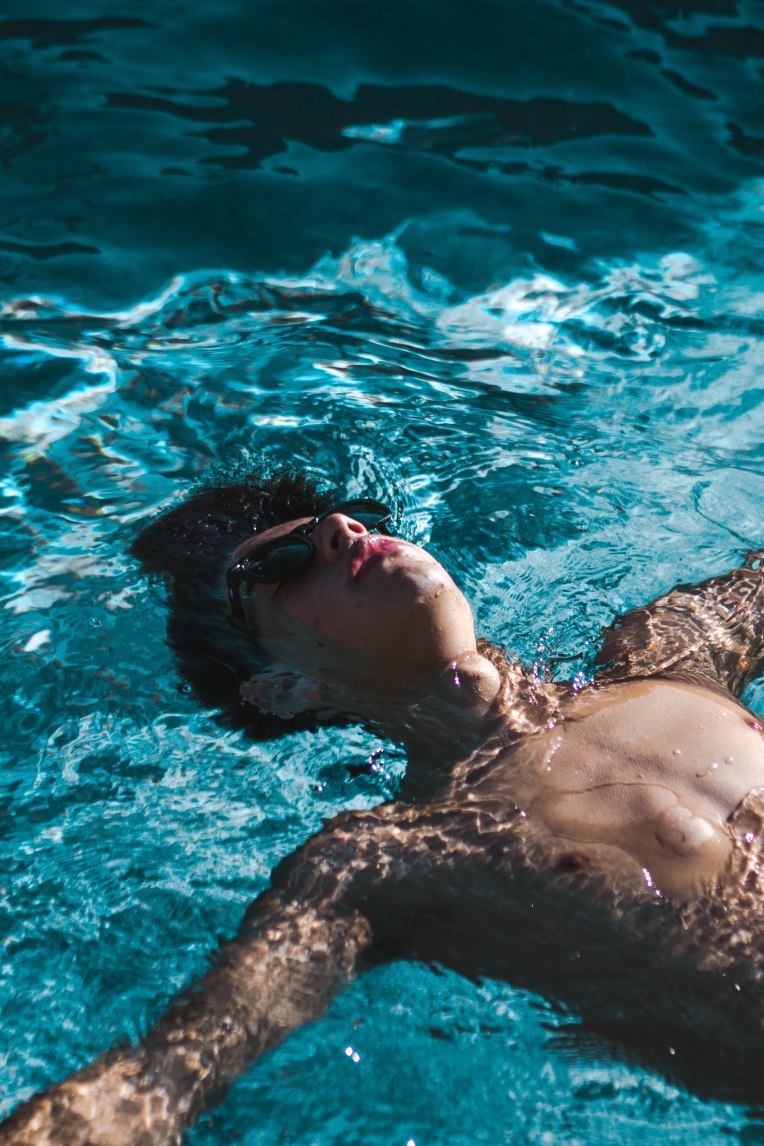
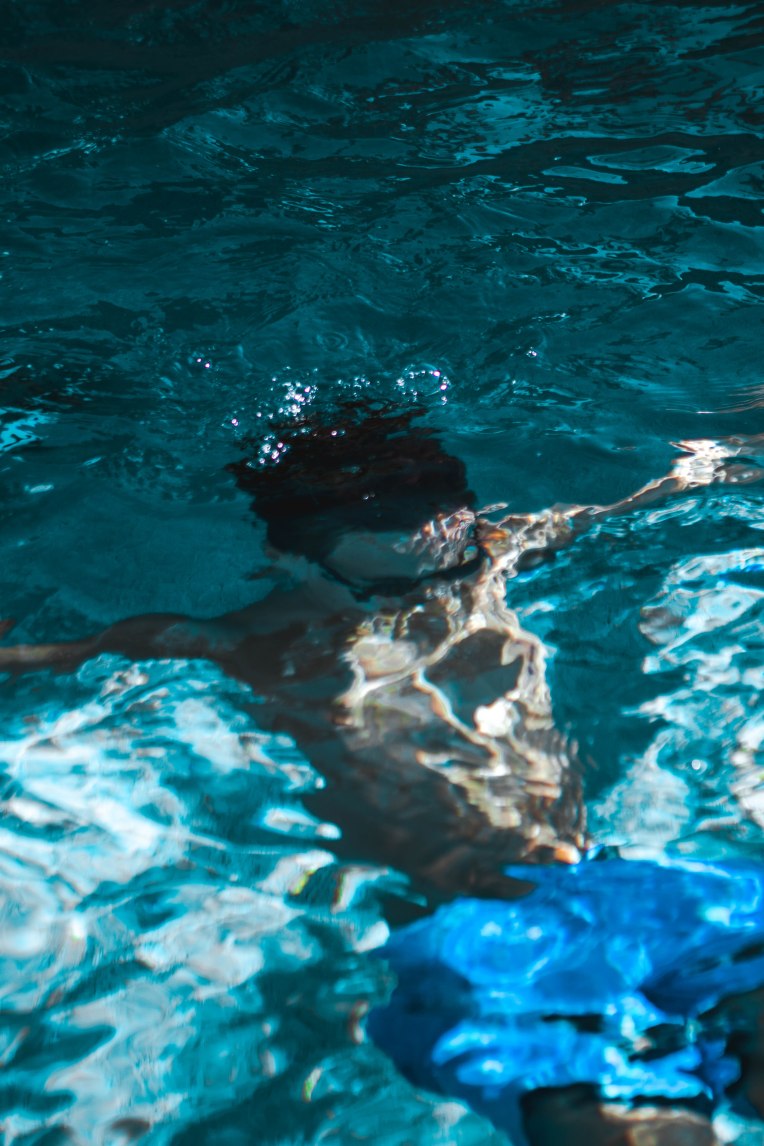
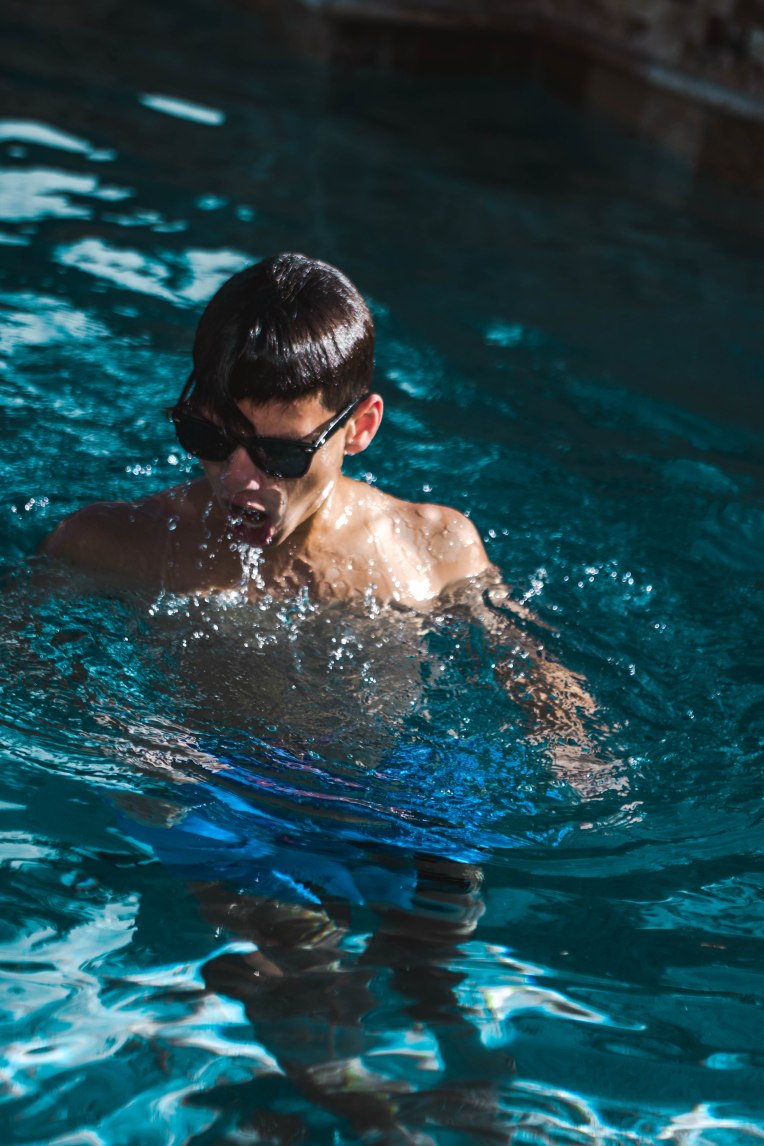
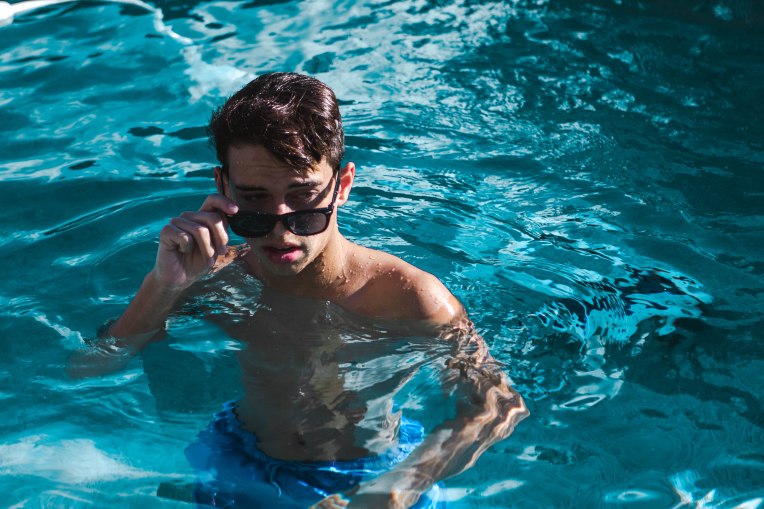
Pool Portraits

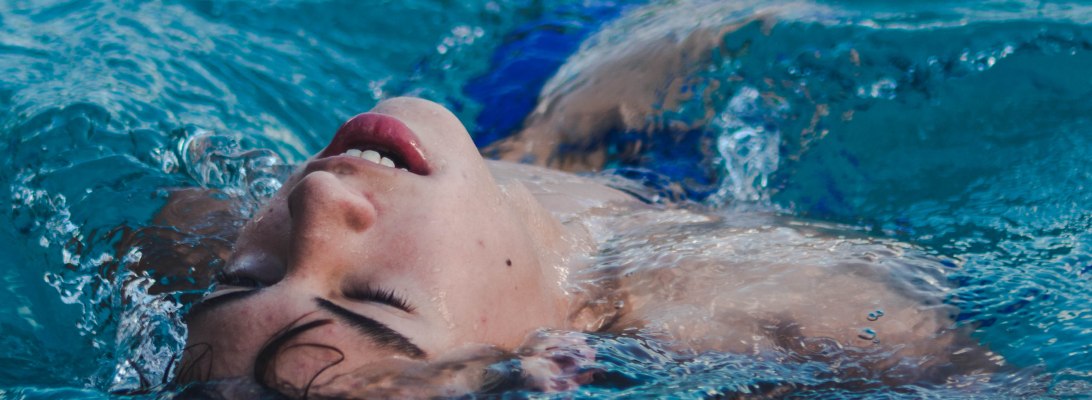
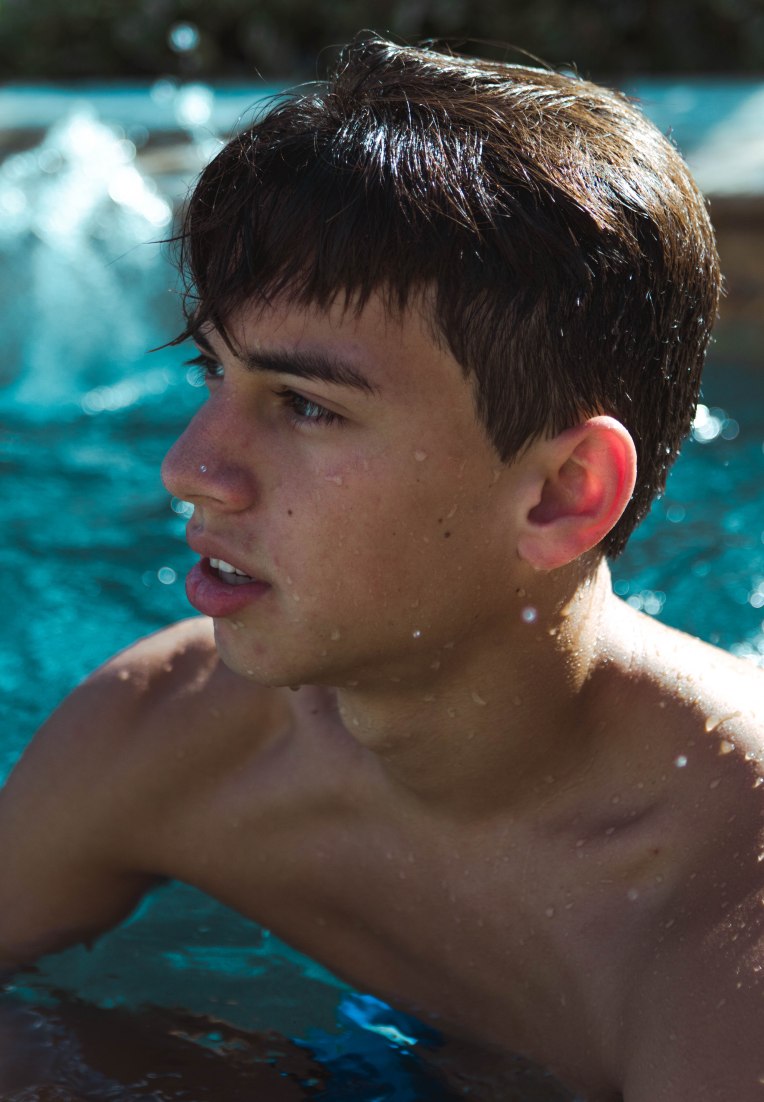
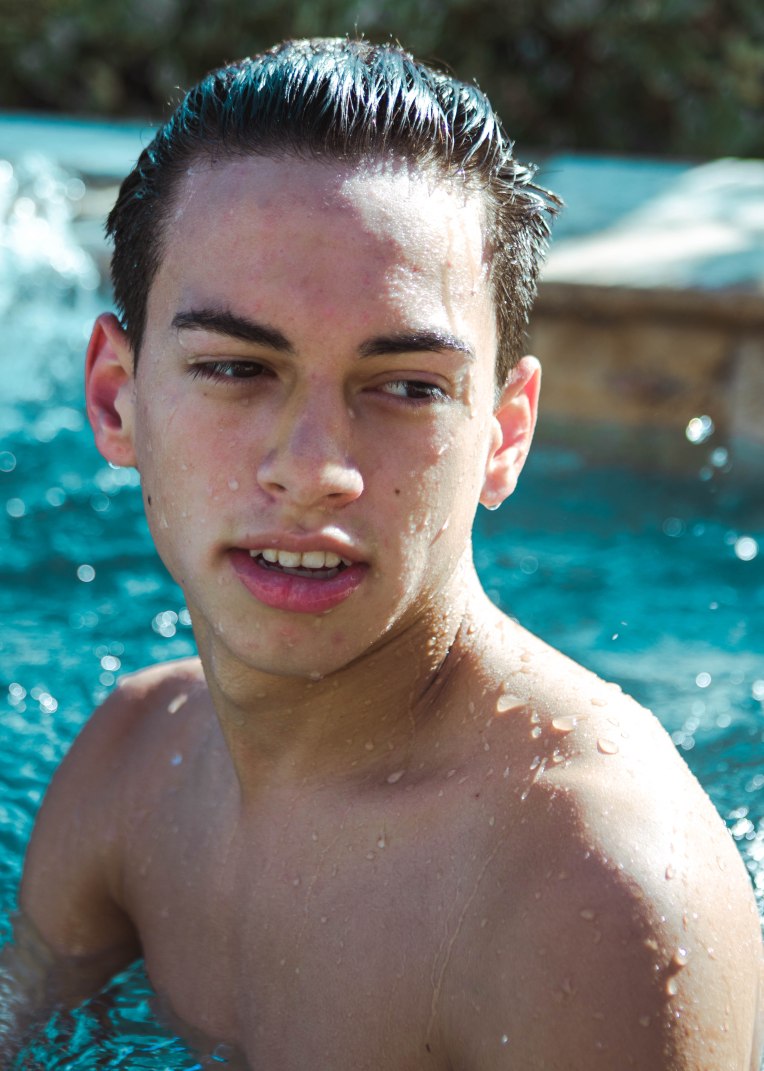
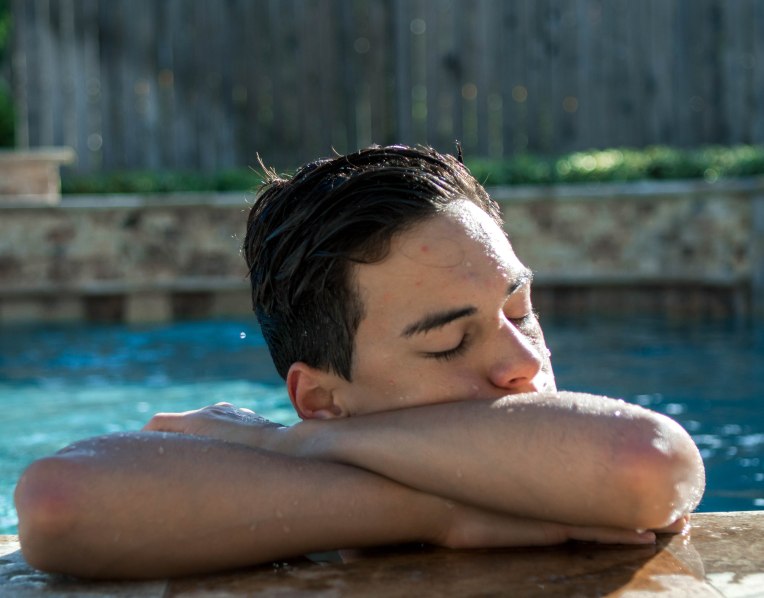
Inspired to create better portraits in the water I recently took some portraits using a pool and natural light to create a very summer-like feel. Here is the full set of images, edited and shot by me.

132A7609132A7614132A7620132A7624132A7634132A7668132A7674132A7677132A7681132A7689132A7715132A7716132A7725132A7790132A7829132A7835132A7843132A7853132A7873132A7882132A7885132A7889132A7898132A7899

Camera: Canon 7D Mark ii

Lens: Canon 24-70mm 2.8 L Series

ISO: 150

Want to do a shoot together? Click here for booking and pricing information!

Want to see more of my summer shoots? Click here!

Instagram: @goodallphotos

Facebook Page: @goodallphotographs

Contact me! goodallphotos1@gmail.com

Let’s get shooting!

Ugly Location, Pretty Portraits

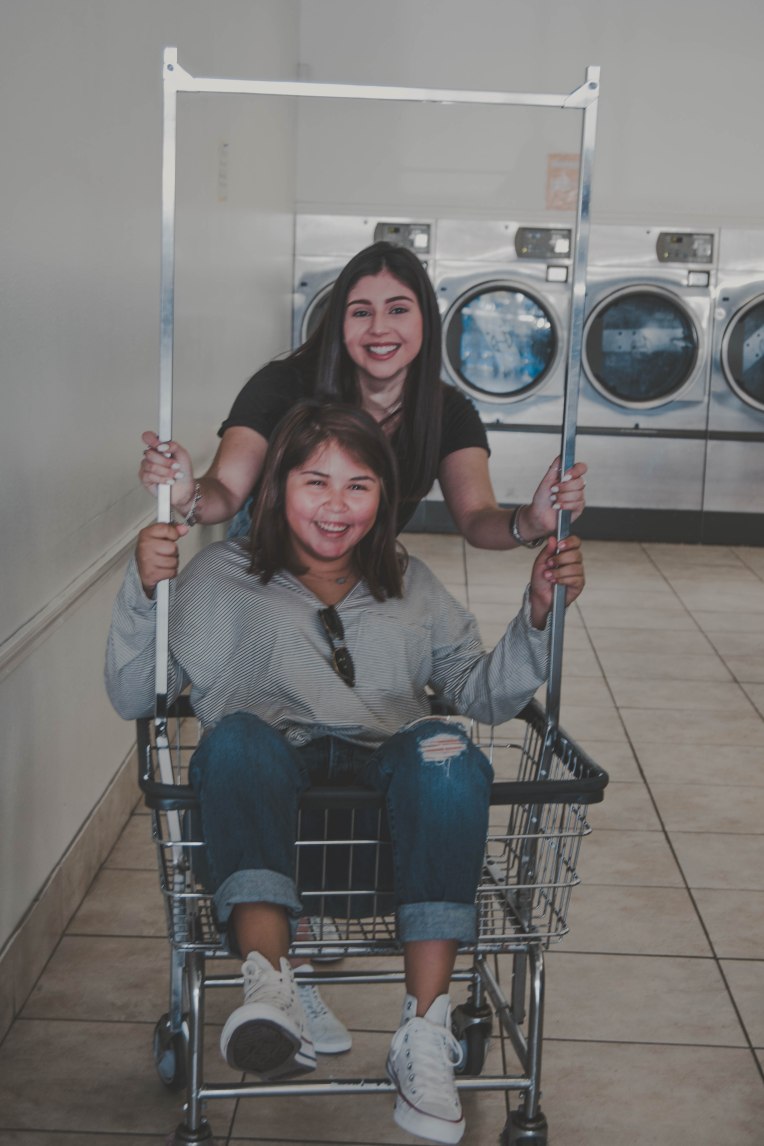
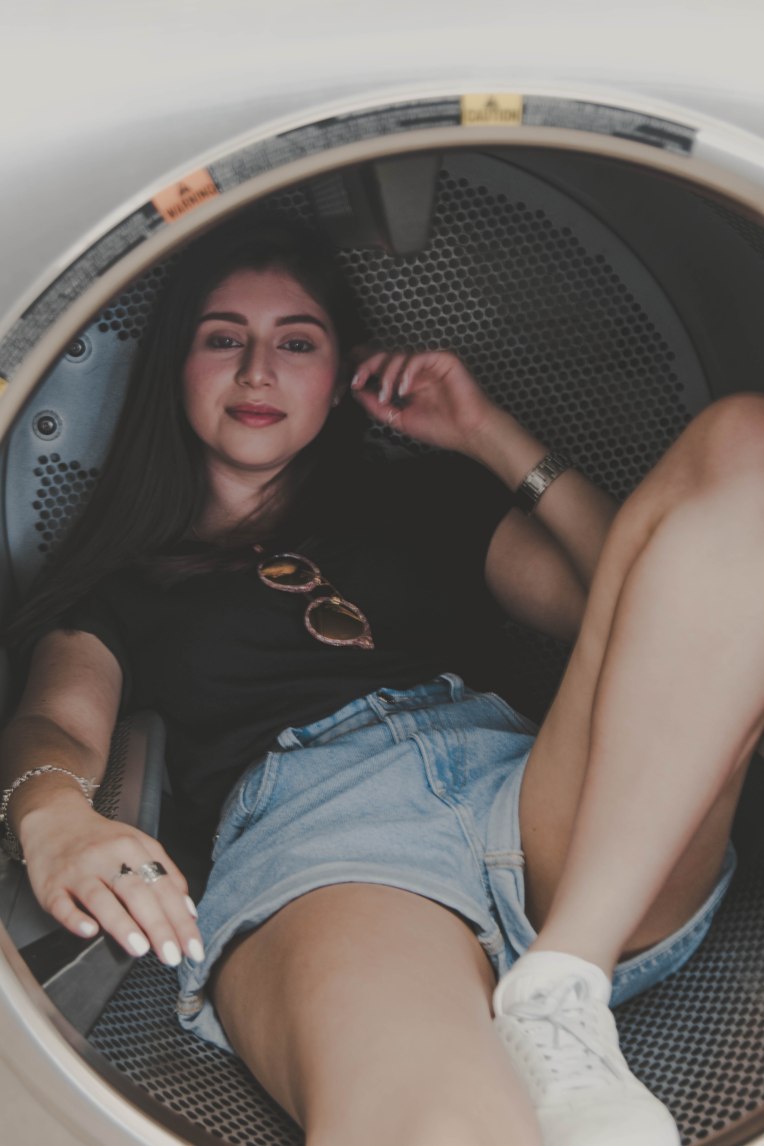
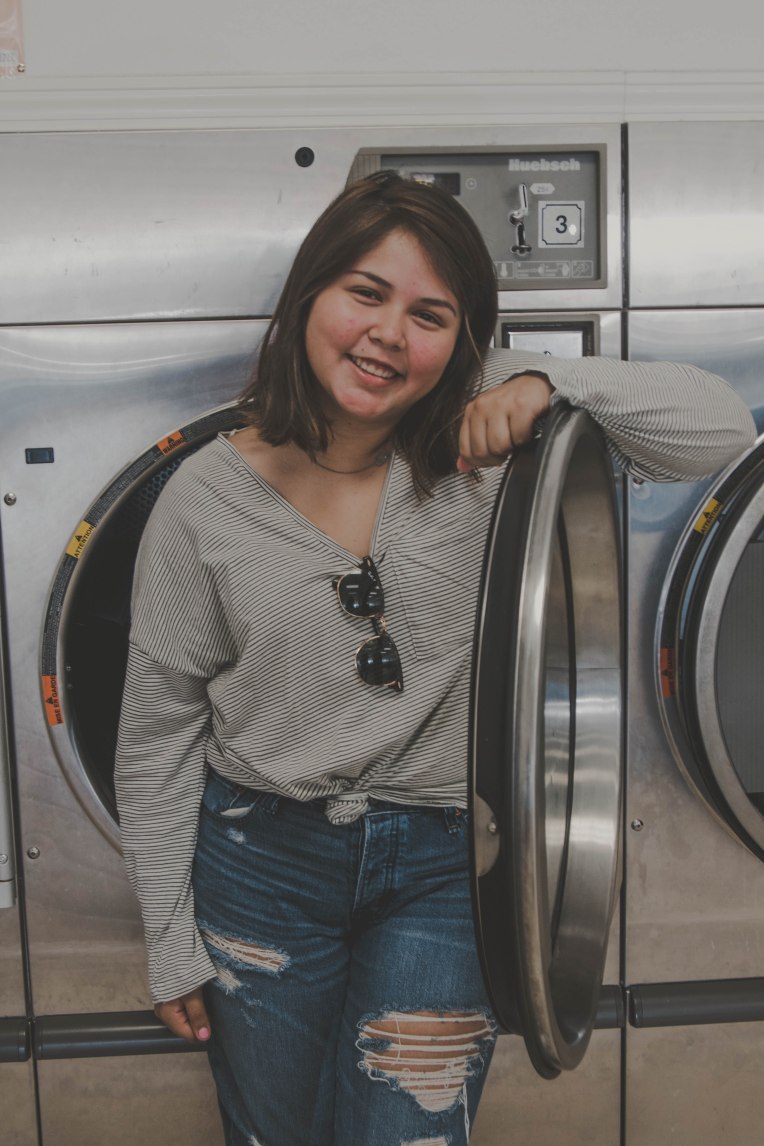
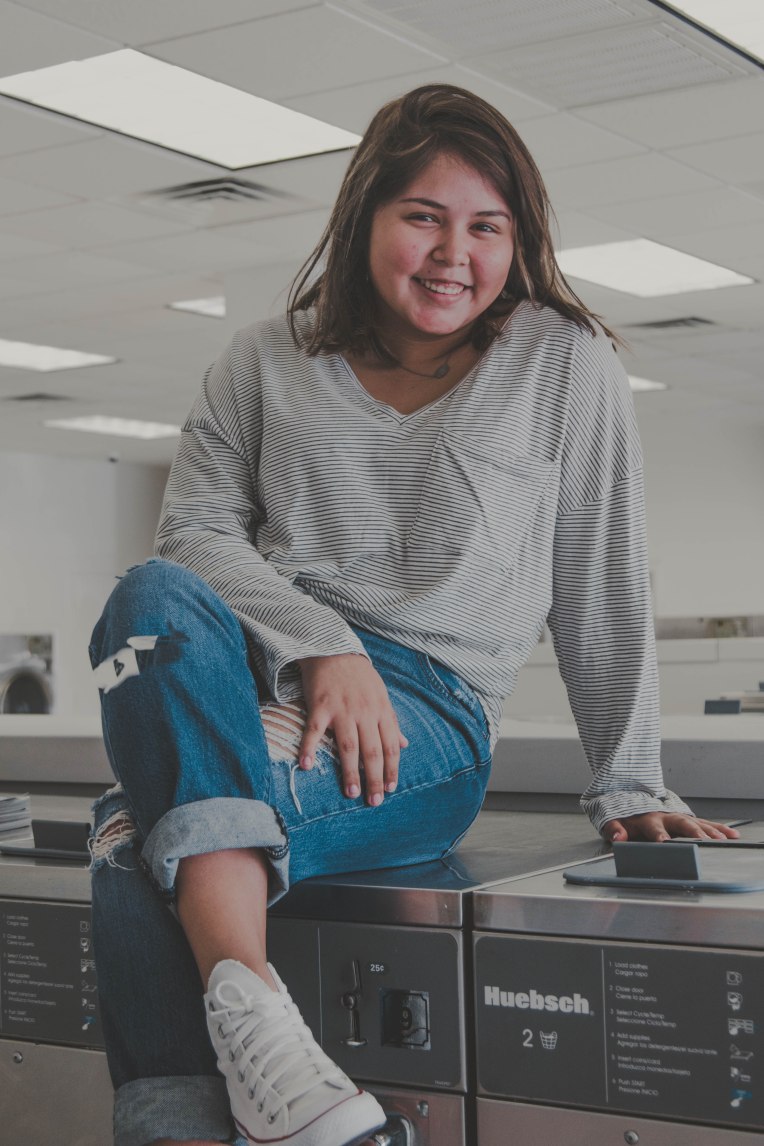
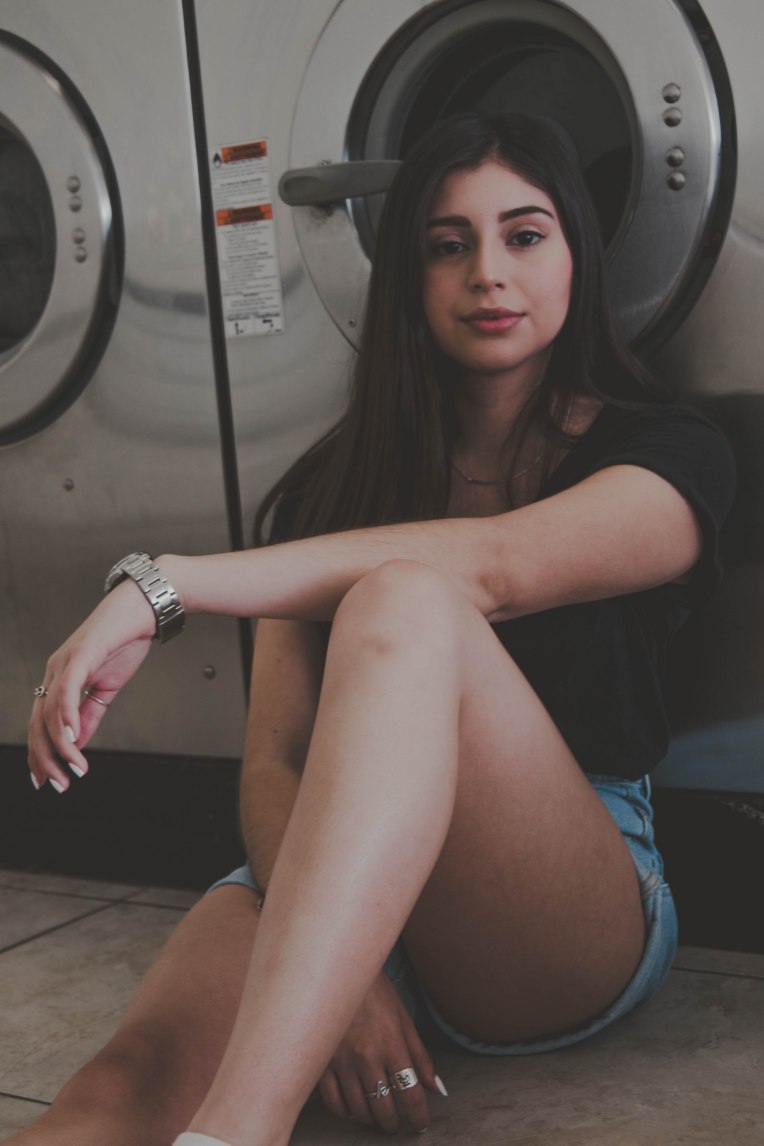
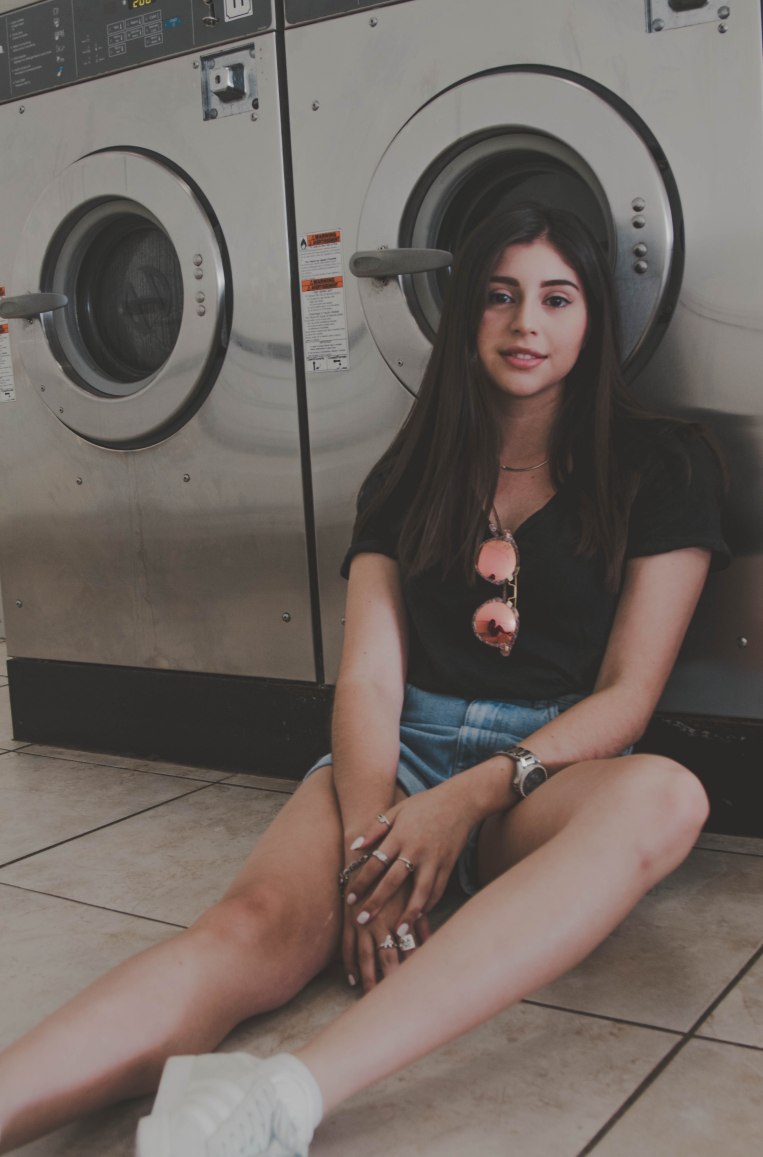
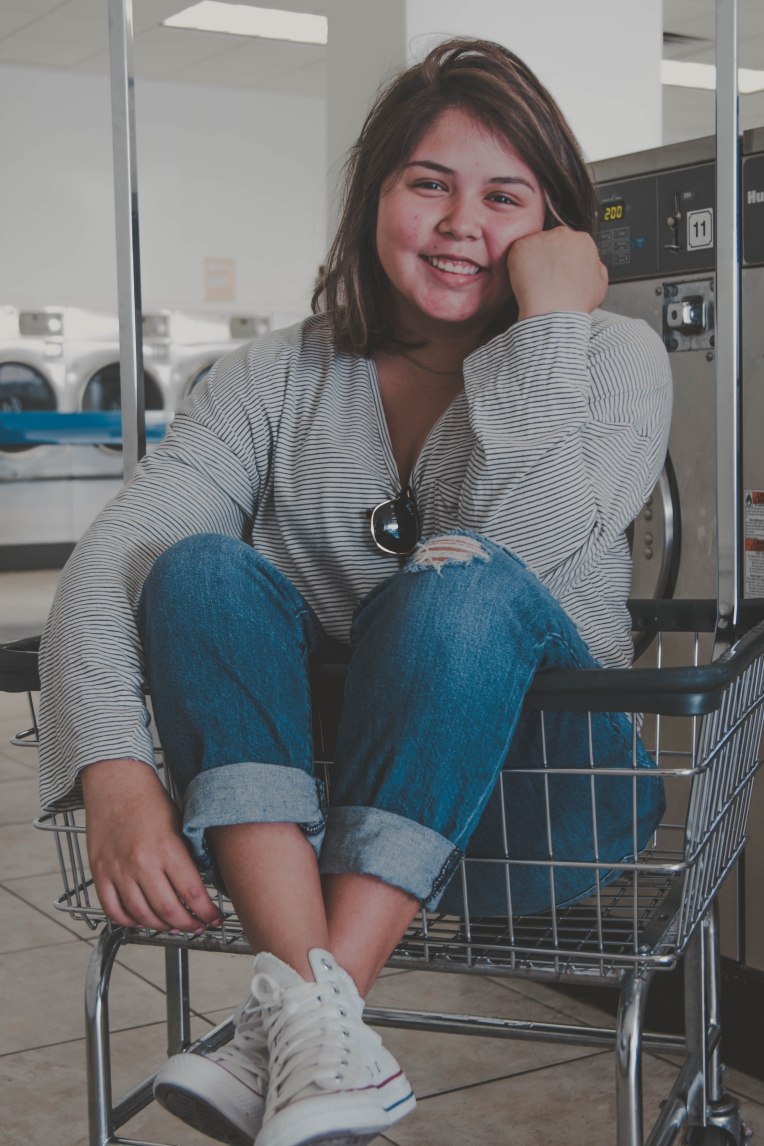
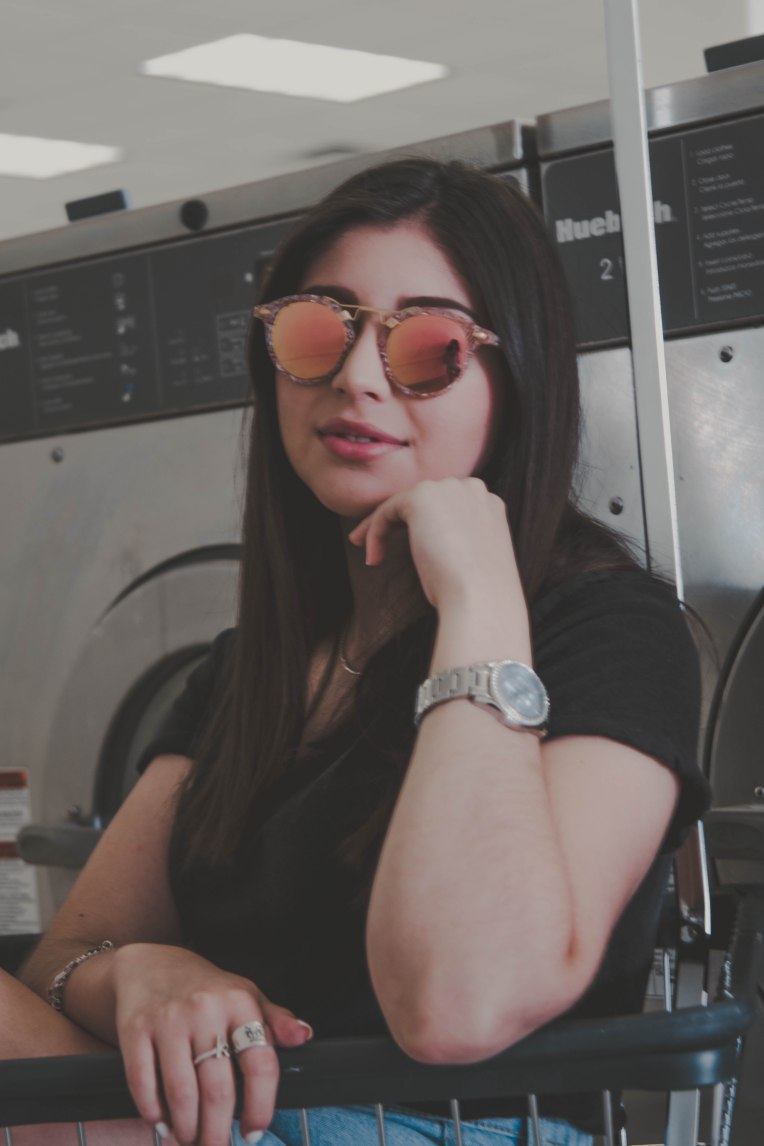
Recently there has been a trend circulating the internet called the “Ugly Location Challenge.” It began earlier this year and seemed to spark notice in many widespread YouTubers, from Niki and Gabi to Aspyn Ovard to Jessica Kobeissi, internet stars took advantage of this trend and encouraged their followers to do the same. The Ugly Location Challenge is taking portraits of a model in an area that would be seen as undesirable to most. For example, some locations often used are Michaels, Lowes, Mcdonalds, Laundromats and grocery stores. I decided to follow the trend and do my own Ugly Location Challenge at a laundromat near my home.

I decided to shoot with my 35mm lens to have more of the background in focus and to really draw more attention to the washers and dryers in the back. I was lucky enough to not get kicked out but I would recommend asking the owner before you begin shooting to ensure that it is allowed and you’re not disrupting their business. I would also recommend going early on a weekday to make sure there is not a lot of people and to have better lighting for your images.

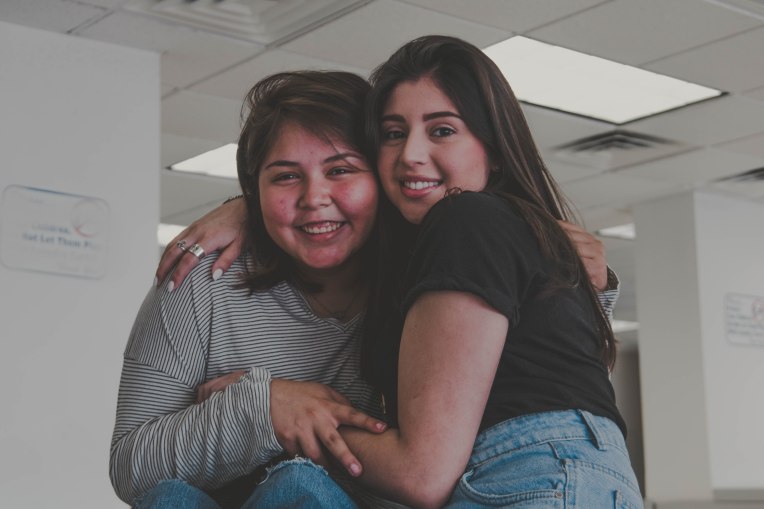
Here is my attempt at the ugly location challenge. I hope this inspires other photographers to realize that location is not everything. Good photographs are not dependent on the location in which you are shooting, good photographs come from natural skill, excellent composition and ability to edit in post. I encourage everyone to not feel limited by where they live or where they are shooting, grab your camera and go take some portraits your location is not everything.
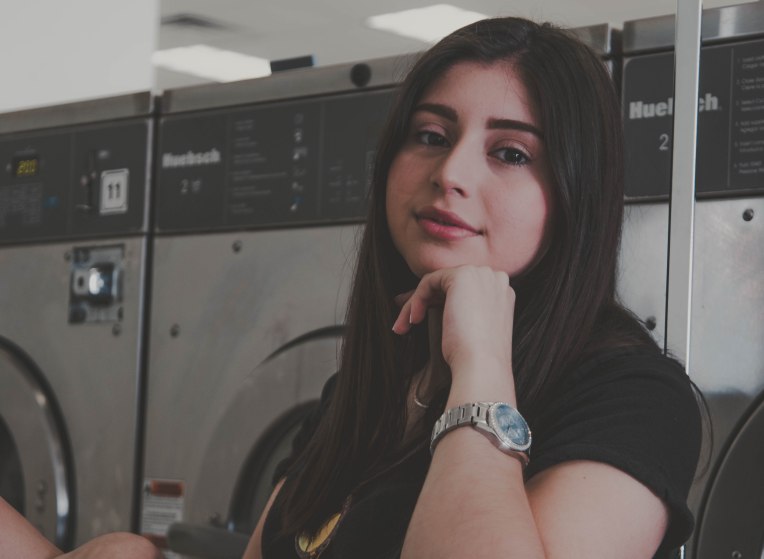
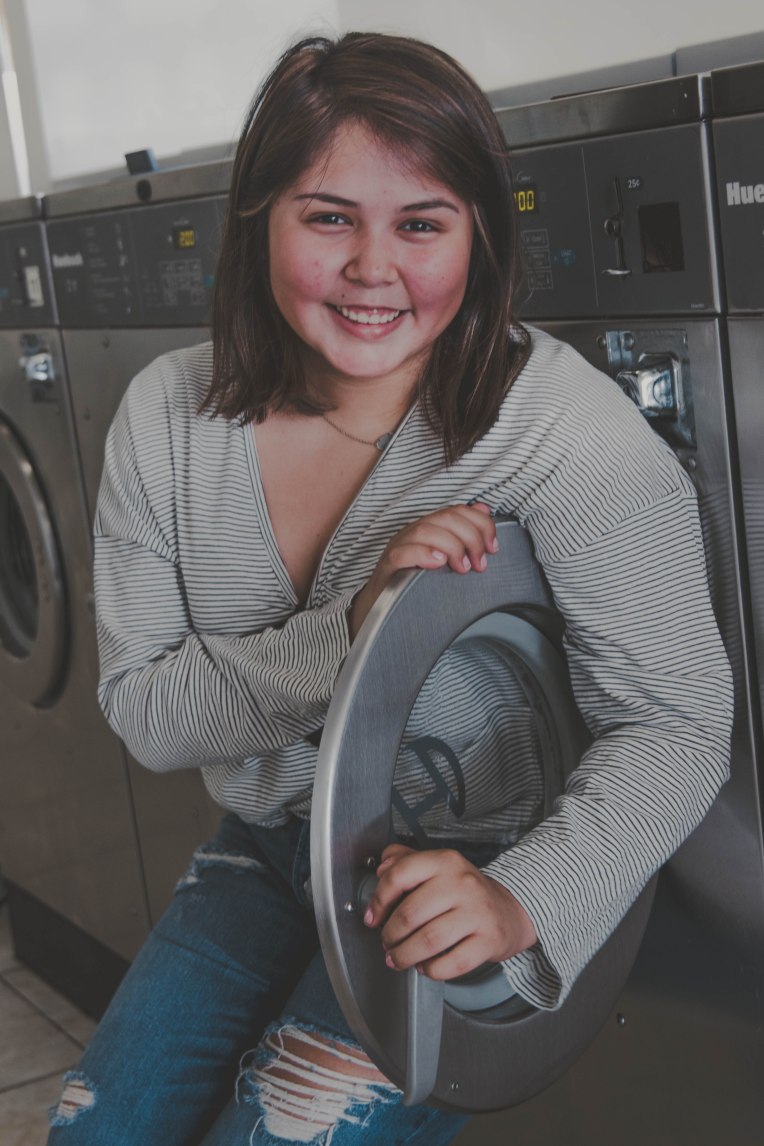
132A6908-2132A7087132A7064132A7039132A7030132A7017132A6998132A6986132A6967132A6950132A6923132A6917132A6915

I edited these images with a more retro and faded style than I normally would, using Lightroom to create a vintage look in these images.

Camera: Canon EOS 7D Mark ii

Lens: 24-85mm- used 35mm setting

Aperture: 3.5

ISO: 250

Want to do a shoot together? Click here for booking and pricing information!

Want to see more of my summer shoots? Click here!

Instagram: @goodallphotos

Facebook Page: @goodallphotographs

Contact me! goodallphotos1@gmail.com

Let’s get shooting!
 

How To: Edit Like Brandon Woelfel

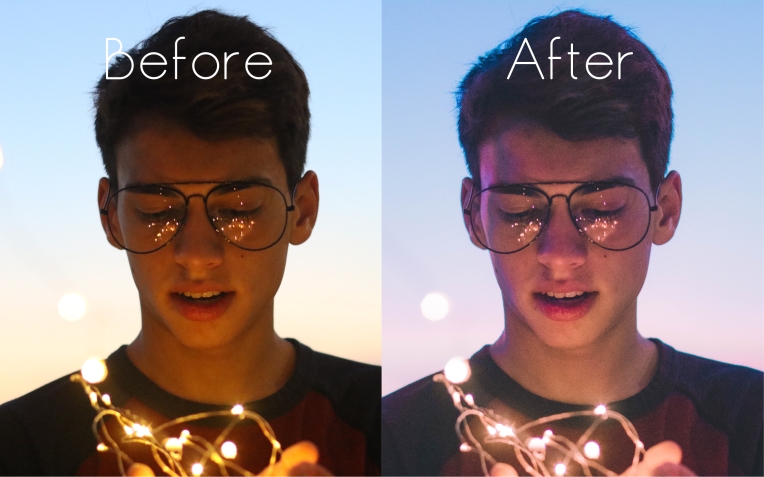
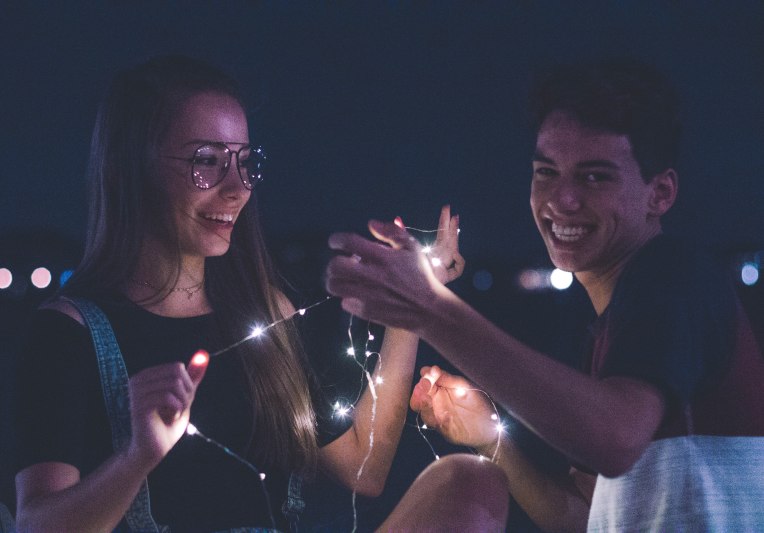
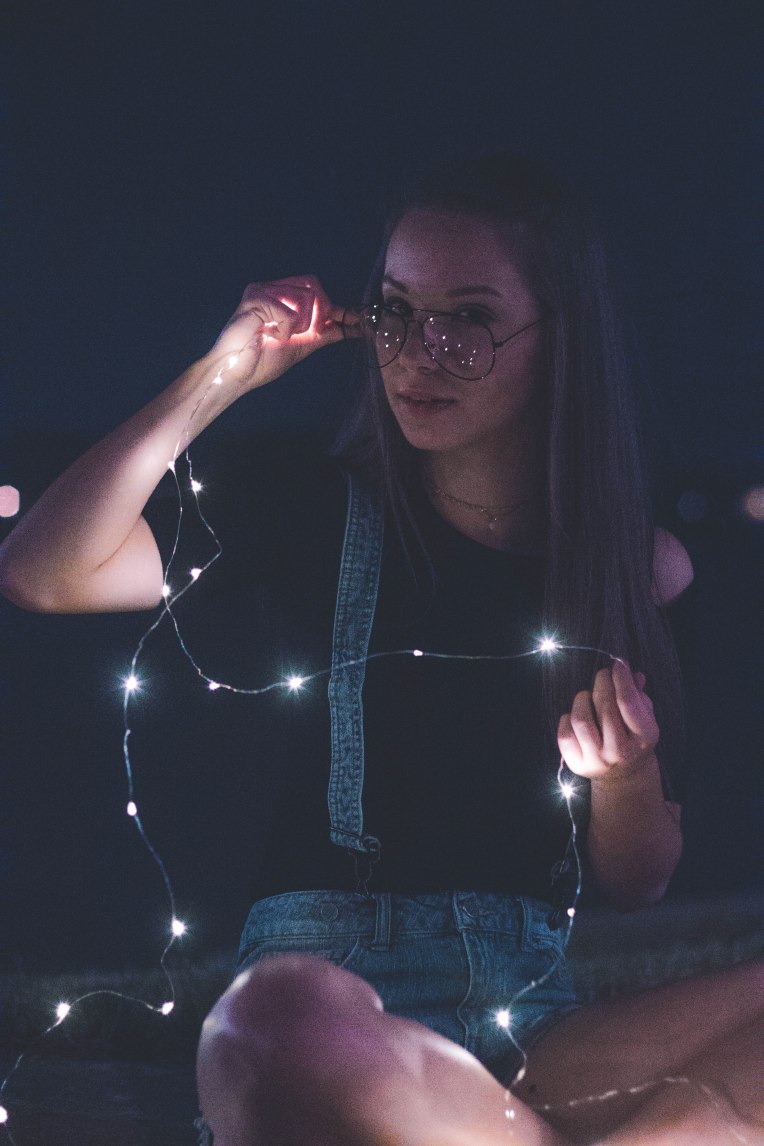
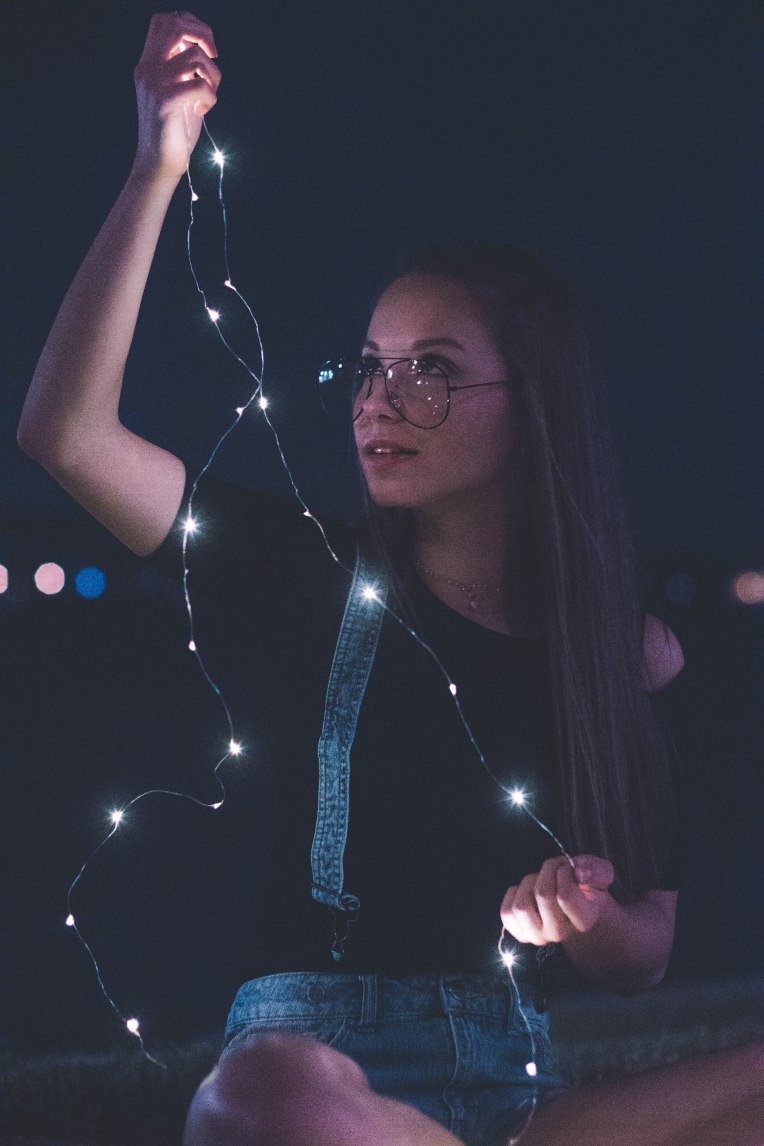
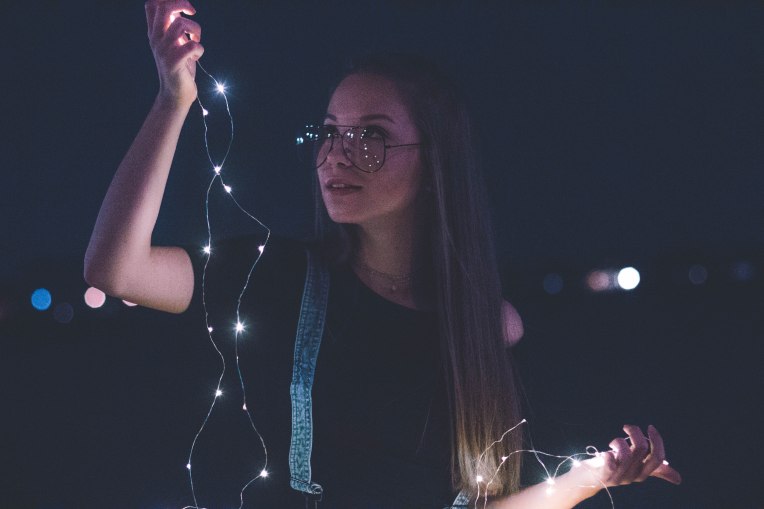
If you look at Brandon Woelfel’s feed on Instagram you will notice a common theme in his images, a cotton candy color palette. Woelfel often uses Photoshop to achieve these unique colors in each of his images but I found a way to achieve something very similar in Lightroom. Here are the steps to achieve a similar look to Woelfel, I, however, do not encourage copying his style in all of your shoots. I think it is important to emulate a photographer from time to time to learn how to shoot with styles different than your own and improve your photography game. Personally emulating Woelfel’s style showed me some tricks for photographing portraits at night that I might use in my own images.

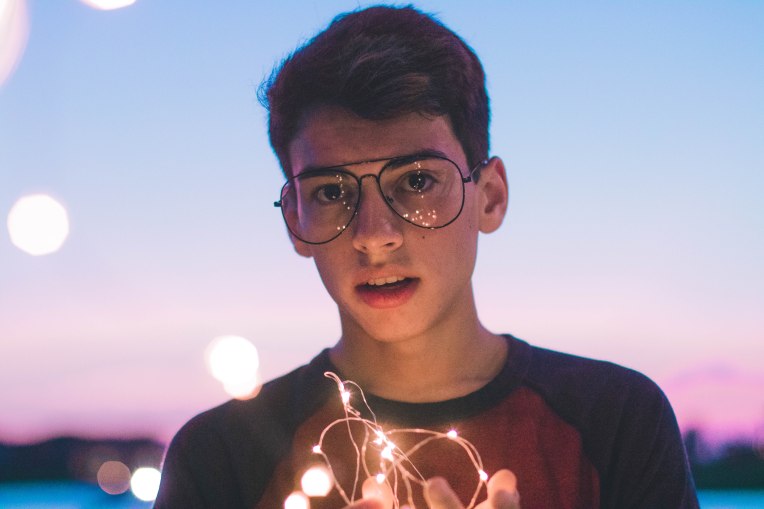
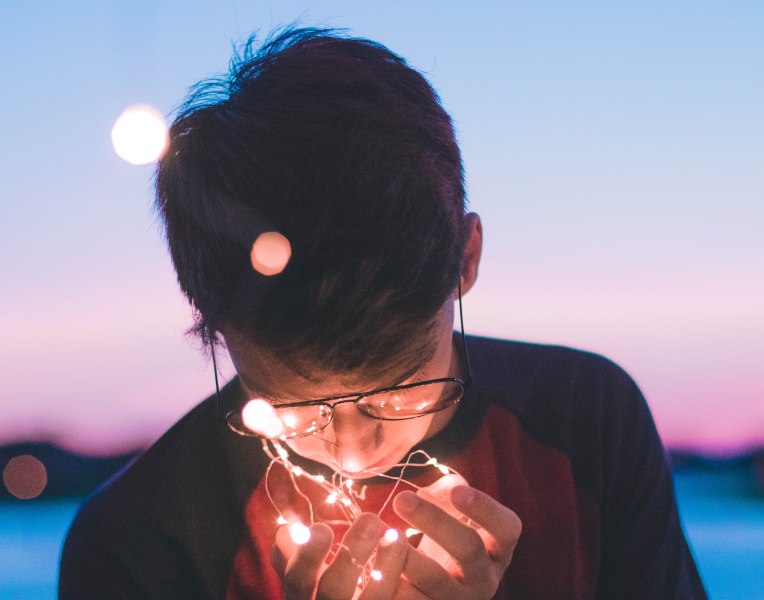
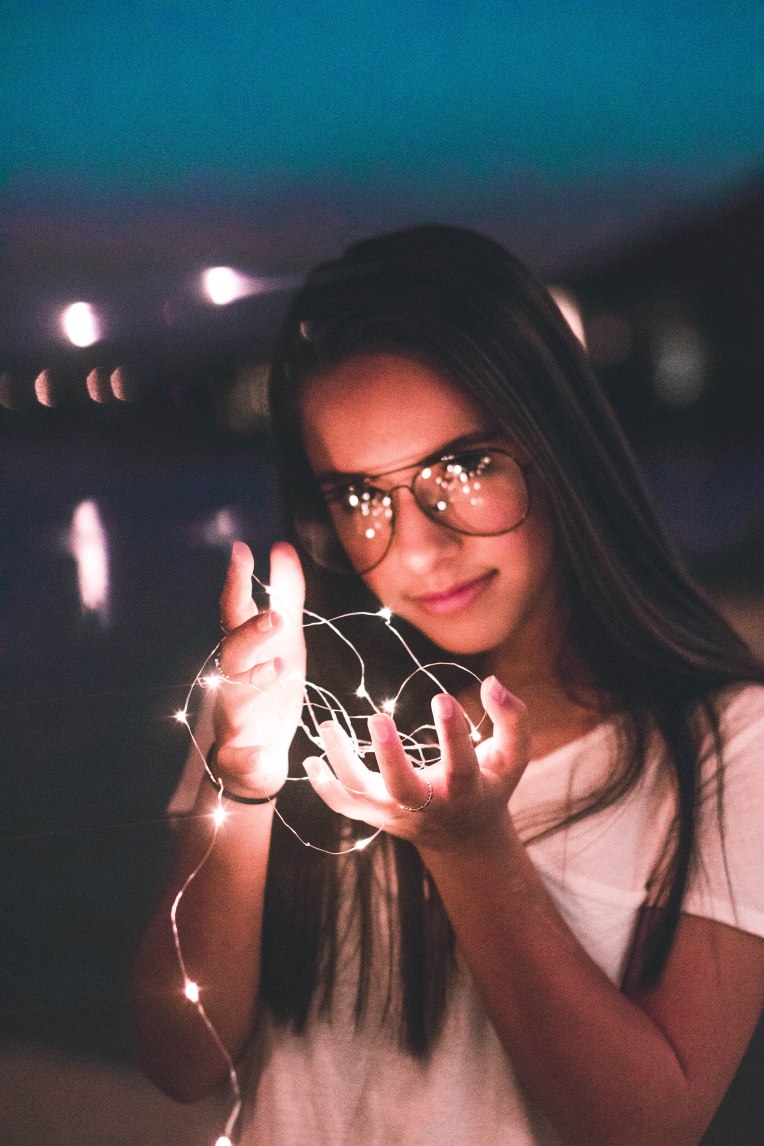
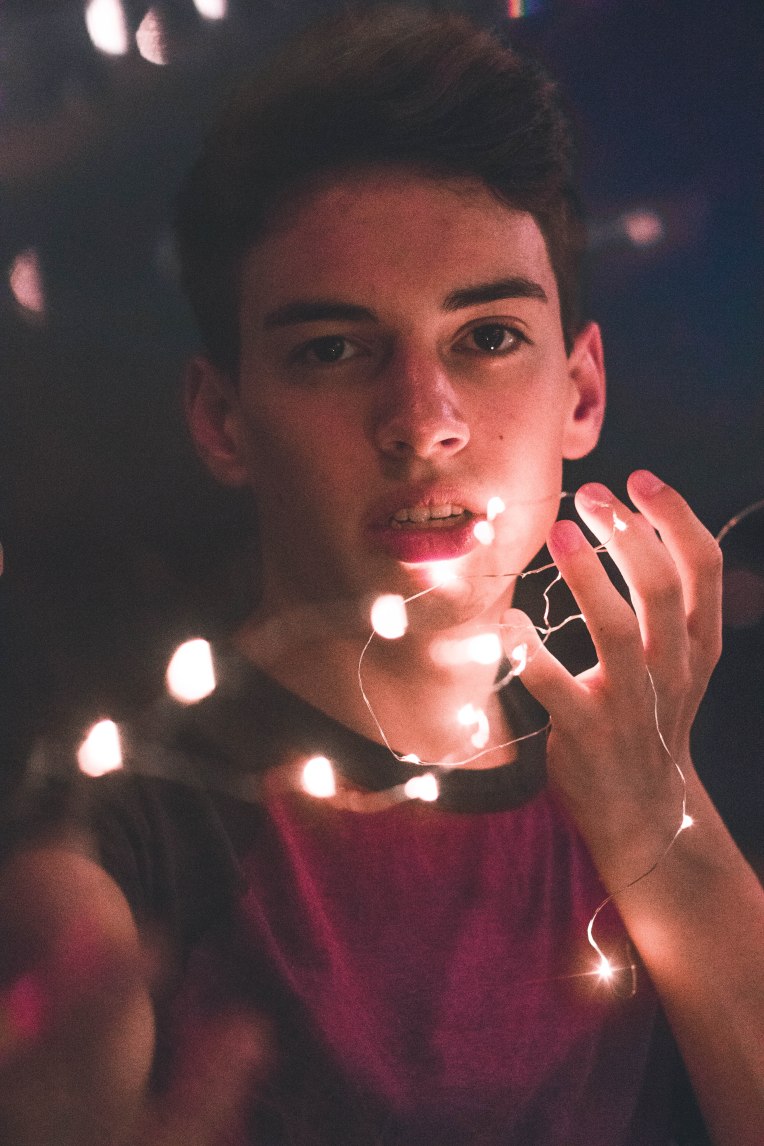
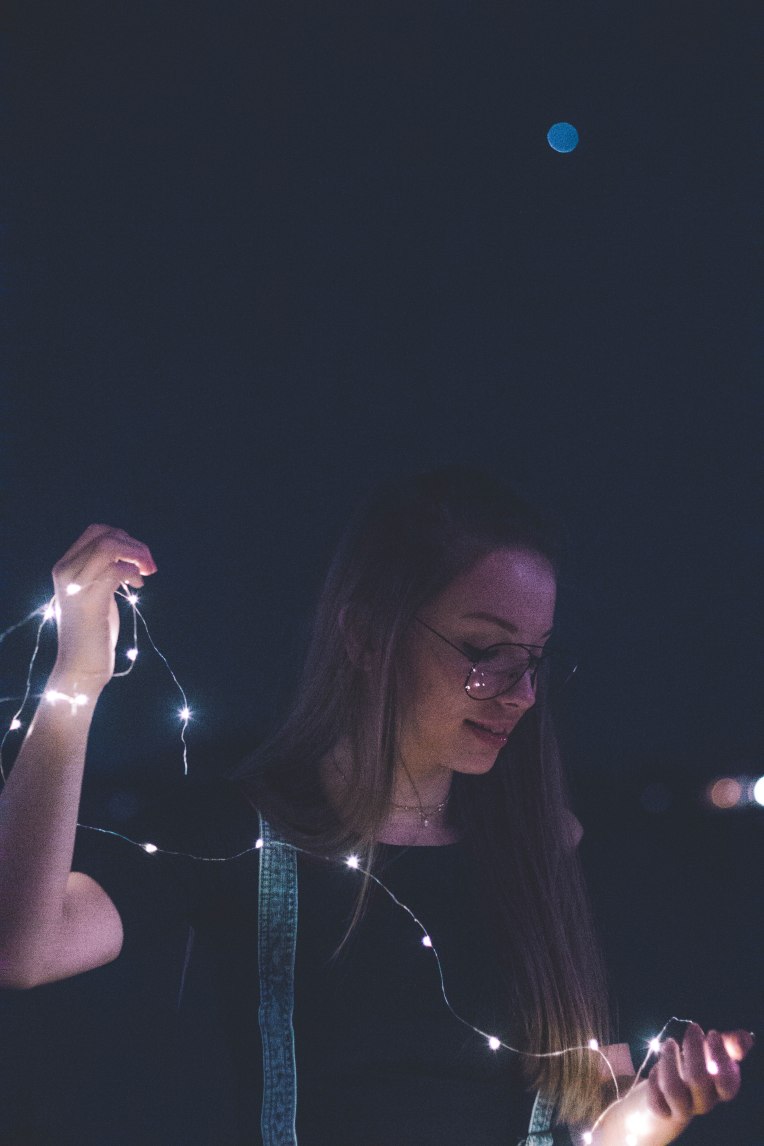
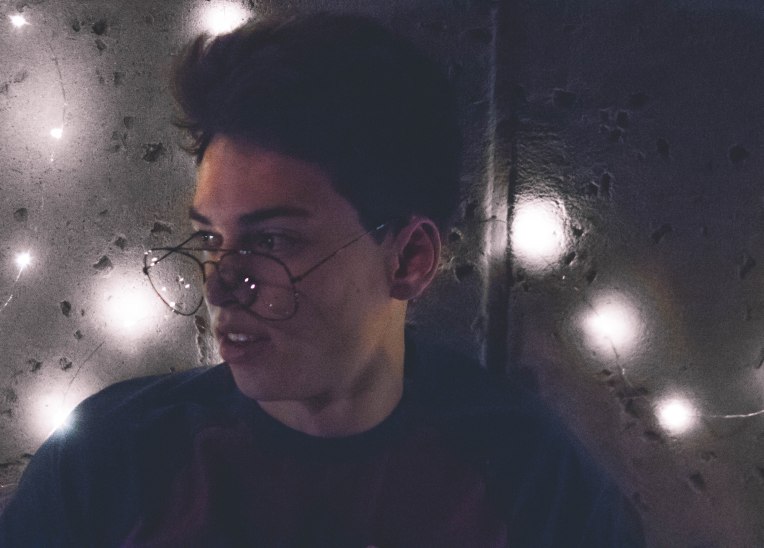
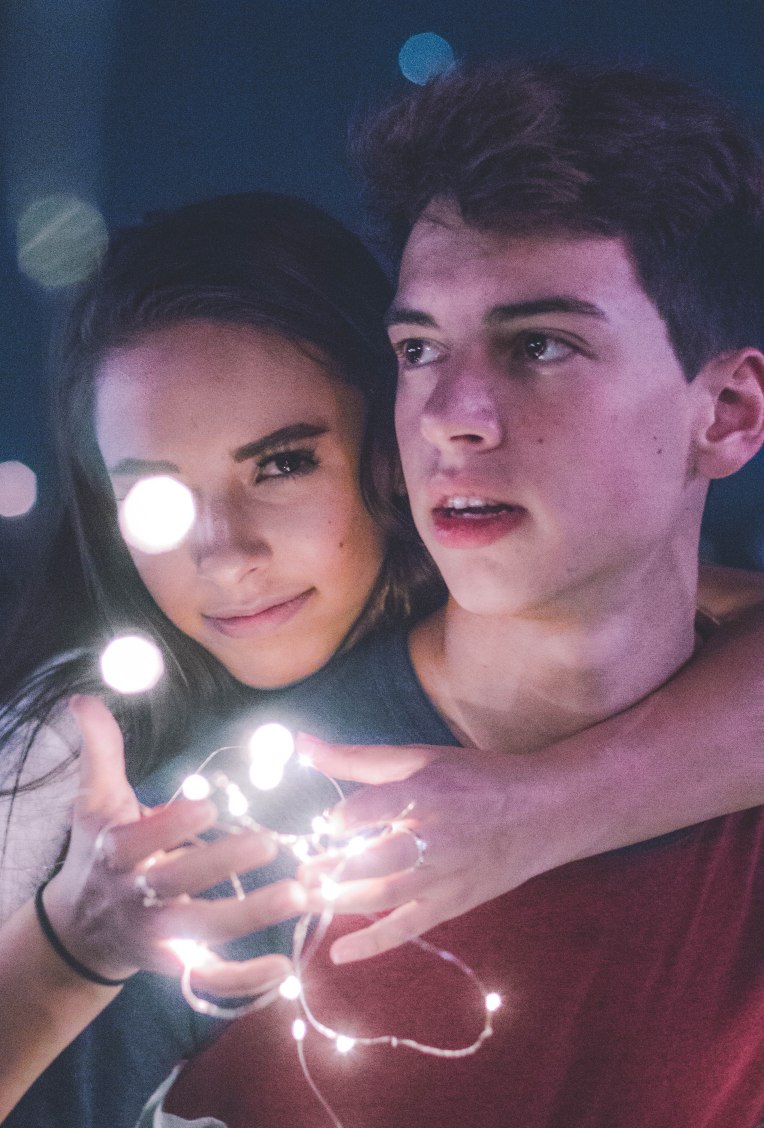
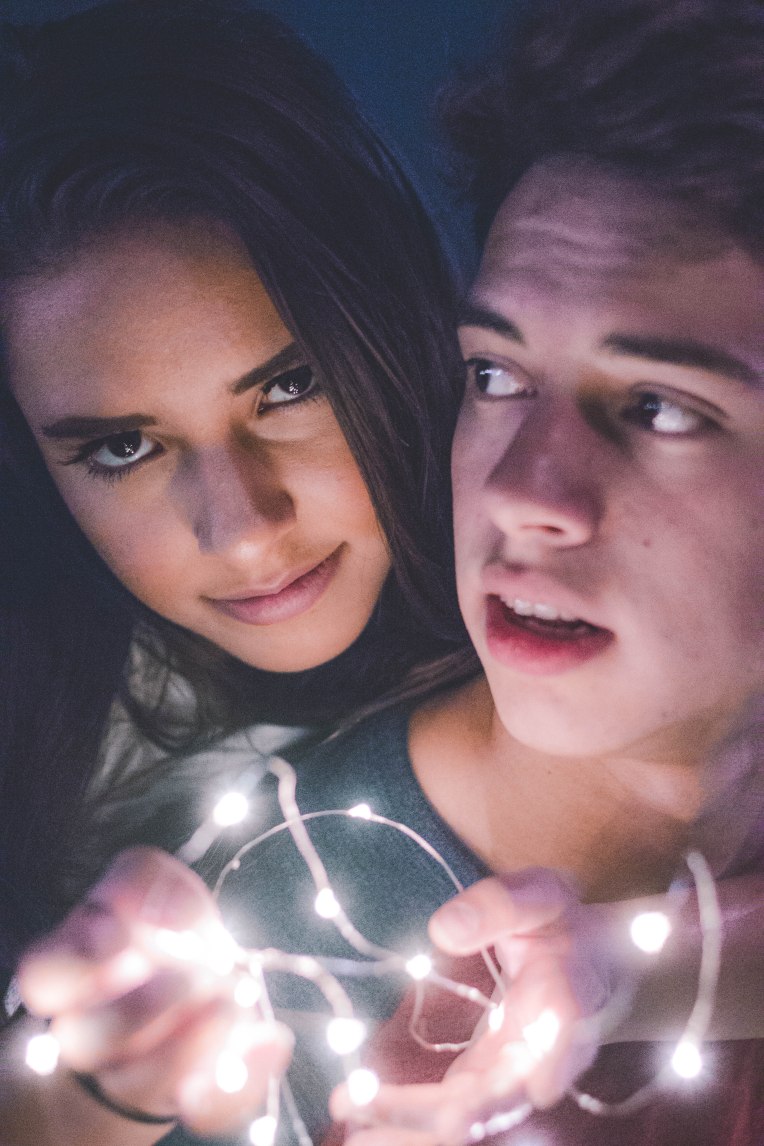
First, you must photograph a model holding fairy lights at some time after golden hour. Woelfel often photographs at blue hour or at night time with artificial light to illuminate his image. I photographed at sunset into the night time and I didn’t have any trouble achieving the look. I would also recommend purchasing some serial killer/ oversized glasses to reflect more of the fairy lights. Mango Street made a Brandon Woelfel starter pack that is relatively inexpensive and a good starting point to begin photographing like him.

132A4925.JPG

Steps

  • After photographing the image you will begin your editing process.
  • I started by adjusting the temperature of the image to make it a lot cooler and making the tint a bit more magenta to achieve that aqua and pink look in Woelfel’s images.
  • Next, I turned up the exposure a little to bring back some light on his face and brought down the contrast to create more of a faded look in the image.
  • After that, I raised the shadows, dropped the blacks and dropped the whites almost all the way to add a little bit of contrast back in the image and even out the light distribution on his face.
  • Next, I played with the tone curve a little bit to create the crushed black look and created a slight S curve from that point.
  • I then played with the hues of the colors by making the yellows more orange, blues more aqua, aquas more blue, purples more magenta and magentas more purple which might sound a bit counterintuitive but it creates the colors that I wanted.
  • After I adjusted the saturation by dropping the saturation of the oranges and yellows and bringing up the saturation of the blue and magenta to emphasize the colors further. I also brought the luminance of all of the colors up slightly.
  • I added a pastel pink color into the highlights and a pastel blue color to the shadows to really create that cotton candy look to the image.
  • Lastly, I raised the vibrance up and brought down the saturation while also bringing down the clarity slightly.
  • I’m not saying these editing techniques will work for every image but they worked fairly well for me to create a similar looking image to something I thought Woelfel might create. For a more in-depth tutorial, I would recommend watching Mango Street’s video on this very technique.

132A4925

Untitled collage

Doing the Brandon Woelfel

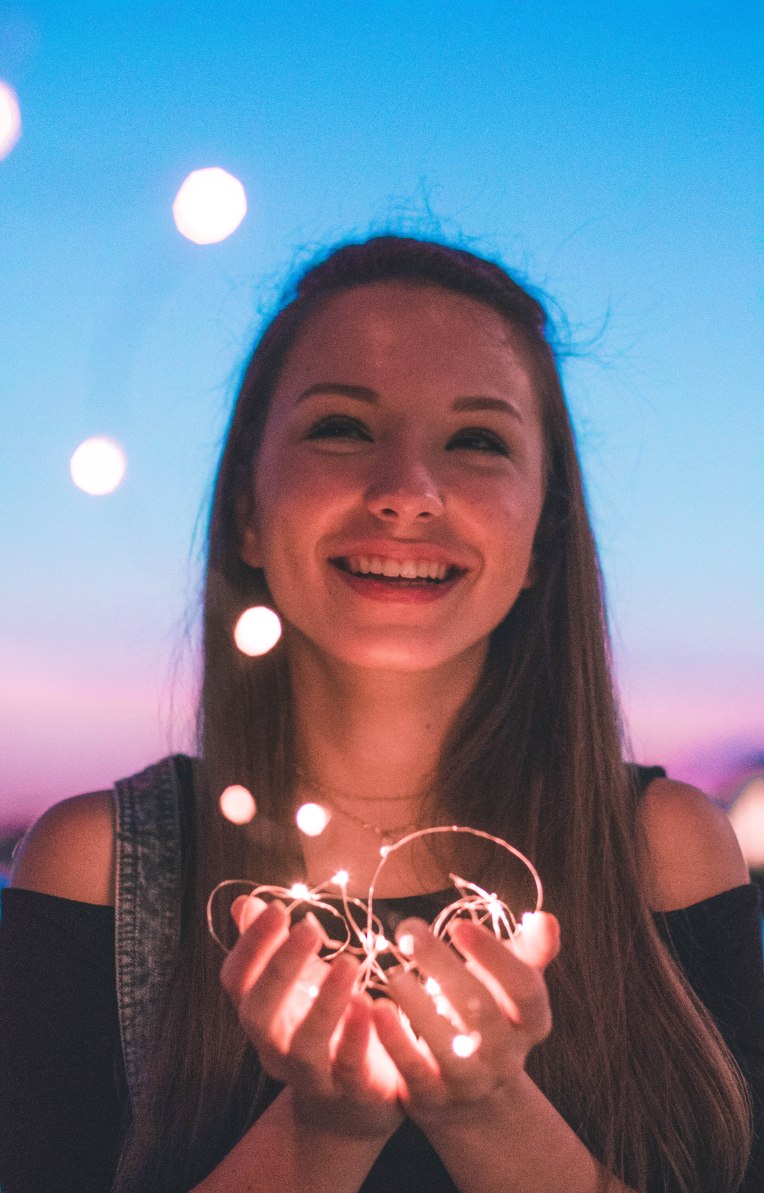
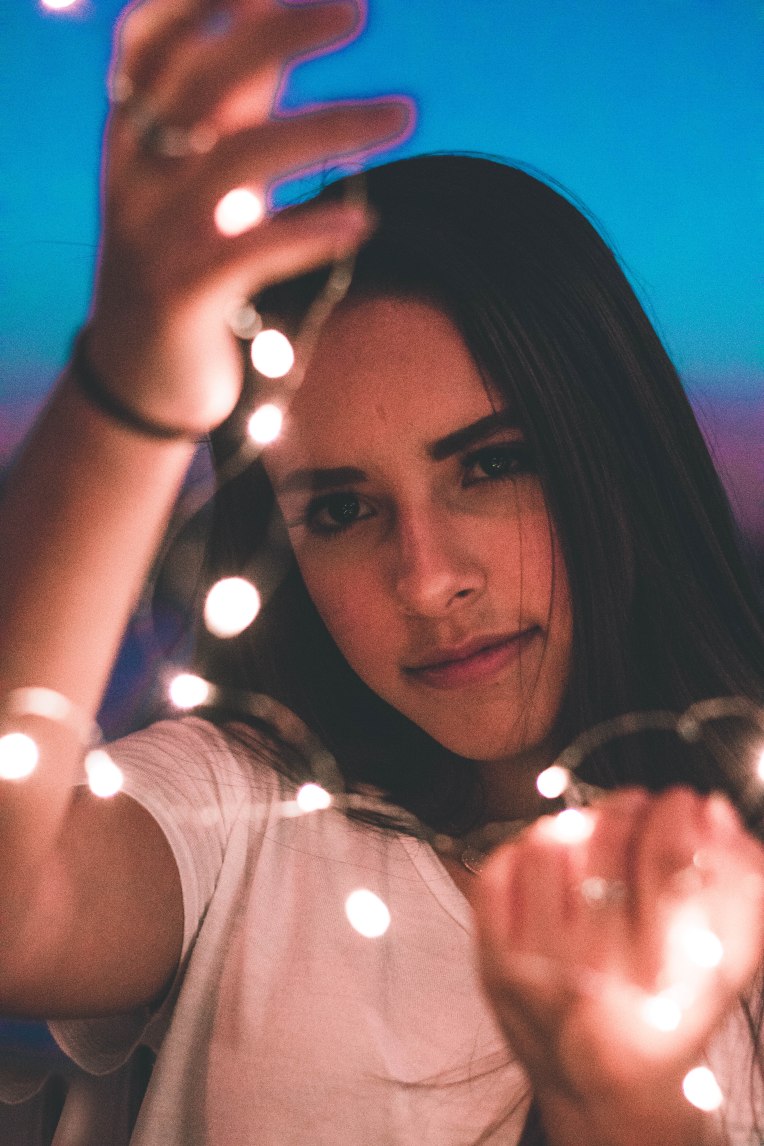
In the past couple of years a photography icon as surfaced by the name of Brandon Woelfel. I’ve talked about Woelfel in my 5 Best Youtuber Photographers post before so many of you will already know who I’m talking about. Woelfel has become famous for his iconic fairy lights, rainbows and cotton candy color palette he uses in almost every one of his images. His photographs are extremely recognizable and well known around America especially after the release of his photo book Luminescence. Woelfel primarily photographs internet sensations such as Lilly Singh, Bethany Mota, and the DeMartino Twins as well as other models.

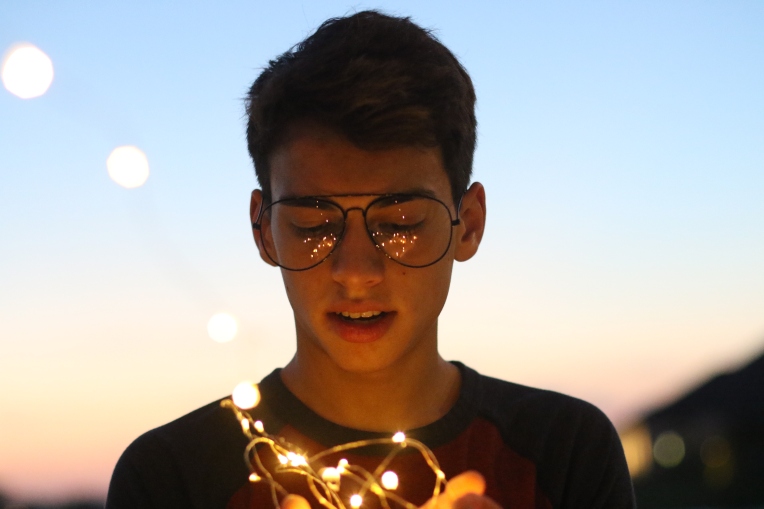
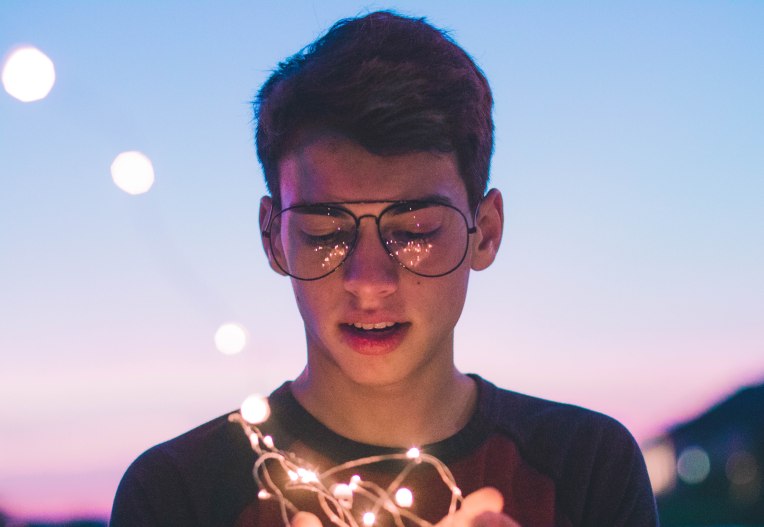
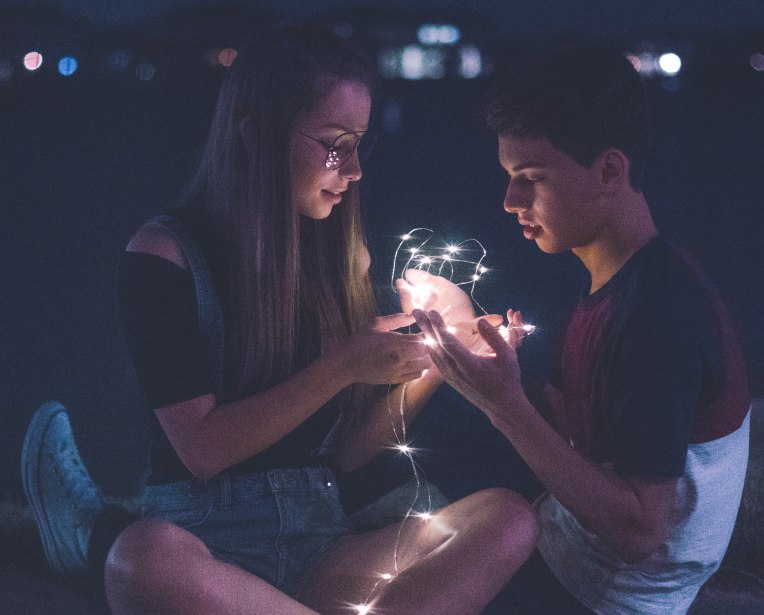
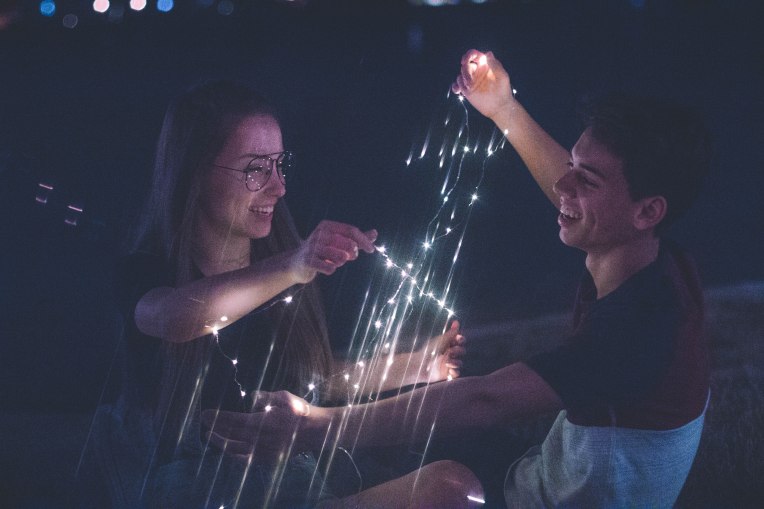
The trend #dothebrandonwoelfel consists of photographers taking photos of their models at night or at blue hour while incorporating some sort of artificial light in their images as well as heavy cool tones in post. I did not do this challenge to rip off Brandon instead I tried to see what parts of his style I could use to incorporate into my own photography and try to challenge myself. I almost never shoot past 7 so it was interesting to learn how to shoot without my friend the sun there to provide the natural light. This challenge has inspired me to do more night shooting with my own style incorporated but for now here is my take on emulating Brandon Woelfel’s style.

132A4925132A4929132A4935132A4946132A4993132A5035132A5094132A5134132A5145132A5157132A5171132A5174132A5187132A5209132A5251132A5331132A5345

Check out my post about how to edit like Woelfel using Lightroom to create this cotton candy color palette and edit under low light!

Want to do a shoot together? Click here for booking and pricing information!

Want to see more of my summer shoots? Click here!

Instagram: @goodallphotos

Facebook Page: @goodallphotographs

Contact me! goodallphotos1@gmail.com

Let’s get shooting!
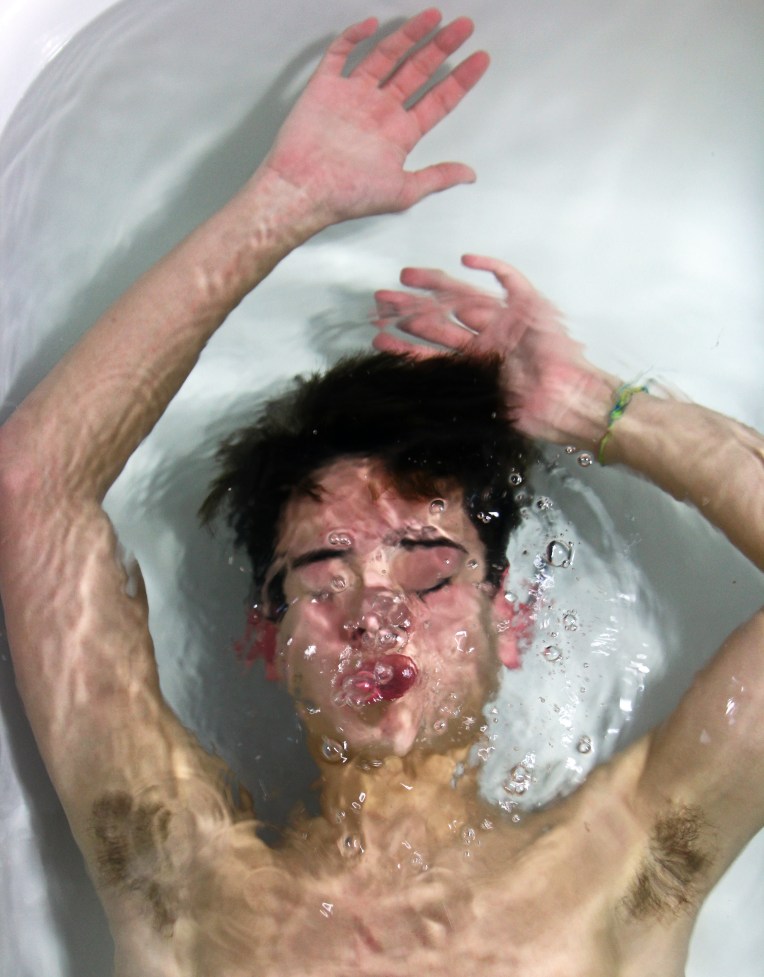
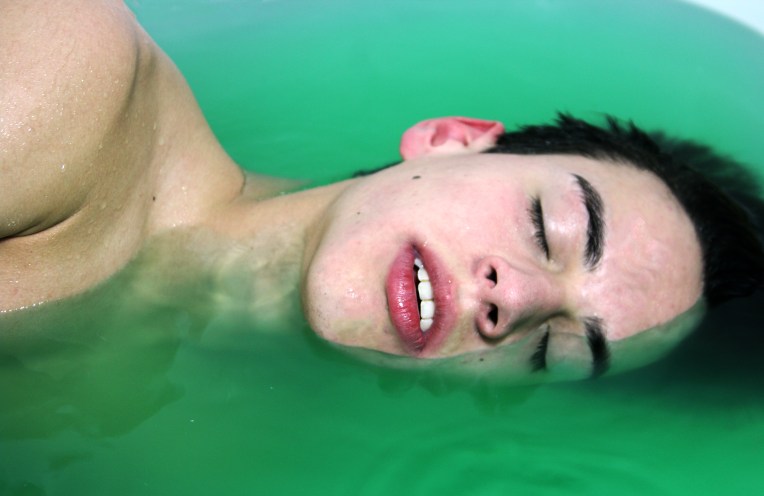
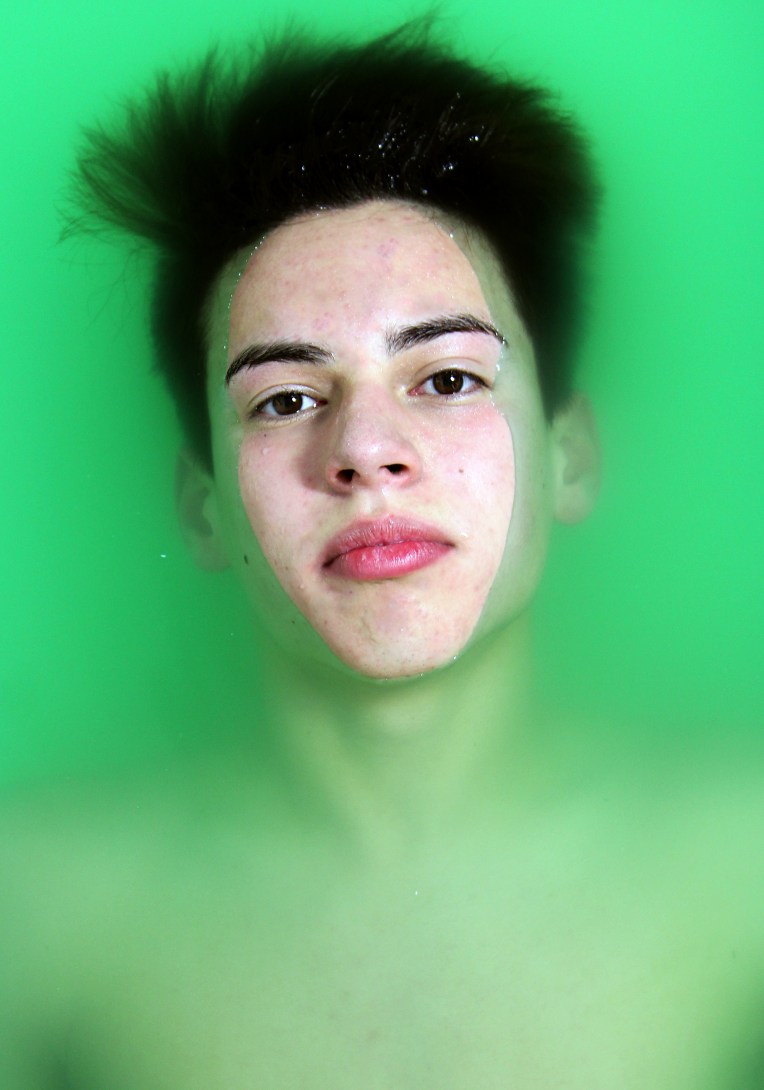
Water Portraits

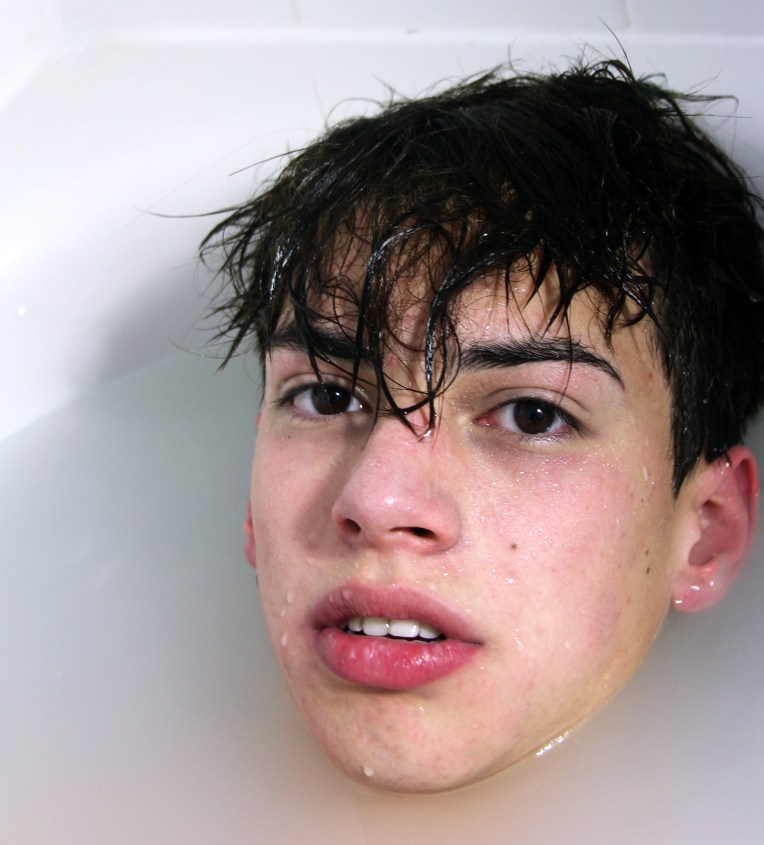
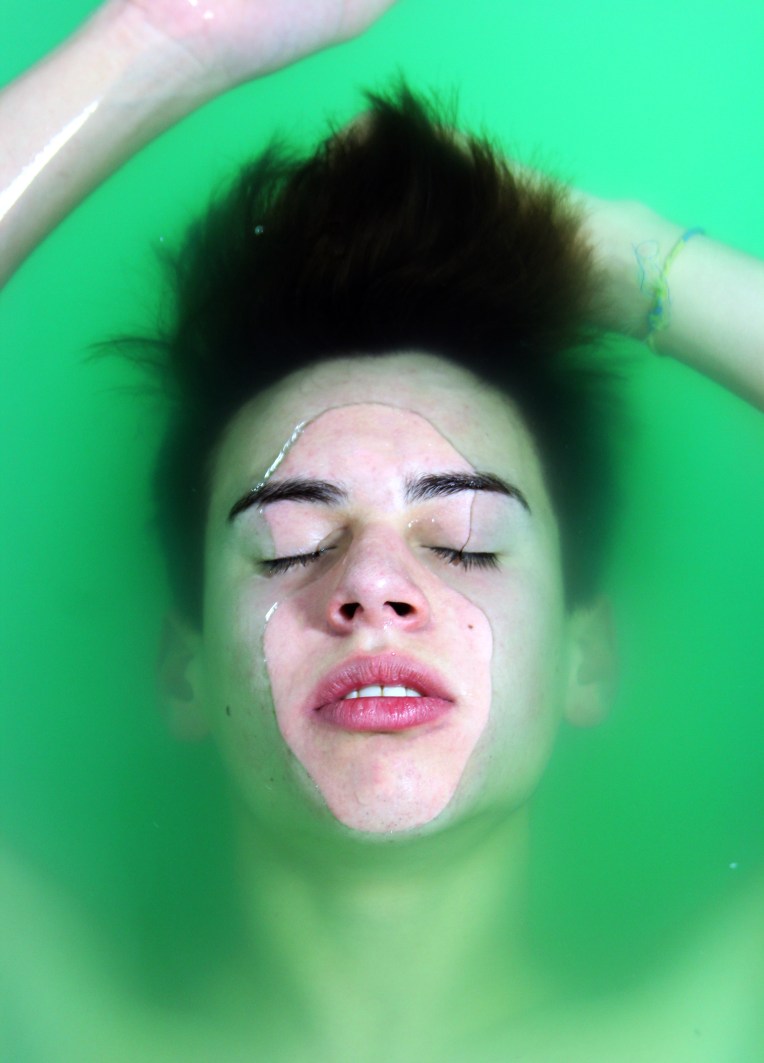
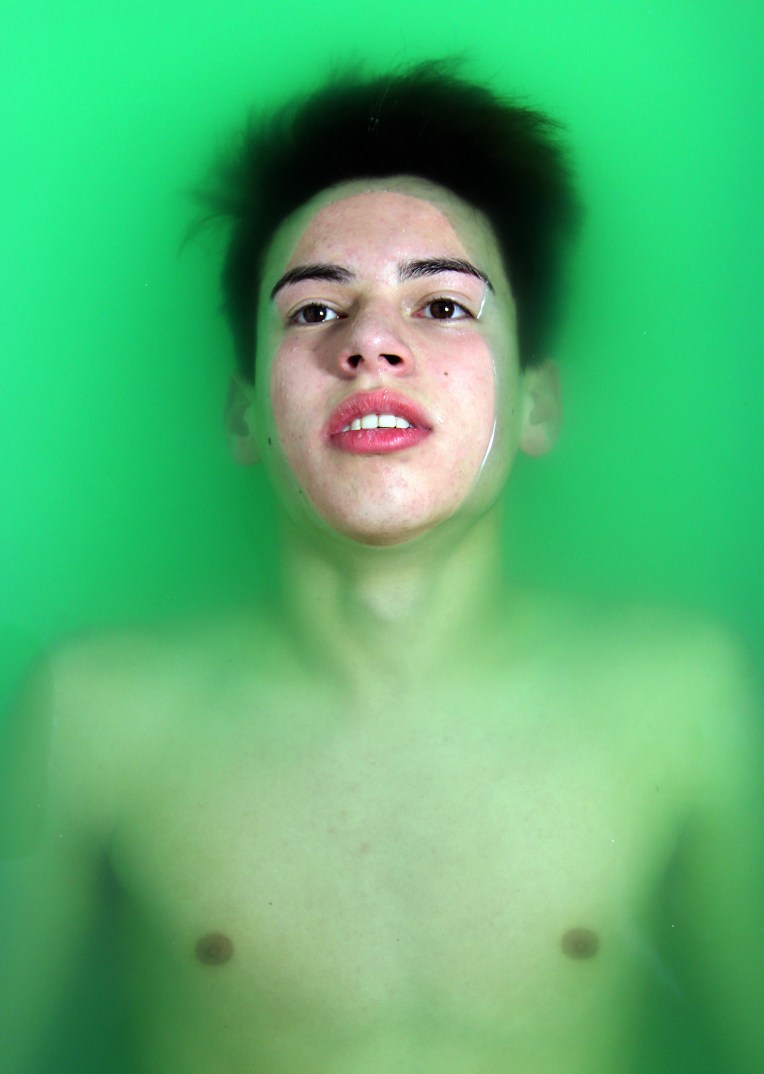
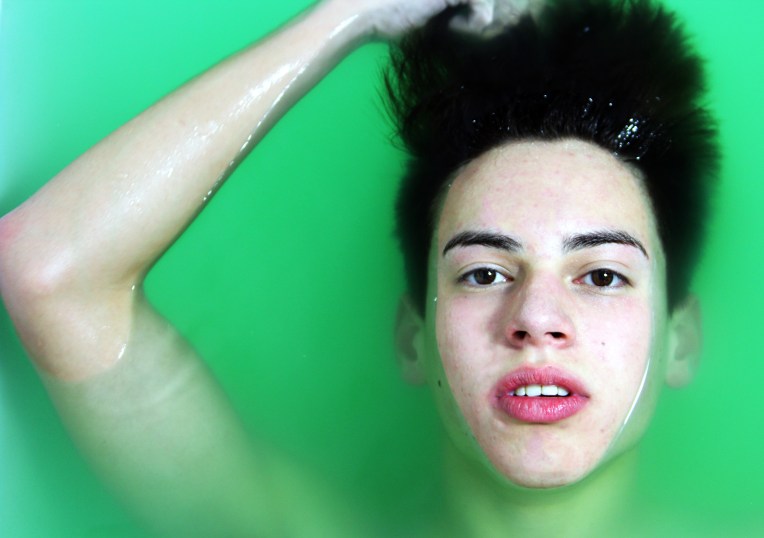
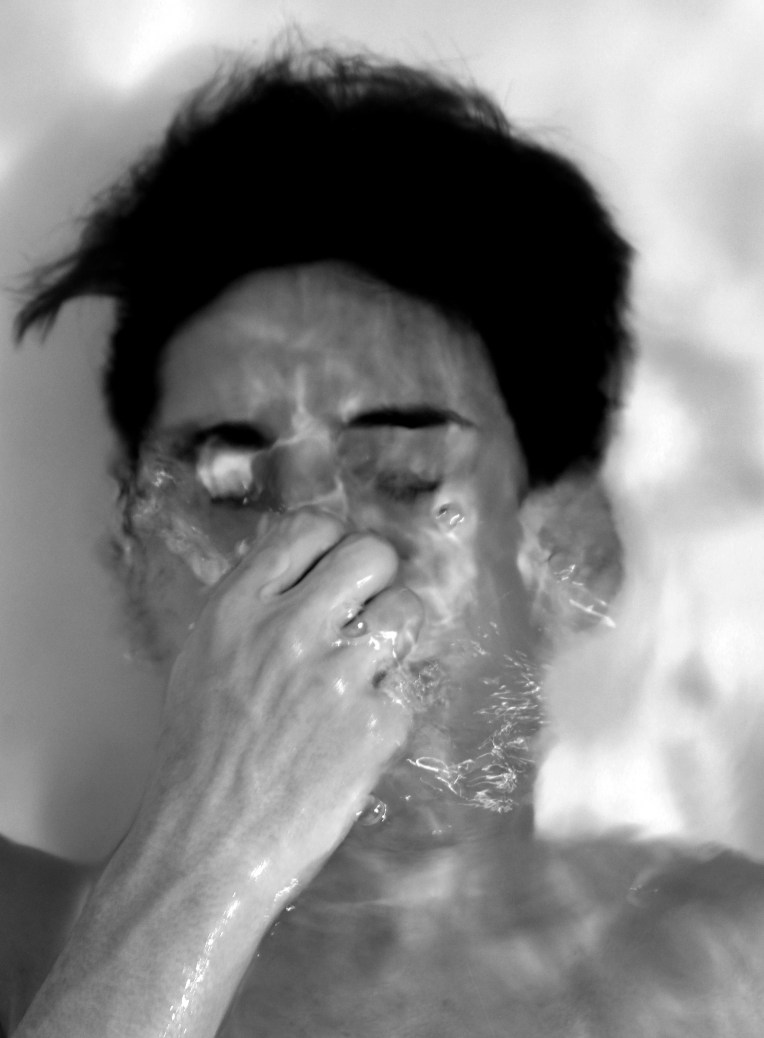
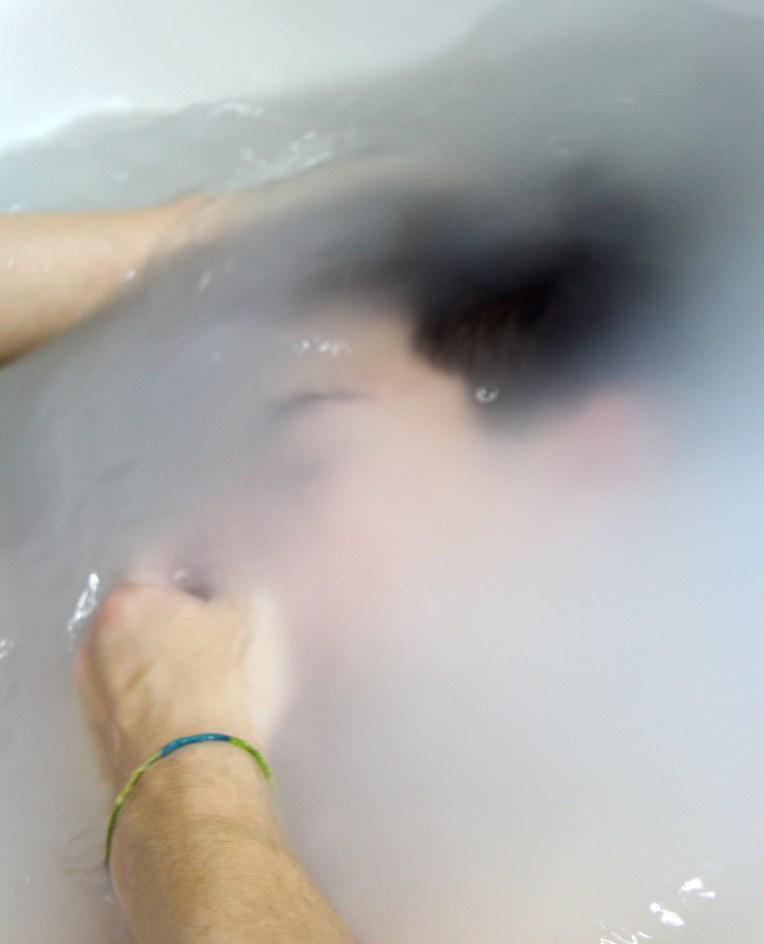
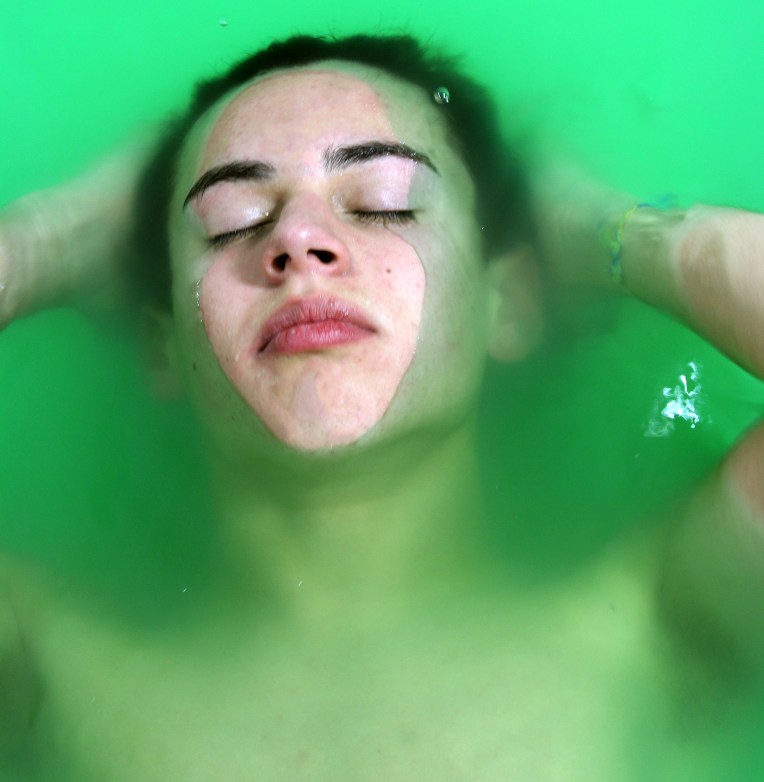
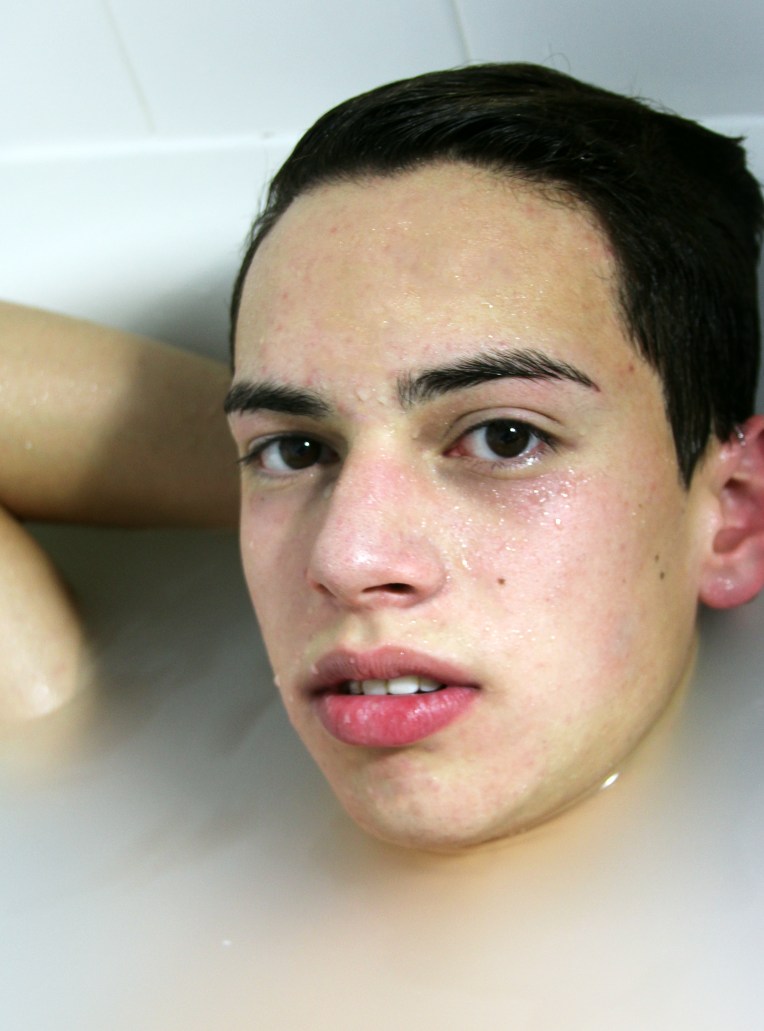
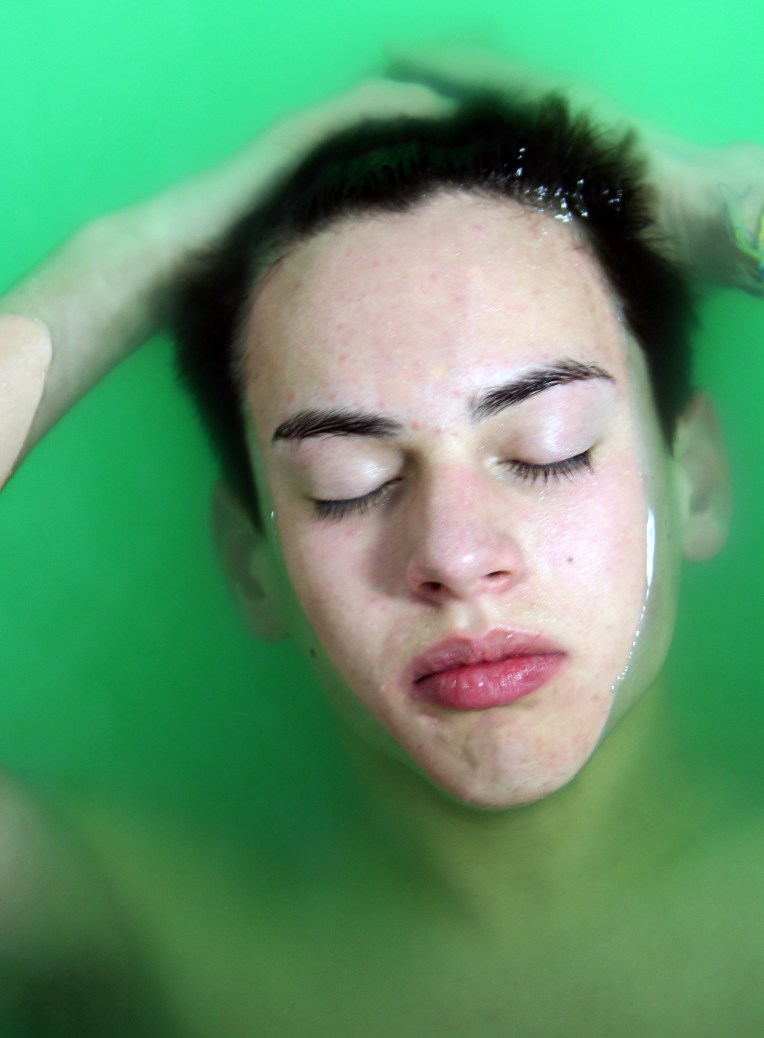
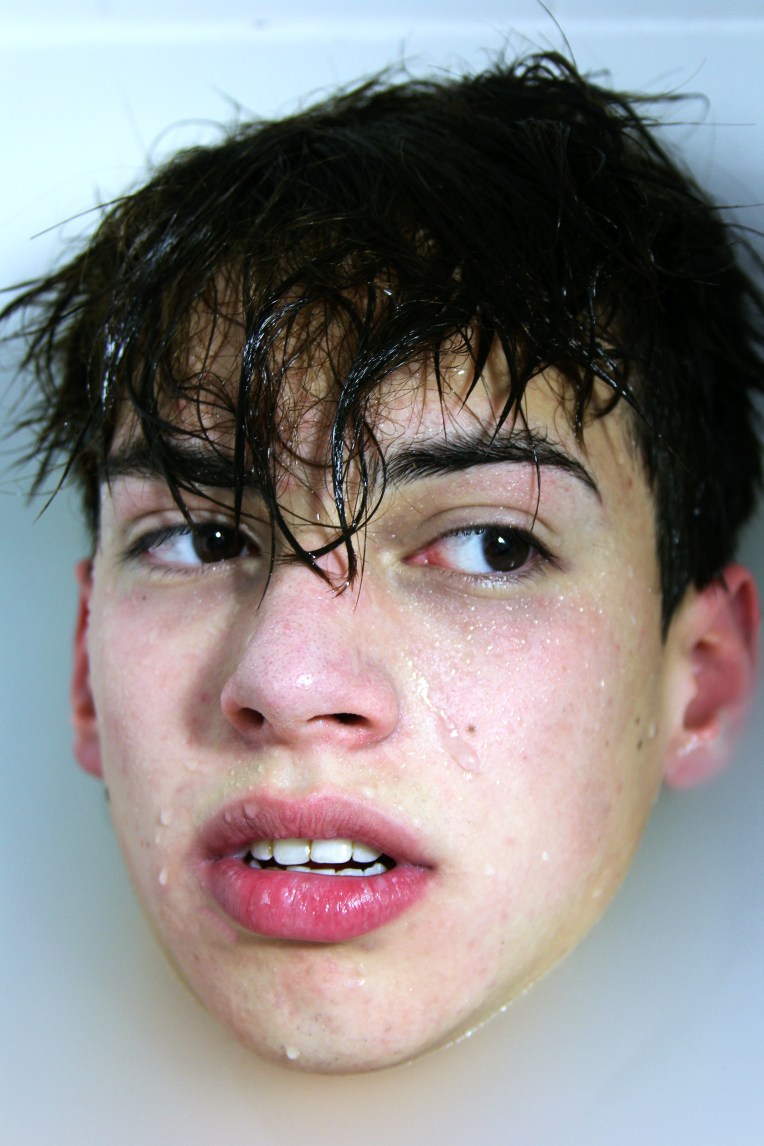
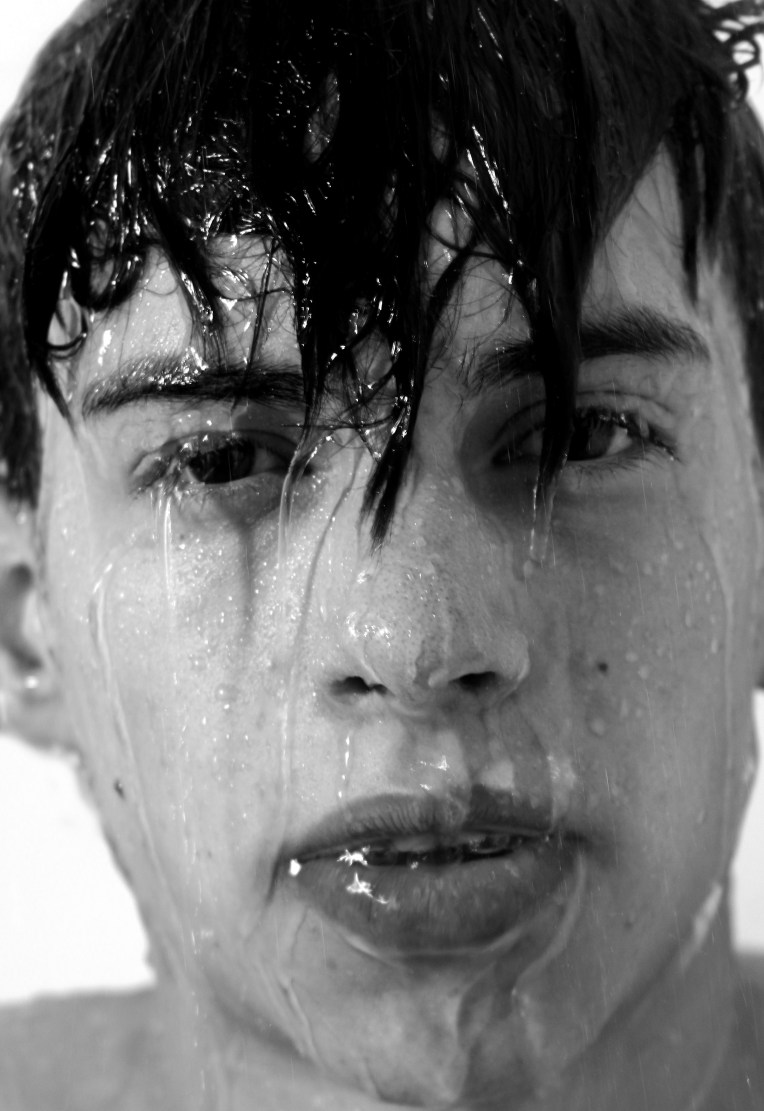
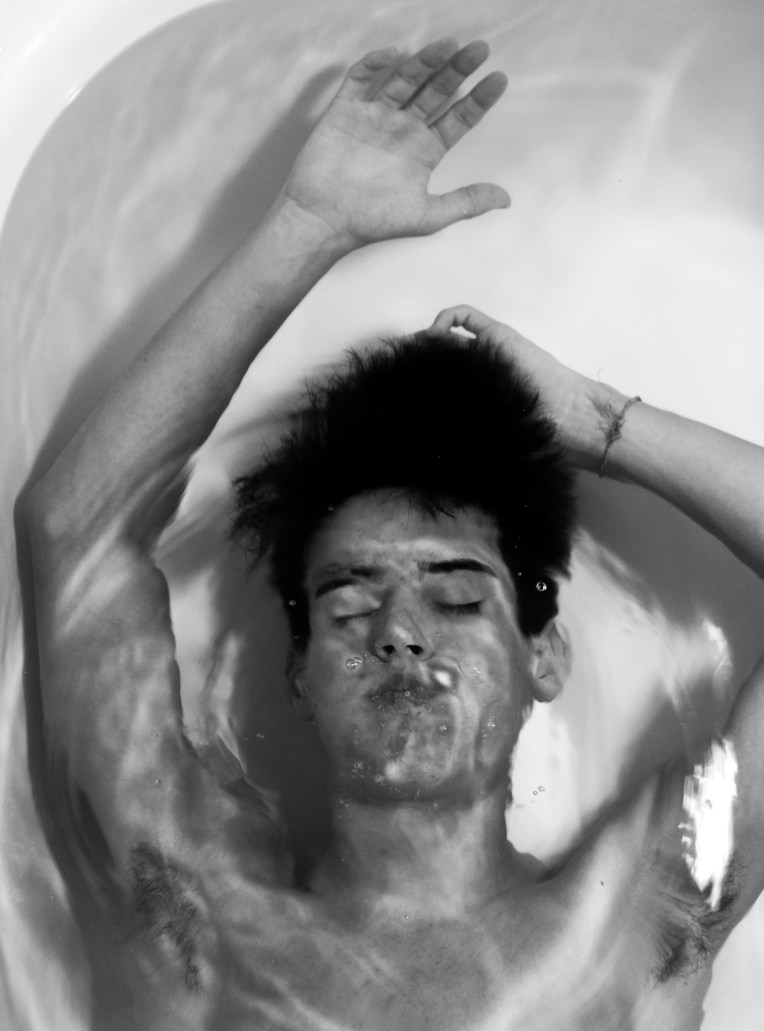
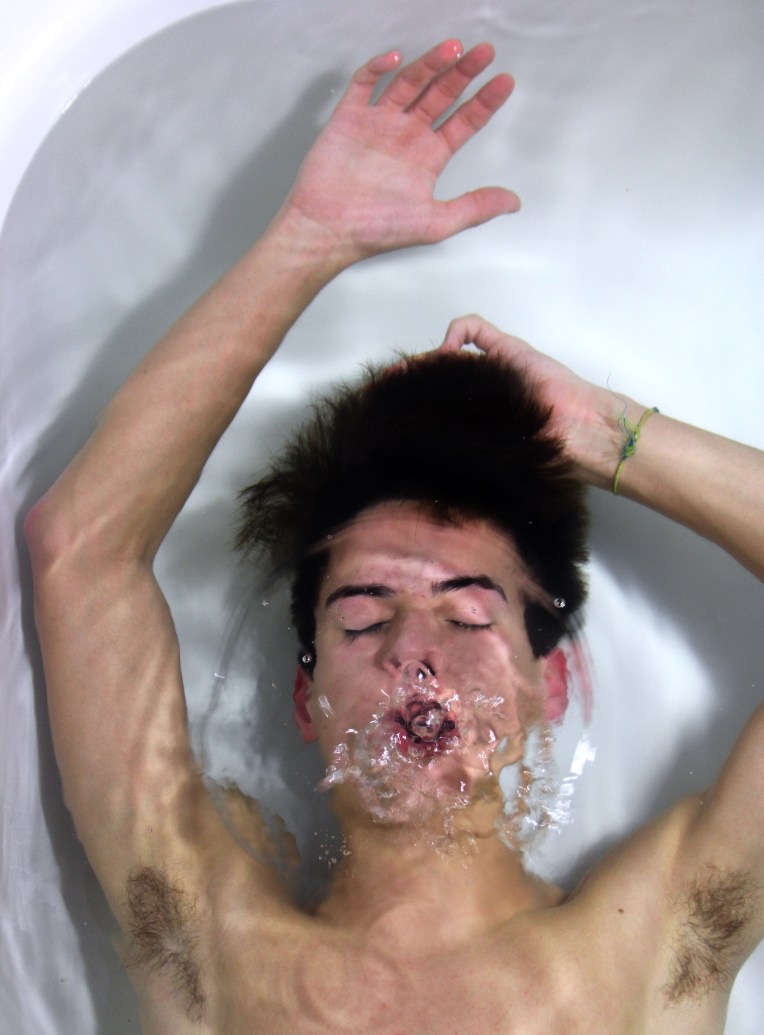
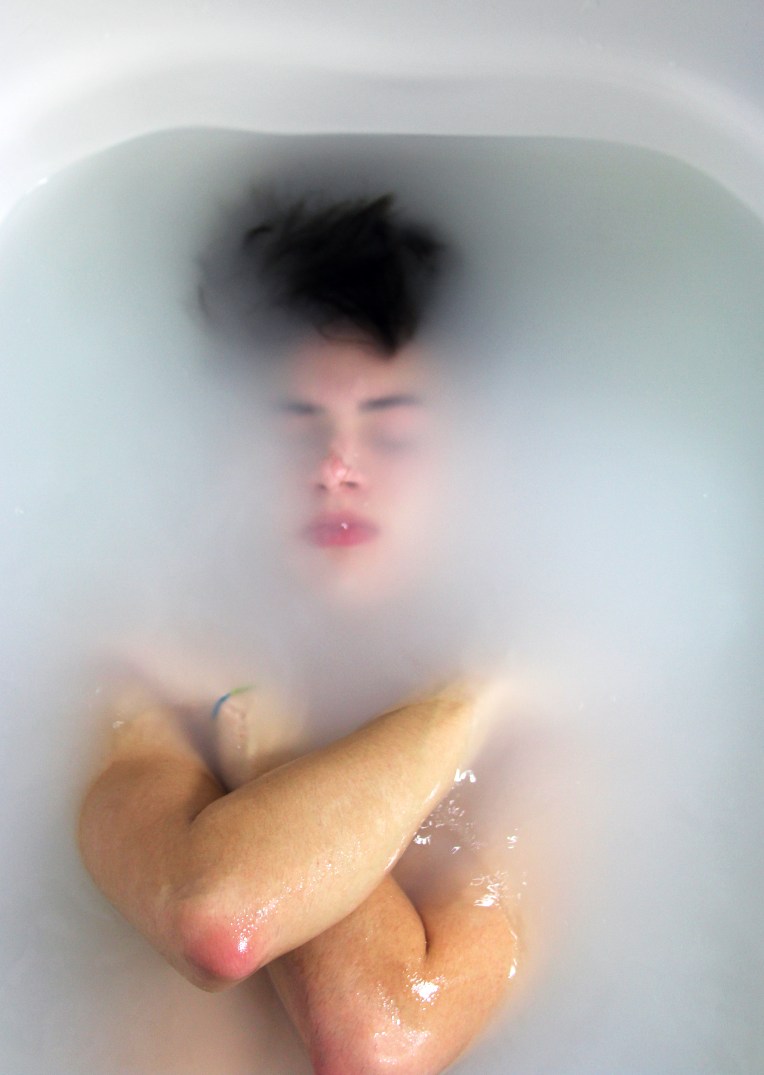
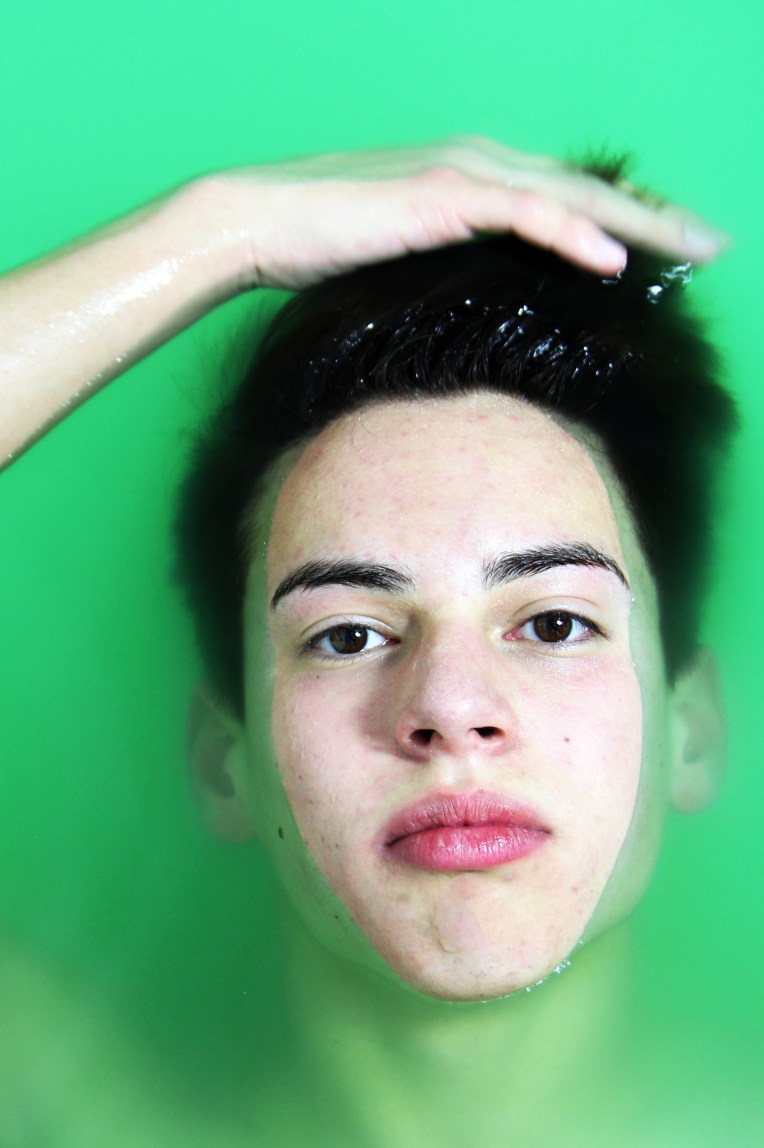
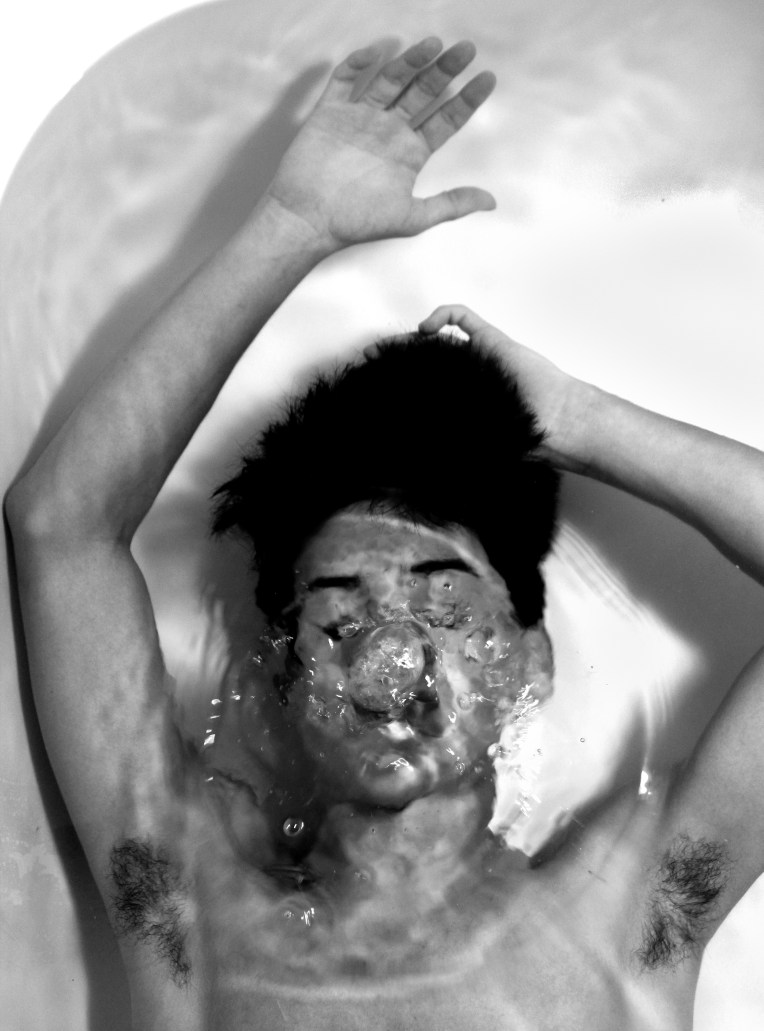
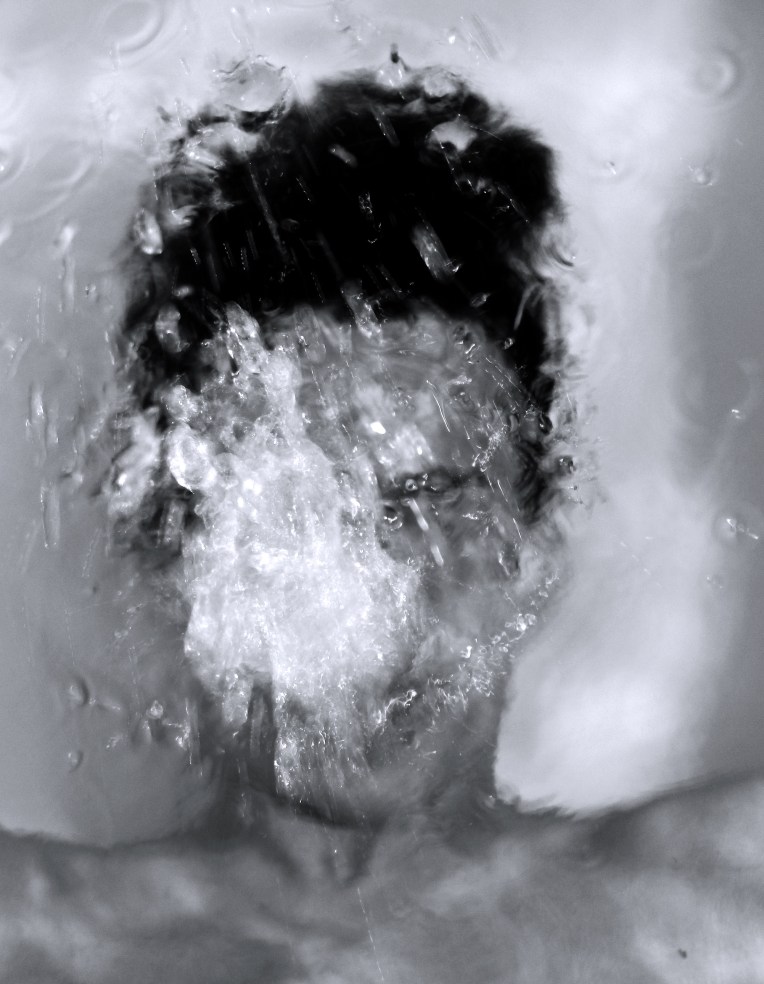
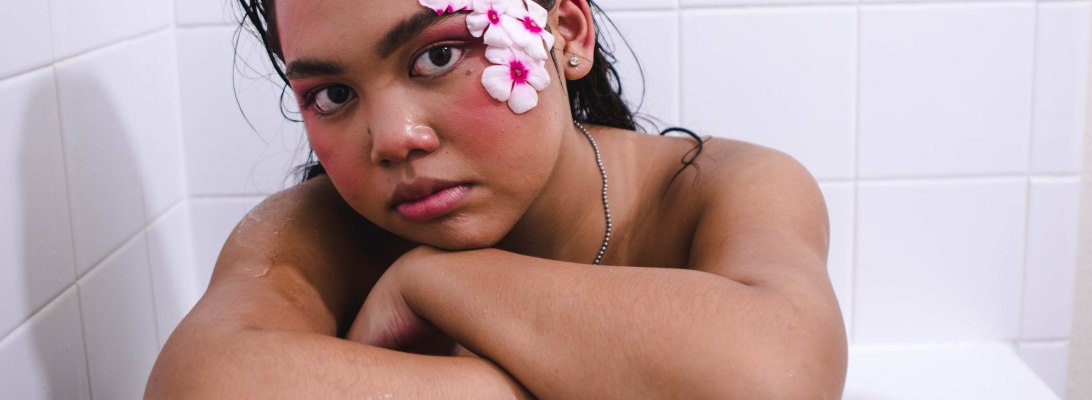
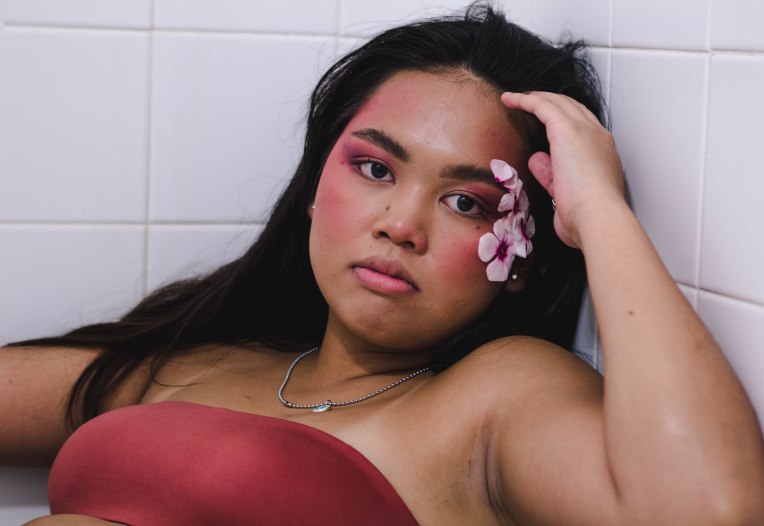
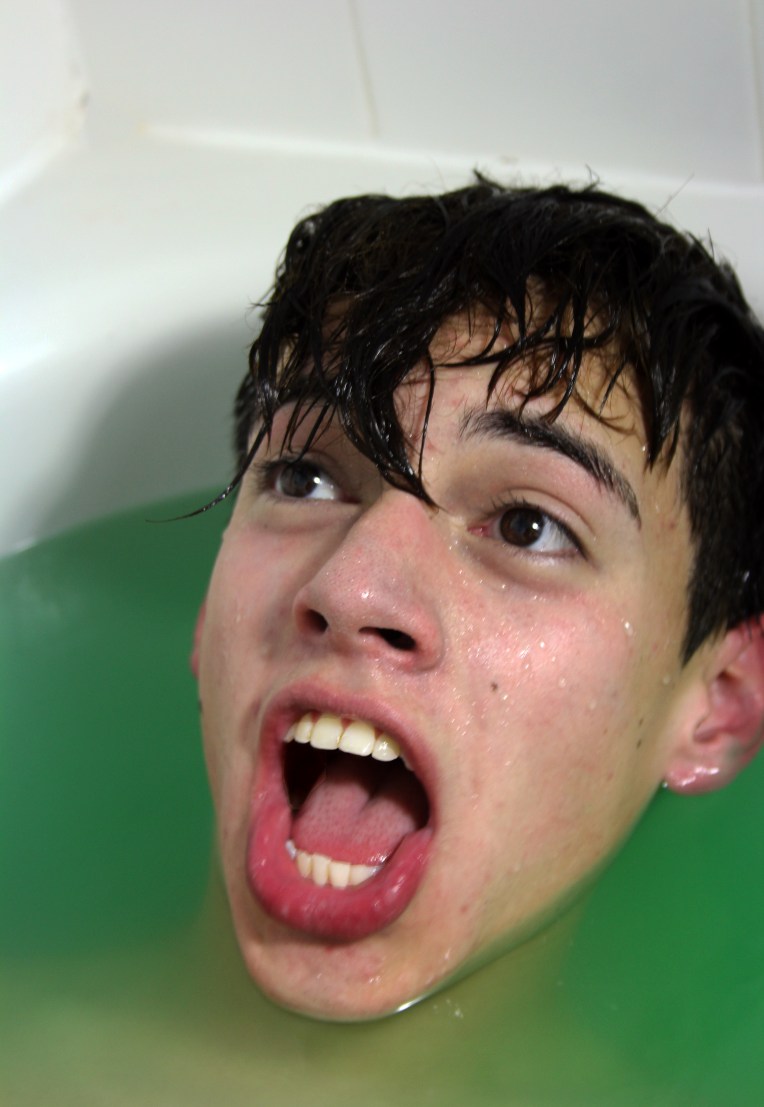
I recently have been interested in new and fun ways to spice up my portrait photography and really boost my photography game. In February I tried something called water portraits where the subject is submerged or surrounded by water. I was inspired by Alban Grosdidier’s series entitled, Drowning and decided to put my own twist on his beautiful shots. I hope you enjoy my interpretation of using water to create unique and interesting portraits.


shoot1_waterportraitsew19ew18e44e43e45e26e36e25e39e24e38e42e21e18e23e33e13e8e12e22e3e32e14e31e15e34e27e17e6e29e7e4e16e40e9e41e11e5e1

Model: Contact me at goodallphotos1@gmail.com for contact and booking information

Photographer: Nia Goodall at Goodall Photos

Shot with: Canon Rebel T6 and Canon 24-70mm 2.8

Want to do a shoot together? Click here for booking and pricing information!
Want to see more of my summer shoots? Click here!
Instagram: @goodallphotos

Facebook Page: @goodallphotographs

Contact me! goodallphotos1@gmail.com

Let’s get shooting!